How to Connect Nikon D7500 to an HDTV
How to Connect Your Nikon D7500 Camera to an HDTV One of the coolest features on the Nikon
These are TechnoWifi’s step-by-step guides: the exact menu path, the setting to change, and what to do when the usual fix does not work. Each one is written against the current version of the software or firmware and names the model it was checked on, because a menu that moved two updates ago is the most common reason a how-to fails.
The biggest groups are phones and tablets, with guides such as how to back up an iPhone and split screen on Android; cameras, from setting up a Nikon D3500 to Canon R5 autofocus settings; and home internet equipment, including resetting a Fios router, a Verizon router blinking white and changing a Spectrum WiFi password.
Computers and peripherals have their own run of guides, such as connecting a MacBook to a printer, and the smart home and security camera guides cover Ring, Arlo, Blink and Swann setups like the Ring Floodlight Cam.
If a step on any page does not match what you see on your screen, use the Report an error link at the bottom of that guide. Reports are checked against the device and the page is corrected and re-dated. The full archive follows, newest first; the search box at the top of the page is the fastest way to a specific model.
How to Connect Your Nikon D7500 Camera to an HDTV One of the coolest features on the Nikon

What Auto Off Timers Do on the D5600 The Nikon D5600 has a set of automatic shutdown timers
How to Add Special Effects to Photos on Nikon D5600 Want to give your shots a creative twist
Why Copyright Metadata Matters for Your Photos Every time you share a photo online, you risk someone downloading
How to Add an Image Comment on Your Nikon D5600 Your Nikon D5600 lets you attach a text
How to Add a Nikon D5600 Copyright Notice to Your Images Every photo you take has metadata embedded
How to Set the Nikon D7500 Focus Mode Getting consistently sharp images with the Nikon D7500 starts with
How to Zoom In to Check Focus on the Nikon D7500 Nothing is more frustrating than getting home
How to Adjust Nikon D3500 Autofocus Settings The Nikon D3500 autofocus system is more capable than many beginners

How to Choose a Nikon D7500 Live View Focus Mode Getting sharp results in Live View on the
Canon 80D Face Tracking: How to Use It for Better Portraits Canon 80D face tracking is one of
Canon 80D Touch Shutter: Tap the Screen to Focus and Shoot The Canon EOS 80D features a fully
Canon T6 Drive Mode: How to Choose the Right Setting for Every Shot The Canon T6 drive mode
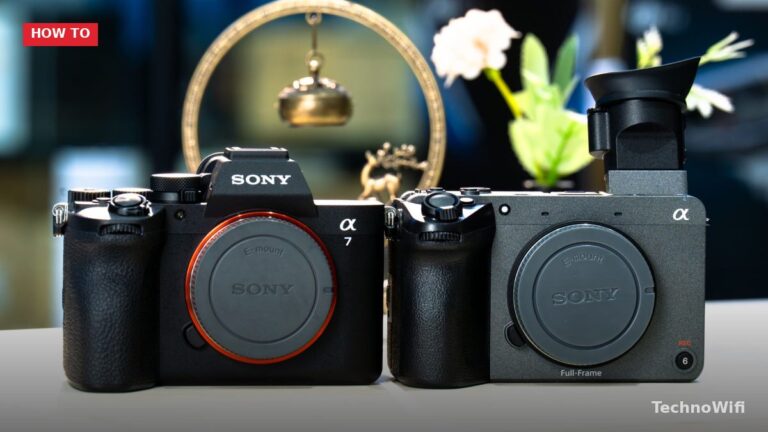
Canon T6 White Balance: How to Get Accurate Colors in Any Light Ever taken a photo indoors and
How to Read the Canon T6 Histogram for Perfect Exposure The LCD screen on the back of your
How to Customize the Canon T6 AE Lock Button for Better Exposure Control The small asterisk (*) button
How to Set Up Canon T6 Custom Folders for Better Photo Organization If you’ve ever scrolled through hundreds

How to Use Canon T6 Creative Filters on Your Photos The Canon EOS Rebel T6 (also sold as
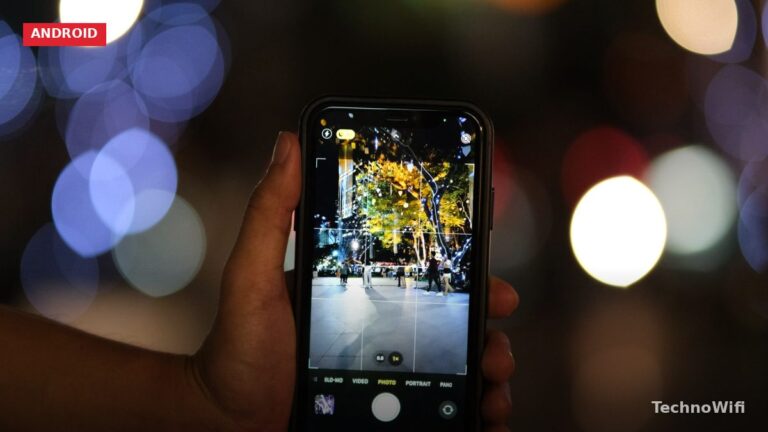
BlackBerry Phones in 2026: The Rise, Fall, and Legacy of a Mobile Icon If you’ve landed on this
Canon T7 Software: How to Set Up and Use Canon’s Computer Tools The Canon EOS Rebel T7 (2000D)
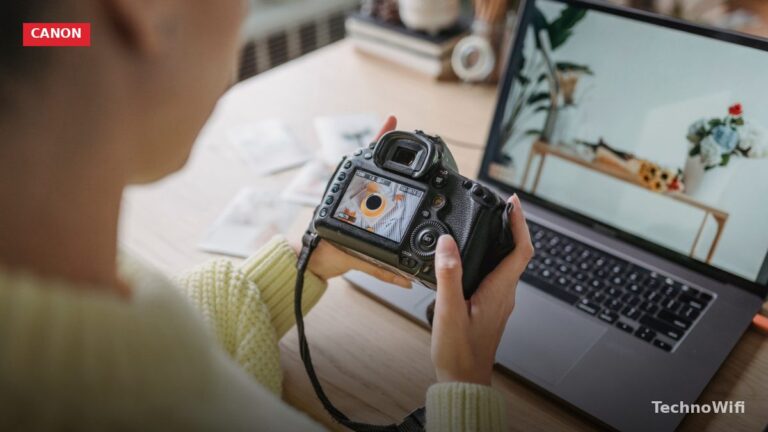
How to Transfer Files Canon T7 to Phone: 3 Reliable Methods You just captured some great shots on
Canon T7 Scene Modes: Your Guide to 6 Essential Photography Settings The Canon EOS Rebel T7 (also known
Canon T7 Auto Mode: Everything You Need to Know If you just picked up a Canon EOS Rebel
Canon T6 Shoot By Settings: How to Get the Most from Live View The Canon EOS Rebel T6