
Back Up Your iPhone: iCloud, Mac, PC, and More
It takes about two seconds to lose everything on your iPhone. Photos, messages, contacts, app data, all of
Step by step guidelines for IOS (iPhone Operating System). Learn how to do things with your Apple products
It takes about two seconds to lose everything on your iPhone. Photos, messages, contacts, app data, all of
Forget a WiFi Network on macOS Sonoma and Later Apple redesigned the WiFi settings in macOS Ventura (13)

What Is iCloud Photos? iCloud Photos keeps every photo and video you take on your iPhone, iPad, or
Check the Recently Deleted Folder First When you delete a photo on iPhone, it isn’t gone immediately. iOS
AirDrop Photos From iPhone to iPhone Open the Photos app and find the photo (or photos) you want
Hide Photos Using the Built-In Hidden Album iOS has a native feature that moves photos out of your
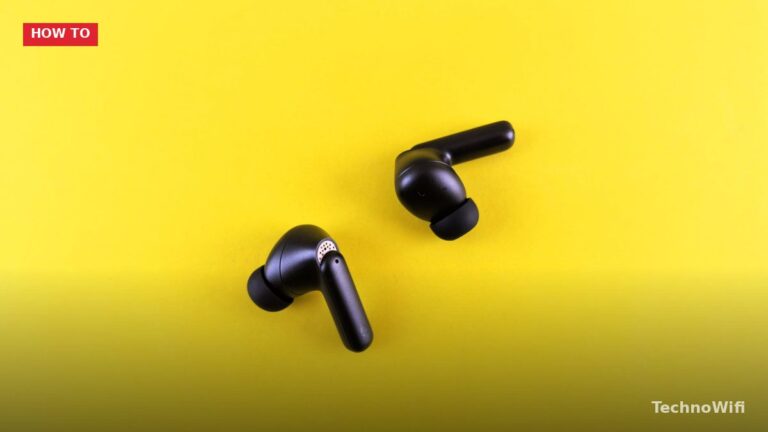
Automatic Connection (Same Apple ID) If your AirPods are already set up with an iPhone, iPad, or Mac

Why Turn Off 5G? 5G drains battery faster than 4G LTE. The 5G radio uses more power, and
Add Screen Recording to Control Center iPhone has a built-in screen recorder, but you need to add it
What Is Cache and Why Clear It? Cache is temporary data that apps and browsers store on your
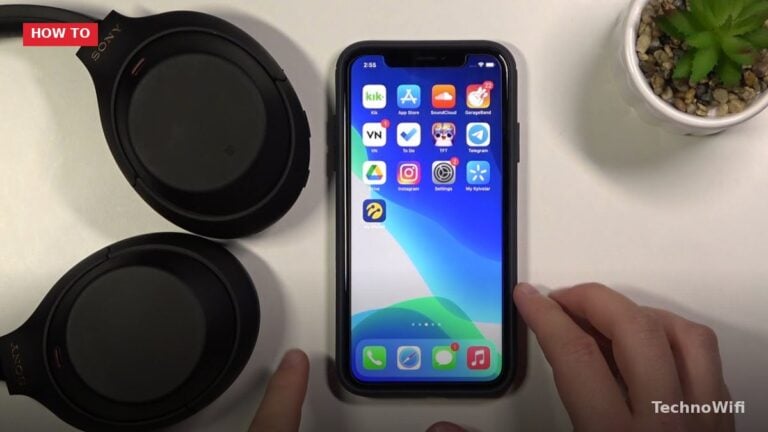
How to Pair Sony Headphones to iPhone – Overview Pairing Sony headphones with an iPhone can significantly enhance
Switching from Android to iPhone doesn’t mean starting from scratch. Your contacts, photos, messages, calendars, and most of
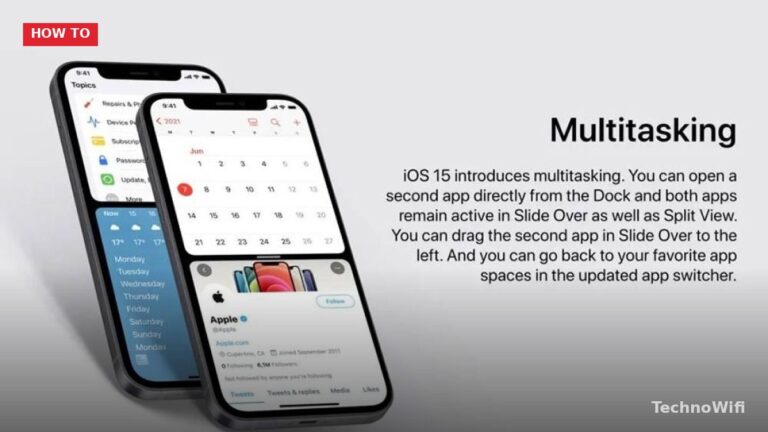
How to Split Screen on iPhone (2 Easy Methods) at a glance. Click to enlarge. Does the iPhone
First-Time Setup Pairing an Apple Watch with an iPhone takes about 10 to 15 minutes. You need an
Use AirPlay to Mirror iPhone to Roku TV AirPlay is the fastest way to show your iPhone screen
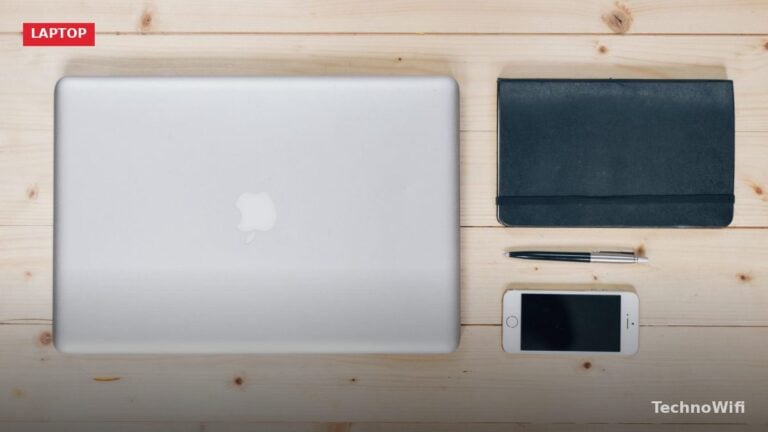
Your iPhone and MacBook Air are built to work together. Apple’s ecosystem ties them through wired connections, wireless
Pair Beats With W1, H1, or H2 Chip Most Beats released after 2016 have an Apple wireless chip
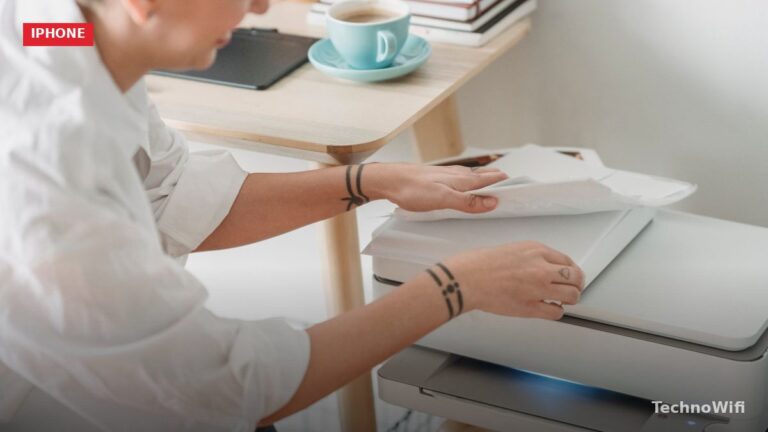
Print With AirPrint (Easiest Method) AirPrint is Apple’s built-in wireless printing feature. It works with most printers from
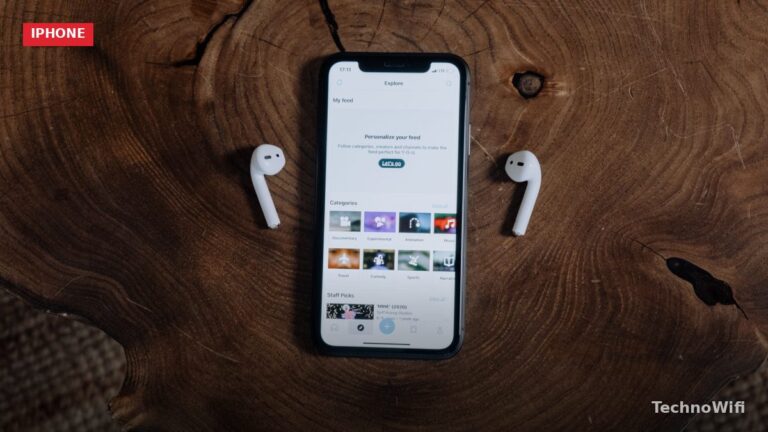
Pair AirPods for the First Time Pairing AirPods with an iPhone takes about 10 seconds. The process is
Why Use the iPhone Camera Timer? Taking a photo without physically tapping the shutter button opens up a
If your iPhone shows a “Weak Security” message under your WiFi network name, your router is using an
Mirror With AirPlay (2019 and Newer Sony TVs) Most Sony Bravia TVs from 2019 onward have AirPlay 2
Turn On Personal Hotspot On your iPhone, go to Settings, then “Personal Hotspot.” Toggle “Allow Others to Join”
Set Up Alexa on Your iPhone Download the Amazon Alexa app from the App Store. Open the app