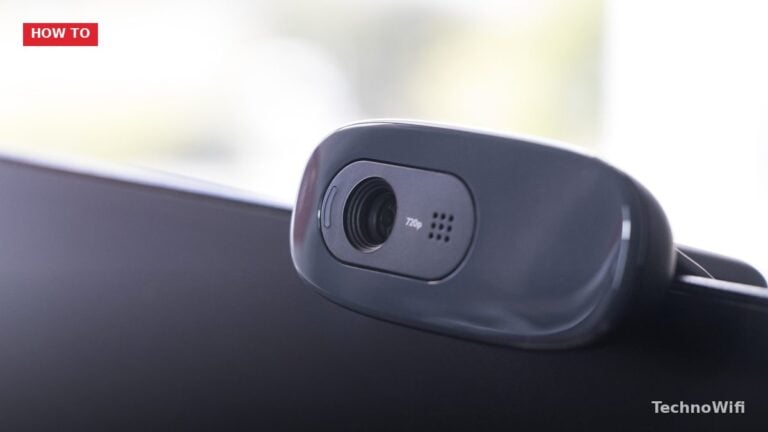
How to Connect Camera to a Chromebook
Why You Might Want an External Camera on Your Chromebook Every modern Chromebook ships with a built-in webcam,
Step-by-step ChromeOS guidelines will help you use your Chromebook more efficiently.
Why You Might Want an External Camera on Your Chromebook Every modern Chromebook ships with a built-in webcam,
Why You Should Remove Unused Apps on Chromebook Chromebooks ship with limited storage, typically between 32 GB and
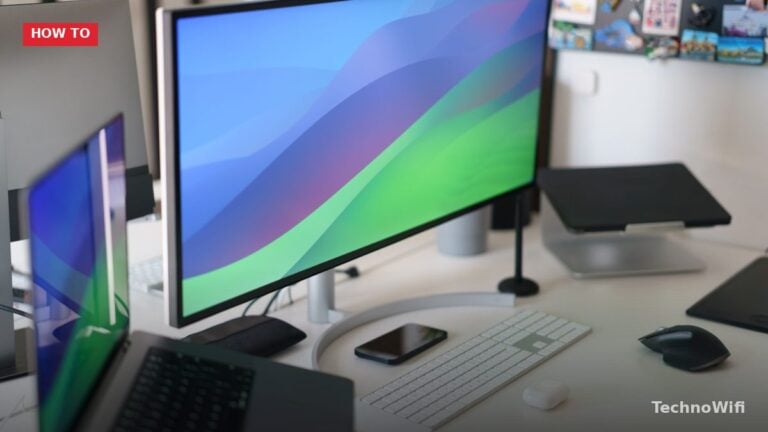
How to Rotate Screen on Chromebook (2026) at a glance. Click to enlarge. Rotate With a Keyboard Shortcut
Chromebooks handle Zoom differently than Windows laptops or Macs. There is no traditional desktop client for Chrome OS,
Delete All Browsing History Open Chrome (it’s the default and primary browser on Chromebooks). Press Ctrl + Shift
Connect a WiFi Printer Most modern printers connect to Chromebooks over WiFi. Both devices need to be on
Block YouTube With Family Link Google Family Link is the official way to manage what kids access on
Check for Updates Click the clock in the bottom-right corner of the screen. Click the gear icon to
Can You Play Minecraft on a Chromebook? Minecraft is one of those games that everyone seems to love.
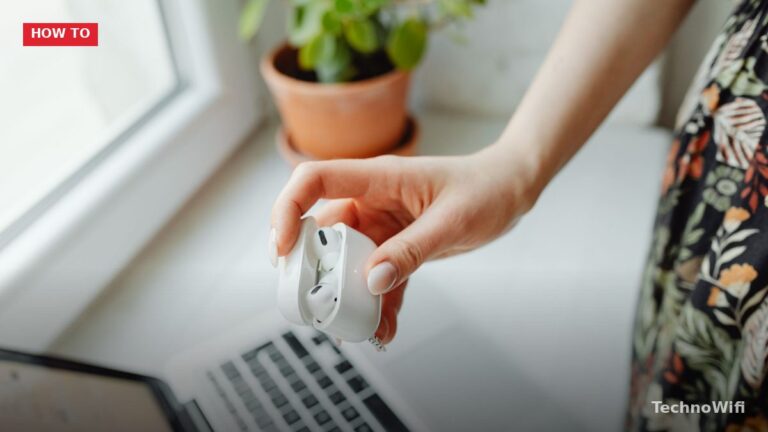
Pair AirPods to a Chromebook Put your AirPods in the charging case and open the lid. Keep the
Keyboard Shortcuts Action Shortcut Copy Ctrl + C Paste Ctrl + V Cut Ctrl + X Paste without
When Should You Factory Reset a Chromebook? A factory reset (Google calls it “Powerwash”) wipes everything on your
Split Screen With Keyboard Shortcuts The fastest way to snap windows side by side: Click on the window
Cast a Chrome Tab Make sure your Chromebook and Chromecast (or smart TV with Chromecast built in) are
A Chromebook is a laptop that runs ChromeOS instead of Windows or macOS. Google designed it around web
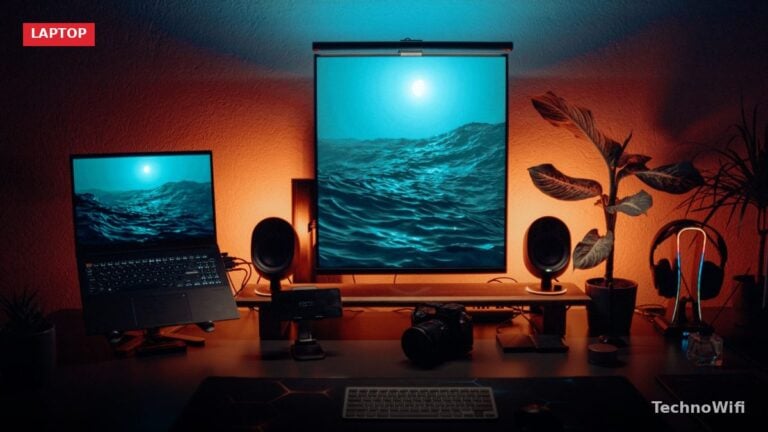
Steps Regarding How to Connect 2 Monitors to Chromebook Chromebooks support extended displays, allowing for multi-monitor setups. Still,