How to Edit Videos on Windows
How to Edit Videos on Windows in 2026 If you want to learn how to edit videos on
How to guide for devices that work with Microsoft Windows operating system such as laptops, tablets, desktops and more.
How to Edit Videos on Windows in 2026 If you want to learn how to edit videos on
Every Screenshot Method on Windows Method Shortcut What It Captures Where It Saves Print Screen PrtScn Entire screen
Windows gives you at least six different ways to take a screenshot, and the best method depends on
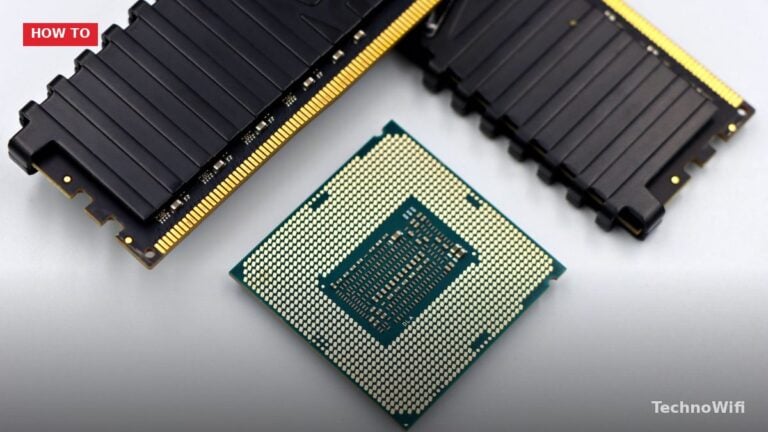
How to Check CPU Temp in 2026 Is your computer running hot? If you are experiencing random shutdowns,
What is Samsung Smart Switch for PC? Samsung Smart Switch is a free desktop application that lets you
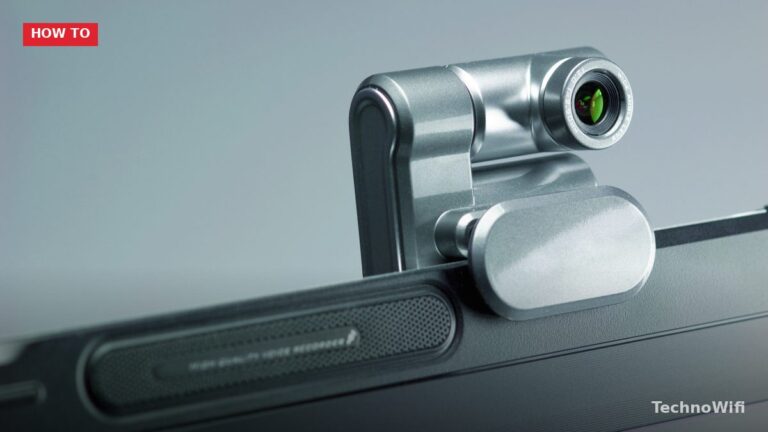
Why Use an External Webcam on a Windows 10 Laptop? Most laptops ship with a built-in camera, but
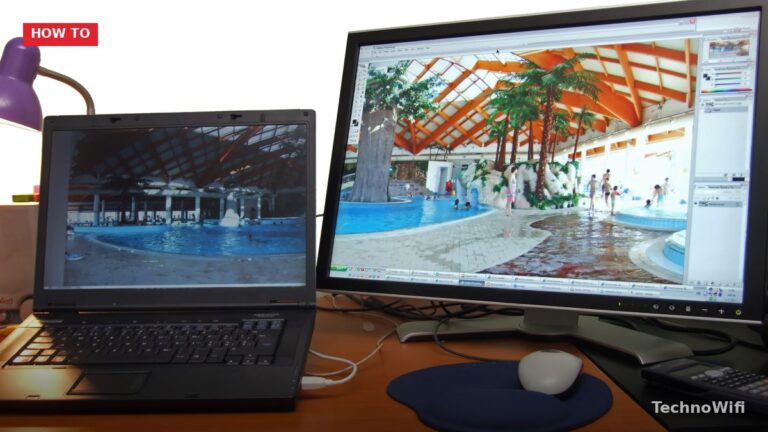
What You Need Item Details Second monitor Any monitor with a compatible input (HDMI, DisplayPort, USB-C, or VGA)
Pair on Windows 11 Put your headphones in pairing mode. This varies by brand – usually hold the
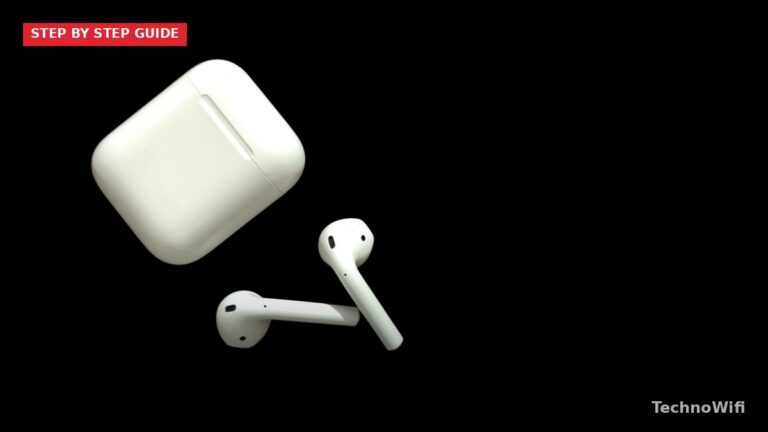
Pair AirPods to Windows 10 Put your AirPods in the charging case and open the lid. Keep the
Adding a second monitor to your laptop is one of the fastest ways to boost productivity. A dual-screen
Low frame rates turn fast-paced games into slideshows. Stuttering, input lag, and choppy visuals all trace back to
Game Mode is a built-in Windows feature that tells your PC to prioritize gaming performance over everything else.

A sluggish gaming PC doesn’t always mean you need new hardware. Windows 10 and Windows 11 both have

Why Your Windows 10 Laptop Is Slow Looking for how to speed up Windows 10 laptop performance? A
A slow laptop doesn’t mean you need a new one. Most gaming performance problems come from settings, software,