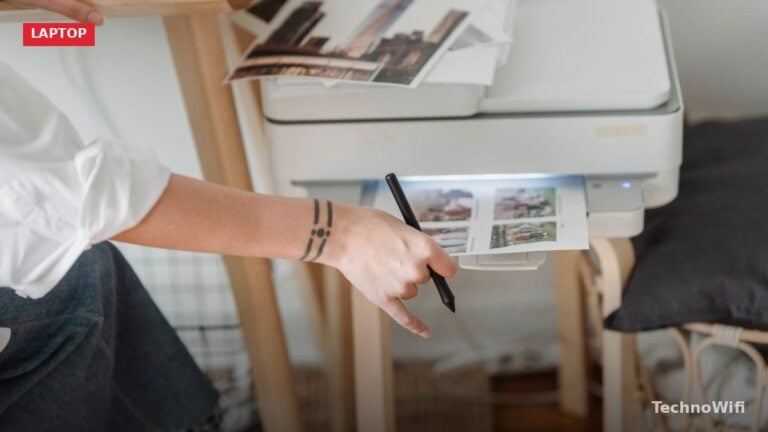
How to Connect MacBook To Printer Using AirPrint
Connecting a MacBook to a printer is straightforward once you know which method to use. You have four
Apple – The MacBook is a brand of Macintosh laptop computers by Apple Inc. that merged the PowerBook and iBook lines during Apple’s transition to Intel processors.
Connecting a MacBook to a printer is straightforward once you know which method to use. You have four
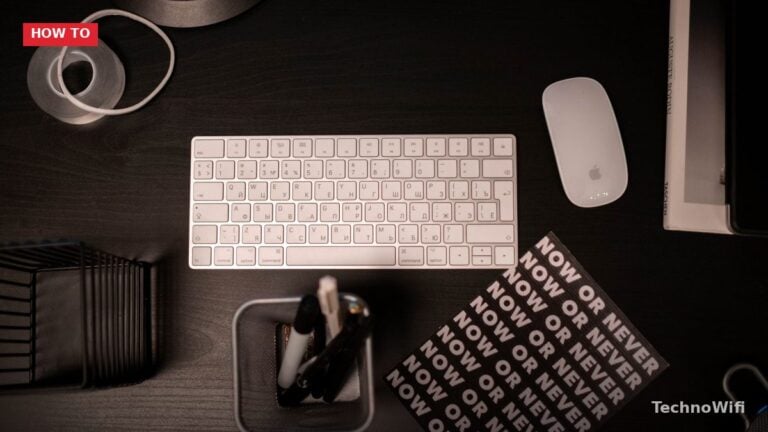
Connect Any Bluetooth Mouse to Mac Turn on the mouse and put it in pairing mode. Most Bluetooth
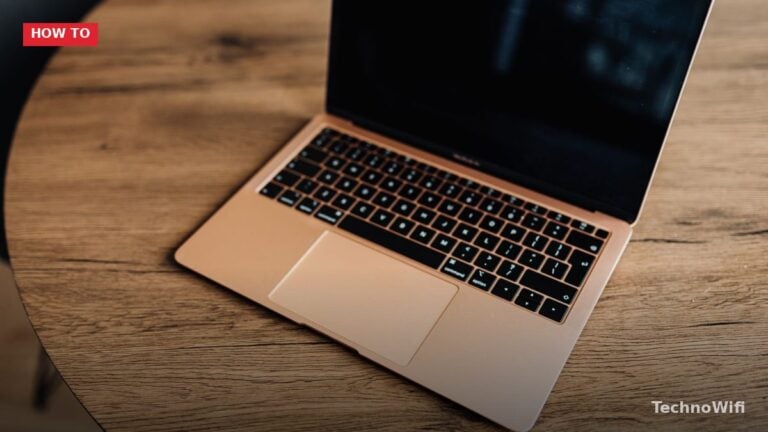
How to Change MacBook Wallpaper – Getting Started Changing the wallpaper on your MacBook’s desktop to something more

Apple Pencil Compatibility Apple Pencil Compatible iPads How It Pairs 1st generation (round, Lightning cap) iPad (6th-10th gen),

Change Your MacBook Password from System Settings This is the standard method when you know your current password
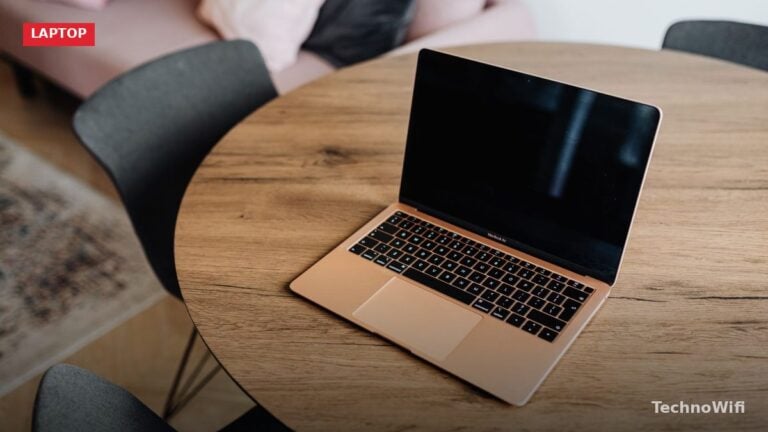
Delete Apps From Launchpad This method works for apps downloaded from the Mac App Store. Open Launchpad (click

Yes, MacBooks can get viruses. The idea that Macs are immune to malware is one of the most
Why You Need to Back Up Your MacBook Pro Hard drives fail. SSDs fail less often, but they
Your iPhone and MacBook Air are built to work together. Apple’s ecosystem ties them through wired connections, wireless

Forgetting your MacBook Pro password happens. Apple gives you several ways to reset it without losing your files.

Before You Wipe Erasing your MacBook deletes everything – files, apps, accounts, settings. Complete these steps first. Back
Use AirPlay to Mirror MacBook to TV AirPlay is the built-in wireless display feature on every Mac. It
Quick Reference: MacBook Pro Screenshot Shortcuts Shortcut What It Captures Where It Saves Shift + Command + 3

Screen Record With the Screenshot Toolbar Every MacBook Pro has a built-in screen recorder accessible through the Screenshot
Three Types of Cache on Your MacBook Pro Your MacBook stores three types of cached data: browser cache
Apple sells two MacBook lines, and at first glance they look almost identical. Both run macOS, both use

Normal Restart Click the Apple menu in the top-left corner of the screen. Click “Restart.” A dialog asks
Whether you’re selling your MacBook Pro, trading it in, or just trying to fix a problem that nothing
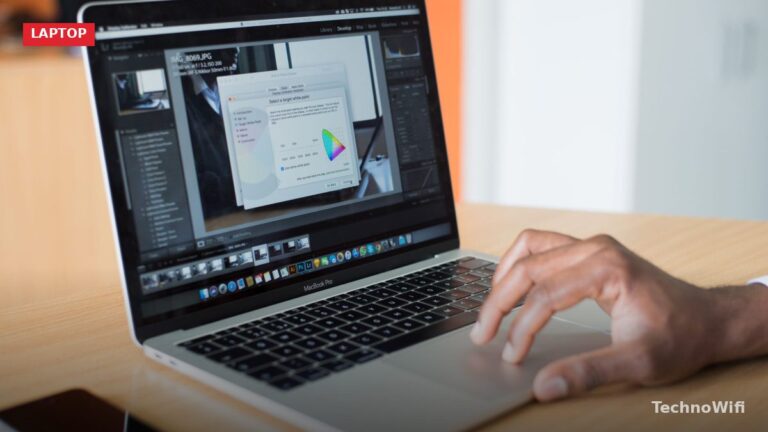
Check for macOS Updates Click the Apple menu in the top-left corner of your screen. Click “System Settings”

MacBook Pro or Air: Which One Should You Get in 2026? Apple’s current laptop lineup runs entirely on
Copy and Paste With Keyboard Shortcuts The fastest and most common method. These shortcuts work everywhere on your
Why You Need an External Webcam for Your Mac Apple makes some of the best cameras in the
Why Use an External Webcam on a Mac? Apple has improved the built-in cameras on recent MacBook Pro
Common iPhone 13 Pro Camera Problems and How to Fix Them The iPhone 13 Pro was a major