Best Smart Bulbs for Google Home and Voice Control
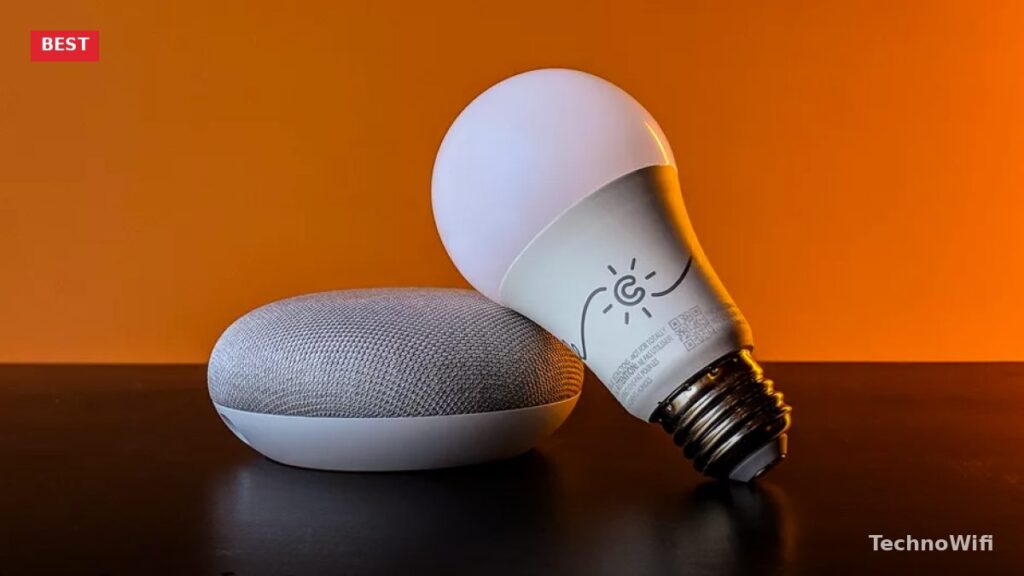
Buying smart bulbs that work with Google Home is a smart move if you already have other Google-compatible devices in your house.
Installing smart lights that pair with Google Home lets you use voice commands to turn them on, off, dim them, or change colors without getting up.
You also get scheduling, remote control, and automation features that go well beyond flipping a wall switch. But with so many options, where do you even start?
The market is packed with smart bulbs that work with different platforms like Apple HomeKit, Amazon Alexa, and Microsoft Cortana.
That is why you want to look specifically for bulbs labeled “Works with Hey Google.” To help narrow things down, we have reviewed some of the best bulbs for Google Home devices.
These bulbs will let you use commands starting with “Hey Google” or “OK Google” to control your lights hands-free.
You might think that something expensive like Philips Hue is the only real option, but you can actually set up a solid smart lighting system on a budget as long as you know what you need.
Let’s look at several smart bulbs that work well with Google Home.
1. GE Lighting Smart Lighting Bulb
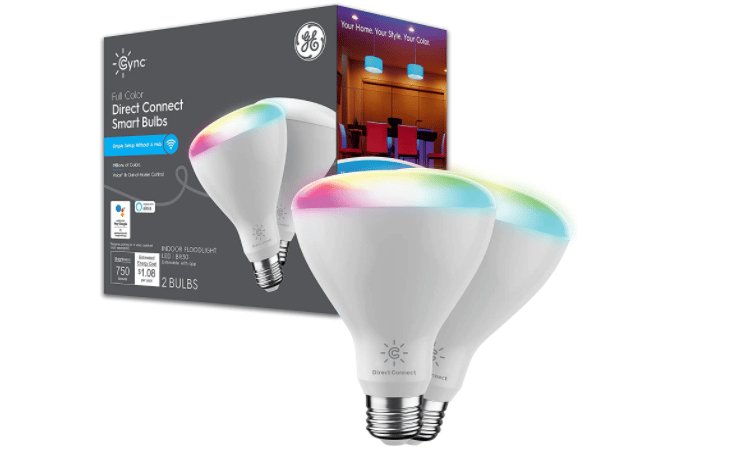
GE Lighting offers a range of smart bulbs in regular white, adjustable white, and full color. These bulbs work with both Google Assistant and Amazon Alexa.
They fit in most medium base sockets, so installation is quick and easy.
For a different take, see our guide on how to set up Google Home mini.
The one thing to know is that these are Bluetooth smart bulbs. If you want to control them when you are out of the house, you will need to pair them with a smart plug to extend their range.
If Bluetooth-only control is fine for your needs, these bulbs work reliably and are a solid entry point.
2. Lumiman Smart Wi-Fi Bulb
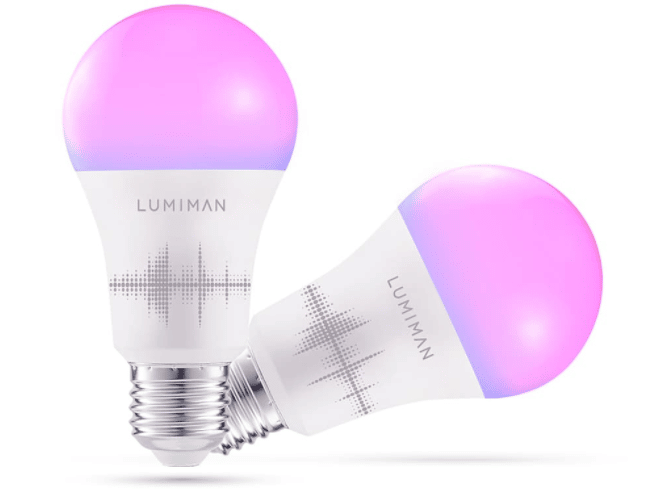
Lumiman is a budget-friendly smart bulb brand that works without a hub. You can control these bulbs through the Lumiman app or with a Google Home speaker.
They come in shades of white plus millions of other colors, giving you plenty of room to customize your lighting.
Timers and schedules are built in, so you can automate your lights without any extra setup. The Lumiman app is not the most polished, but you always have Google Home voice commands as a backup.
One requirement: you need a stable 2.4 GHz Wi-Fi network. These bulbs do not support 5 GHz, so check your router settings before buying.
3. Philips Hue White and Color Starter Kit
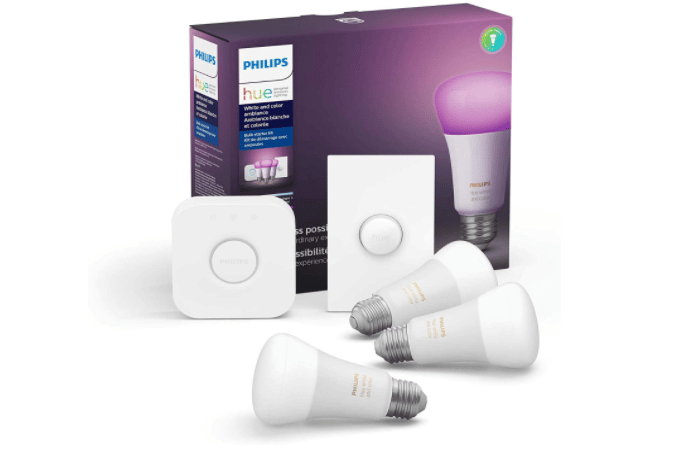
Philips Hue is probably the most recognized name in smart lighting, and for good reason.
Philips Hue bulbs do not cut corners on quality, and you can choose between white-only or full multi-color LED bulbs.
To get started with this white and color starter kit, you will need an additional Philips Hue Bridge (hub). Once that is set up, the bulbs pair in seconds and you can start using Google Home and Amazon Alexa voice commands right away.
If you want to go deeper, we have a separate guide on smart bulbs for Alexa.
The Hue ecosystem is mature and well-supported, making it a dependable long-term choice.
4. Cree Smart Outdoor Light Bulb
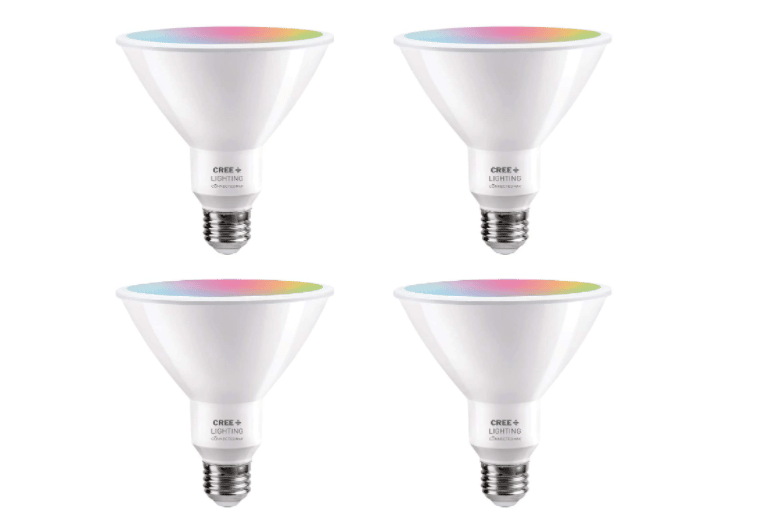
The Cree PAR38 is a smart light bulb made for outdoor use, and it is an excellent value because it gets brighter than many competitors that cost twice as much.
The PAR38 is weatherproof and bright enough to light up your entire yard.
Since it uses both Bluetooth and Wi-Fi, you do not need a separate bridge or hub to connect it to Google Home or Alexa speakers.
You can pick from millions of colors, though keep in mind that color modes will reduce the overall brightness compared to white light.
The accompanying app lets you set timers and activate a vacation mode. You can also connect this light to smart video doorbells and security cameras, so it automatically turns on when motion is detected.
5. Nanoleaf Essentials Smart Light Bulb
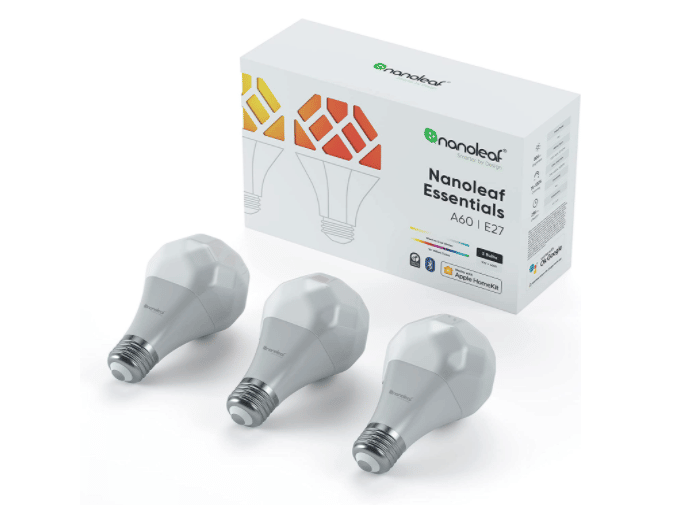
The Nanoleaf Essentials E27 is a standard-sized smart bulb with an unusual geometric shape that looks great in exposed light fixtures.
If you already have a Google Home speaker or an Android TV, you do not need a hub. Just connect and choose from over 16 million available colors.
You can create custom lighting scenes and set up schedules for your lights. The Nanoleaf Essentials line was the first to implement Thread, a network technology that connects all your smart lights into a mesh network.
This means your Wi-Fi signal to each bulb stays stable no matter where the bulbs are placed in your home. It is a real advantage if you have bulbs spread across multiple rooms.
Our Pick for the Best Smart Bulbs for Google Home
There are many smart light bulbs that work with Google Home, but not all of them offer smooth, reliable interaction with Google Assistant.
The bulbs listed above all integrate well with Google Assistant, so you can control them using voice commands without frustration.
If we had to choose just one, it would be the Nanoleaf Essentials E27. Its Thread support, wide color range, and hub-free setup make it the standout option.
Not sure which smart home platform fits your setup? See our Google Home vs Alexa breakdown for a side-by-side look.
Using Philips Hue? Our Hue and Alexa pairing guide walks through setup.
Want dimming options? Check our best dimmable smart bulbs roundup.