How to Screenshot on MacBook Pro
Quick Reference: MacBook Pro Screenshot Shortcuts Shortcut What It Captures Where It Saves Shift + Command + 3
This section covers laptops from the buying decision through to the day one stops behaving: which Chromebook or MacBook to get, what the HP, Dell and Lenovo lines actually differ in, and how to fix the problems that show up after purchase.
For buying, start with best Chromebooks, Chromebooks for beginners and best 32GB RAM laptops. The student and MacBook subsections hold the picks for school and for Apple users, and the brand subsections (HP, Dell, Lenovo, Apple) group the model-specific guides.
For fixing, the troubleshooting guides cover the usual suspects: WiFi that will not turn on, an HP laptop with no WiFi button, factory resets, printers that will not connect, and AirPrint on a MacBook. Monitors and docking stations have their own sections for the desk setup around the laptop.
Specifications are taken from the manufacturers’ pages, prices are re-checked on a schedule, and each guide carries the date of its last check. The complete archive is below, newest first.
Quick Reference: MacBook Pro Screenshot Shortcuts Shortcut What It Captures Where It Saves Shift + Command + 3
Screen Record With the Screenshot Toolbar Every MacBook Pro has a built-in screen recorder accessible through the Screenshot
Three Types of Cache on Your MacBook Pro Your MacBook stores three types of cached data: browser cache
Apple sells two MacBook lines, and at first glance they look almost identical. Both run macOS, both use
Normal Restart Click the Apple menu in the top-left corner of the screen. Click “Restart.” A dialog asks
Whether you’re selling your MacBook Pro, trading it in, or just trying to fix a problem that nothing
Check for macOS Updates Click the Apple menu in the top-left corner of your screen. Click “System Settings”
MacBook Pro or Air: Which One Should You Get in 2026? Apple’s current laptop lineup runs entirely on
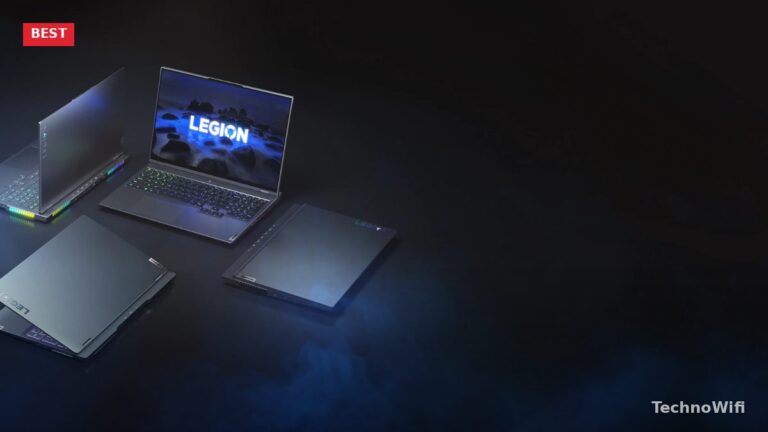
Best Lenovo Laptops for Gaming in 2026 Lenovo has built a strong reputation in the gaming laptop market
Copy and Paste With Keyboard Shortcuts The fastest and most common method. These shortcuts work everywhere on your
Why You Need an External Webcam for Your Mac Apple makes some of the best cameras in the
Why You Should Remove Unused Apps on Chromebook Chromebooks ship with limited storage, typically between 32 GB and
What to Look for in a Business Laptop from HP Choosing the best HP laptop for business comes
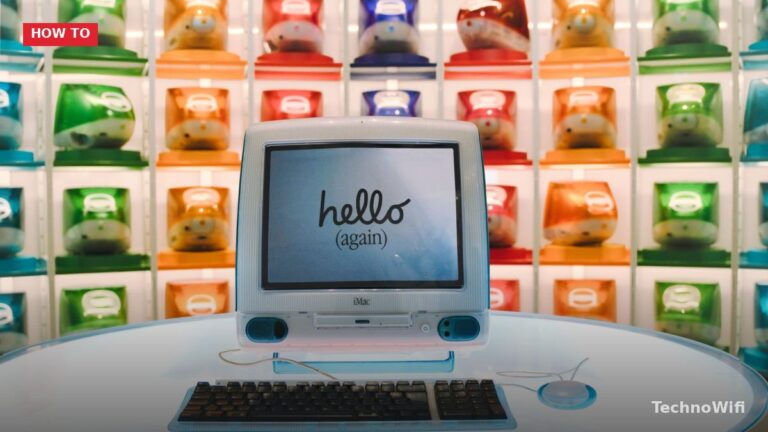
Why Use an External Webcam on a Mac? Apple has improved the built-in cameras on recent MacBook Pro
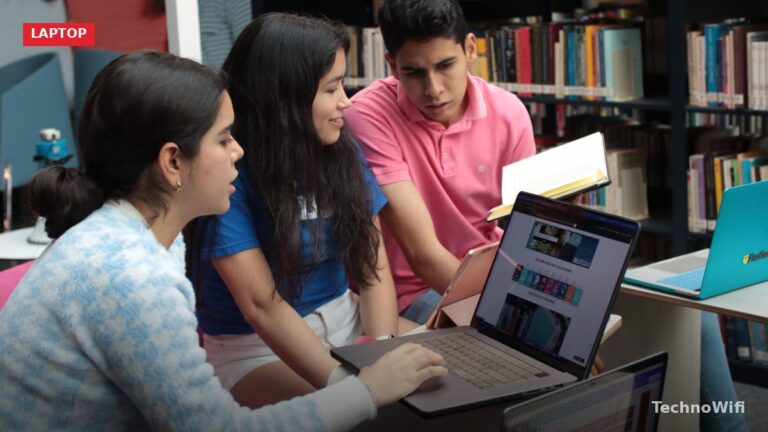
Finding the Right HP Laptop for Students in 2026 HP has been a go-to brand for students for
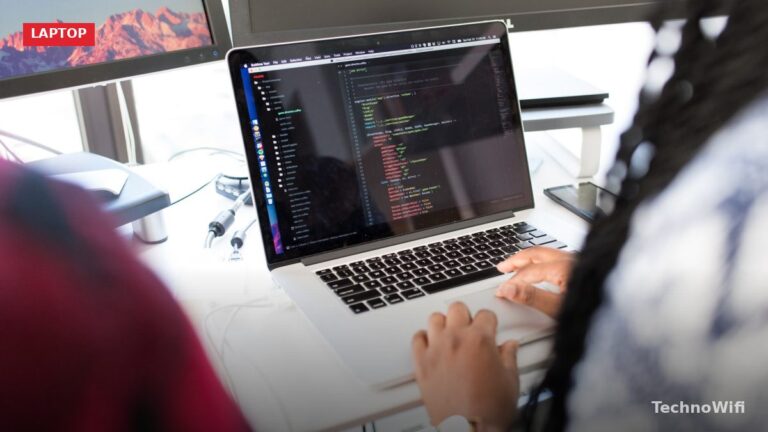
Does Chromebook Have a Built-In Screen Recorder? Yes. Every Chromebook running Chrome OS 89 or later includes a
Finding the Right Apps for Your Chromebook Chromebooks pull apps from three main sources: the Chrome Web Store
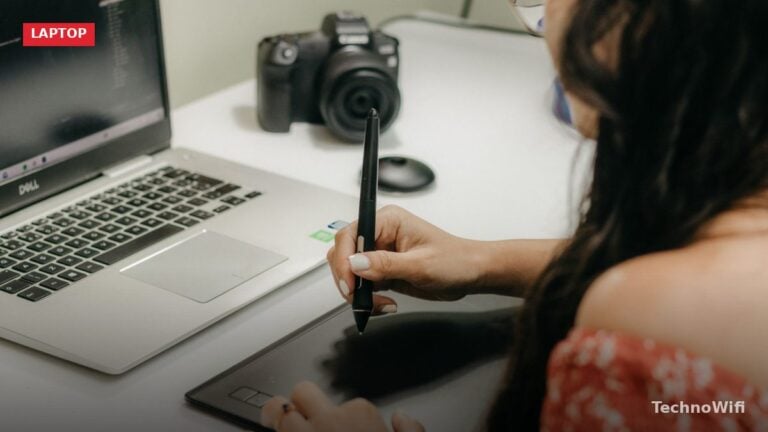
Top Laptops with Stylus Support for Every Budget Writing and drawing on a laptop screen with a stylus
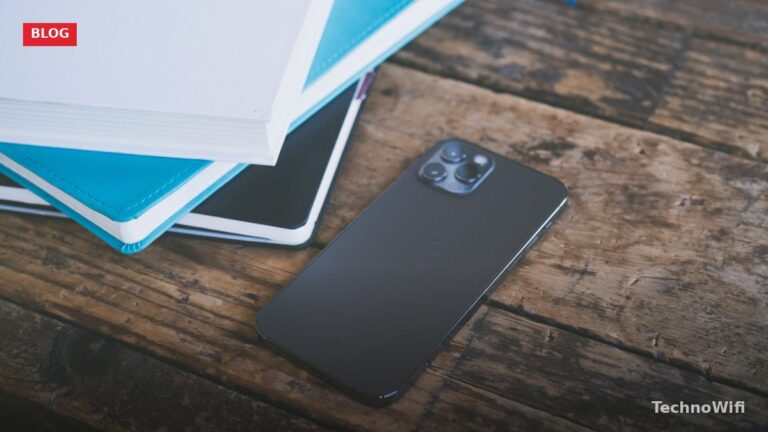
Common iPhone 13 Pro Camera Problems and How to Fix Them The iPhone 13 Pro was a major
Top HP Laptops Under $1000 for 2026 HP has built a reputation for delivering reliable laptops across every
Delete All Browsing History Open Chrome (it’s the default and primary browser on Chromebooks). Press Ctrl + Shift
Lenovo Laptops Under $1000: A 2026 Buyer’s Guide Lenovo consistently ranks among the top laptop manufacturers for value.
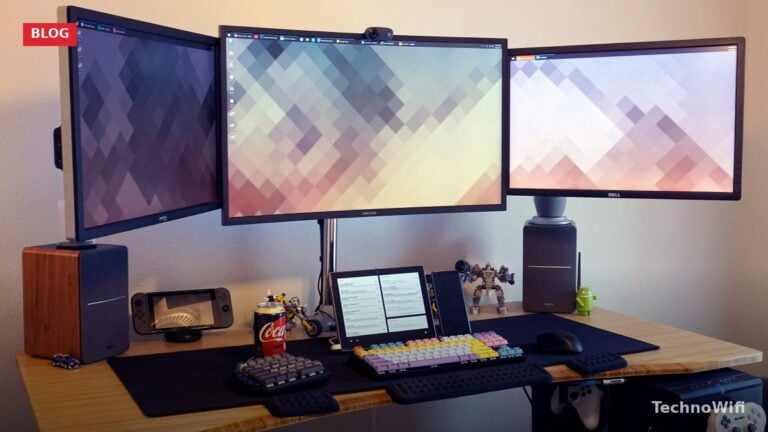
Best Triple Display Docking Stations for Your Laptop Setup Best triple display docking stations can turn your laptop
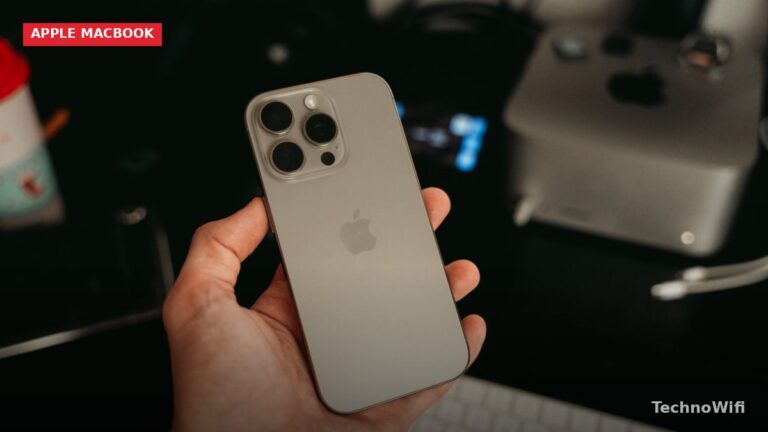
Apple recently launched its new generation iPhone 13 Series phones at a special California Streaming event about a