
Best Parental Control Routers in 2026
One of the most effective ways to manage your child’s online activity is by setting up parental controls directly on your wifi router. Router-level controls filter and block content across every device on your network, which makes them far more reliable than app-by-app restrictions.
According to recent surveys, about 86% of parents actively limit their child’s daily internet and mobile screen time. The simplest way to enforce those limits is at the router level, where all traffic flows through a single point of control.
Parental controls on wifi routers cover your entire household. You can block categories of websites, set time-based schedules, and create individual profiles for each family member. But the quality of these features varies a lot from router to router.
Many devices? See our best routers for multiple devices.
Below, we break down seven of the best parental control routers you can buy in 2026. Each one offers a different mix of speed, coverage, and content filtering tools. Before we get into the details, here is a quick comparison table.
| Product name | Connectivity technology | Ethernet Ports | Security Protocol | Standard/Speed |
|---|---|---|---|---|
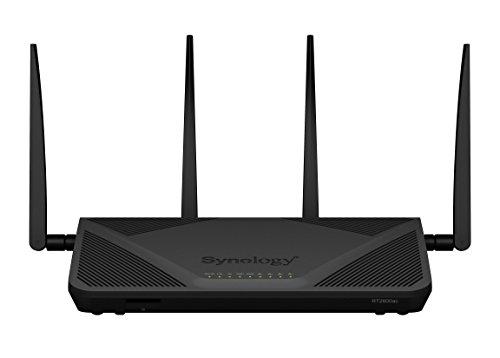
| Synology RT2600ac Wifi Router | Wireless | 5 | WEP, WPA-PSK, WPA2-PSK | AC2600 |
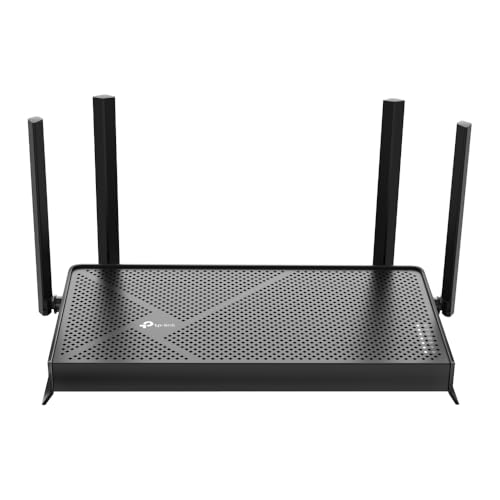
| TP-Link Archer AX50 AX3000 Smart Wifi Router | Wifi, USB, Ethernet | 5 | WEP, WPA2-Enterprise, WPA-PSK | AX3000 |
| Google Nest wifi AC2200 Wifi Router | Ethernet | 2 | WPA2, WPA3 | AC2200 |
| ASUS AX6000 RT-AX88U Gaming Router | Wireless, Wired, Wifi, USB | 8 | WPA2-PSK, WPA-PSK, WPA-Enterprise, WPA2-Enterprise, WPS support | AX6000 |
| Amazon Eero Pro Mesh wifi System | Wifi | 6 | WPA2-PSK | AC2200 |
| NETGEAR Nighthawk R7000 Smart wifi Router | Wifi | 5 | Double Firewall protection (SPI and NAT), WPA/WPA2 - PSK, DoS attach prevention | AC1900 |
| ASUS AC1200 RT-ACRH12 Wifi Gaming Router | Wifi | 4 | WEP, WPA2-PSK, WPA-PSK, WPA-Enterprise, WPA2-Enterprise, WPS support | AC1200 |
With the overview out of the way, let’s look at each router in detail.
7 Best Parental Control Routers
1. Synology RT2600ac Wifi Router
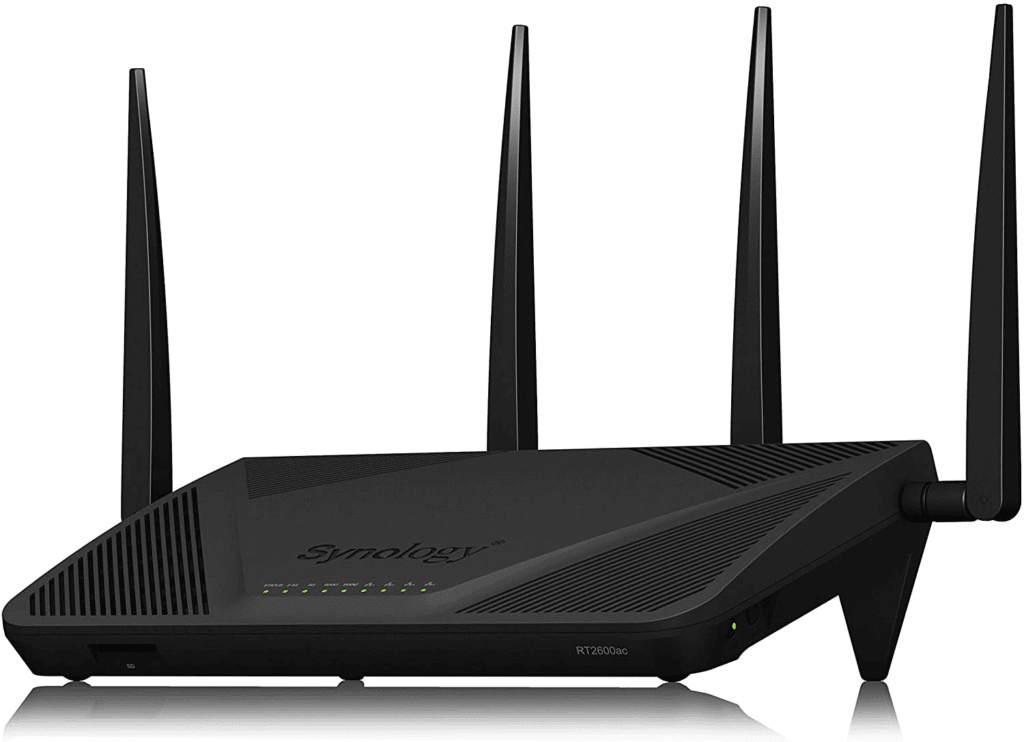
The Synology RT2600ac is a strong pick for small to mid-sized families who want solid parental controls without paying an ongoing subscription. The built-in Safe Access package lets you create individual user profiles, set browsing restrictions, and apply web filters at no extra cost.
This is a dual-band router, so it handles both older and newer devices without compatibility headaches. It comes equipped with four external antennas that push strong Wi-Fi signals throughout the house, making it suitable for streaming 4K video and handling multiple connected devices at once.
Setup and management happen through the Synology Router Manager web interface or the companion mobile app, both of which are well-designed and intuitive. You can fine-tune filtering rules, check usage reports, and adjust schedules from either platform.
Features:
- Dual-band wifi router
- Four antennas for better coverage
- Free built-in parental controls (no subscription)
2. TP-Link Archer AX50 AX3000 Smart Wifi Router
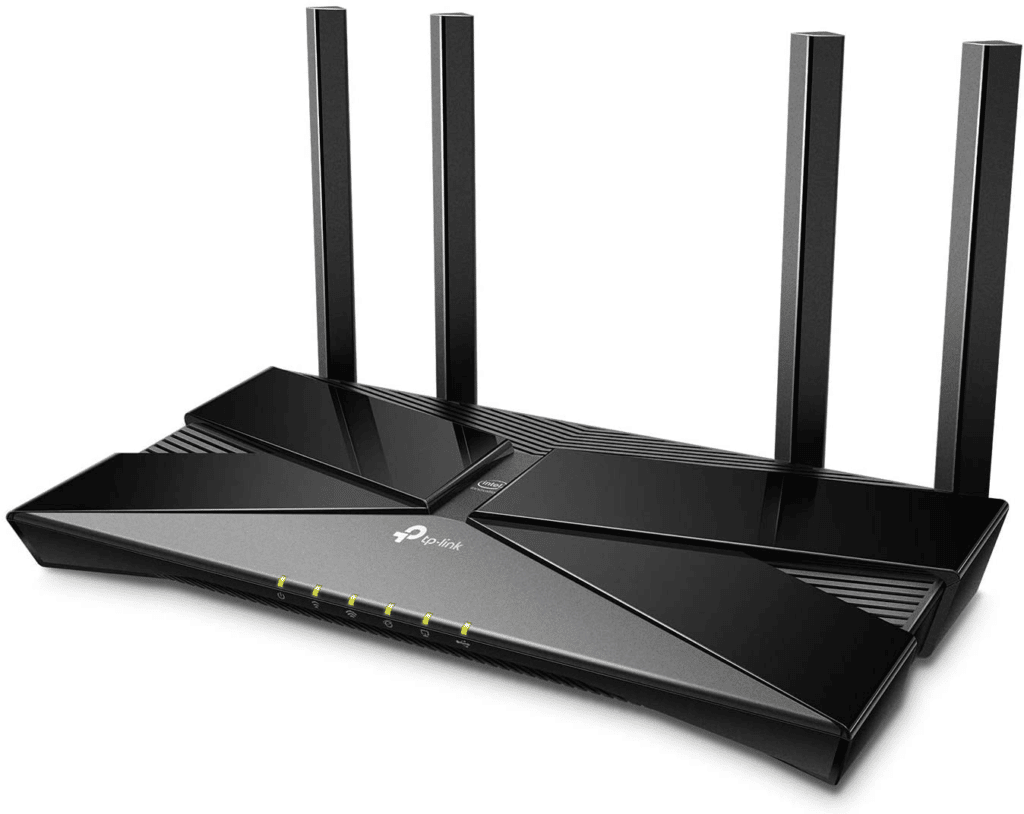
The TP-Link Archer AX50 runs on Wi-Fi 6 (802.11ax) technology, which means faster speeds and better performance when your devices also support Wi-Fi 6. It is one of the best parental control routers at this price point.
The standout feature is TP-Link’s HomeCare platform, which bundles parental controls, antivirus protection, and quality of service tools into a free lifetime subscription. You can build age-based profiles for each family member and block specific content categories without paying a monthly fee.
HomeCare also includes real-time antivirus protection powered by Trend Micro, which adds a layer of network security on top of the content filtering. You can manage everything through the TP-Link Tether app or the web interface.
We put together a full guide on Spectrum router that pairs well with this.
Features:
- TP-Link Tether mobile app
- Dual-band Wi-Fi 6 (802.11ax)
- HomeCare suite with parental controls, antivirus, and QoS
3. Google Nest Wifi AC2200 Wifi Router
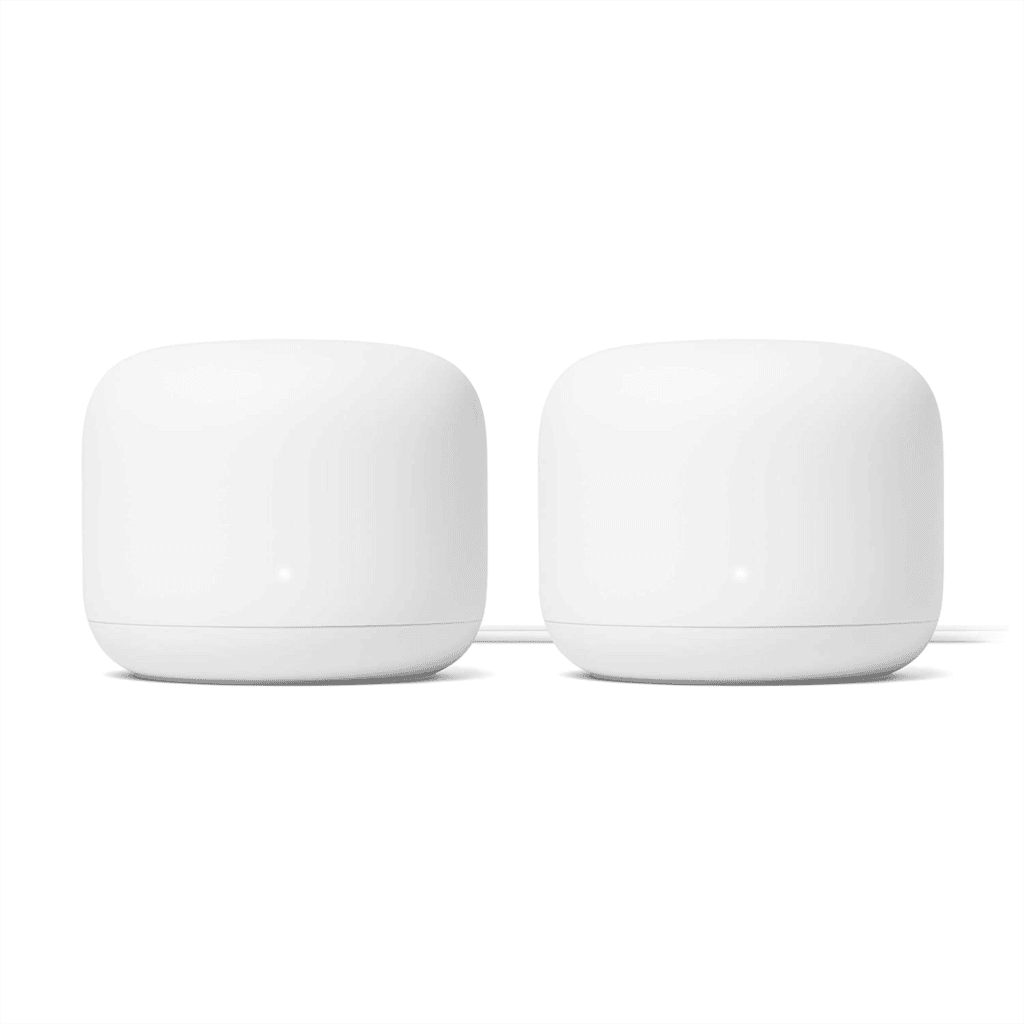
If your household already uses Google services and Google Assistant devices, the Google Nest Wifi is a natural fit. Setup and management happen entirely through the Google Home app, which keeps things simple.
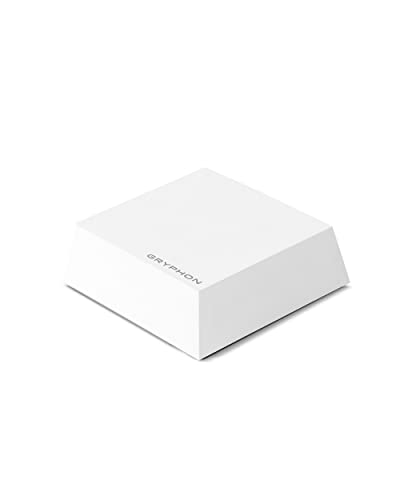
The Nest Wifi is a mesh system. It comes with a main router unit and smaller companion access points that you place around the house to extend coverage. This makes it a good choice for larger homes or families spread across multiple floors.
The companion access points double as Google Assistant smart speakers, so you can control your network with voice commands. Pausing internet access for your kids or checking network status is as easy as saying the right command. Family Wi-Fi controls integrate directly with Google Family Link for per-device scheduling and content filtering.
Features:
- Mesh wifi system with expandable coverage
- Voice command support through Google Assistant
- Google Home and Family Link integration for parental controls
4. ASUS AX6000 RT-AX88U Gaming Router
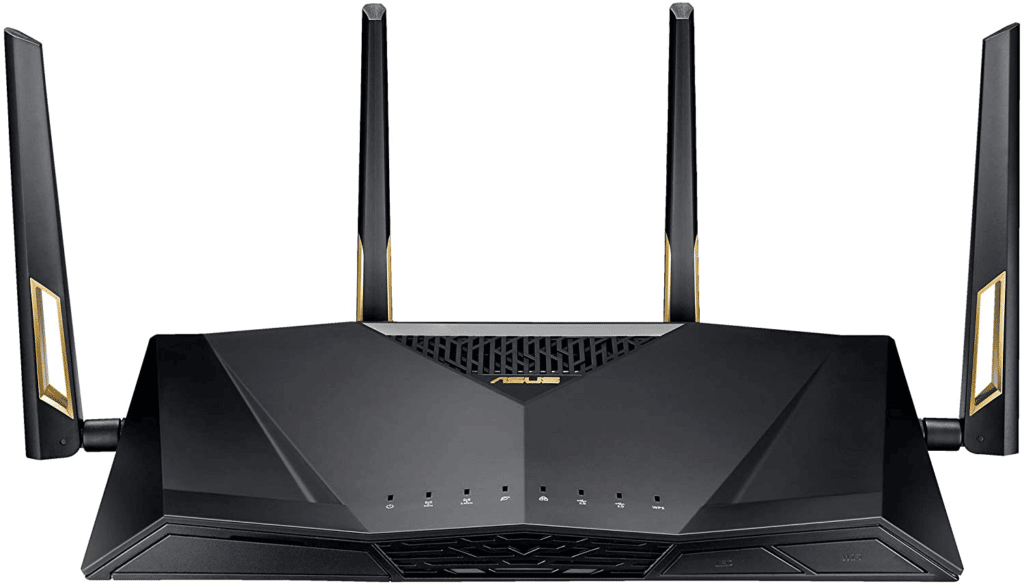
The ASUS RT-AX88U is built for performance. It is a gaming router with Wi-Fi 6 technology and download speeds reaching approximately 479 Mbps, which is more than fast enough for lag-free online gaming.
With eight gigabit Ethernet ports, you can hardwire gaming PCs, consoles, and other bandwidth-hungry devices directly to the router. This makes it ideal for households that mix serious gaming with everyday browsing.
The built-in AiProtection parental controls (powered by Trend Micro) let you monitor and restrict your children’s browsing activity. You can block categories of websites, set time limits, and check activity logs without paying for a subscription. The ASUS Router app handles all the configuration from your phone.
Features:
- Free AiProtection parental controls
- 8 gigabit Ethernet ports
- Wi-Fi 6 (802.11ax) technology
5. Amazon Eero Pro Mesh Wifi System
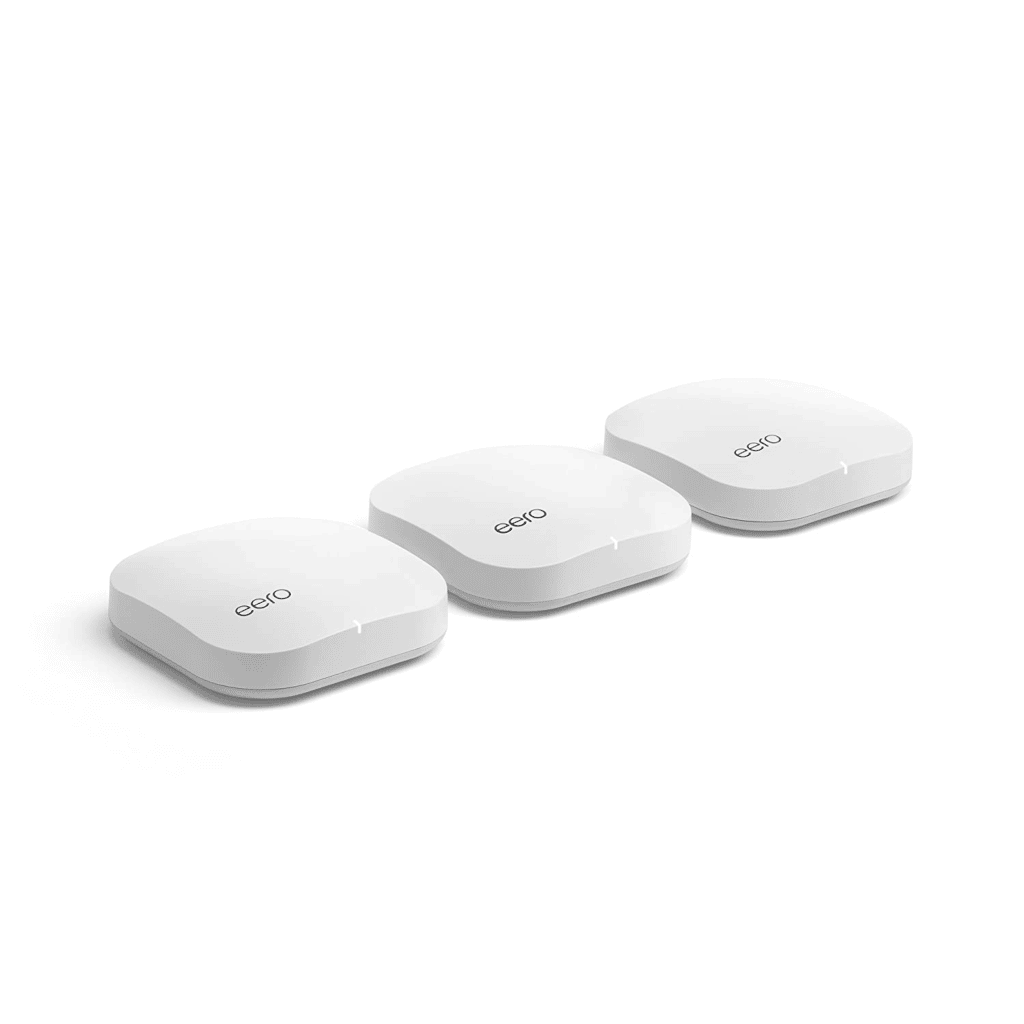
The Amazon Eero Pro is a mesh wifi system that blankets your entire home in Wi-Fi coverage. The package includes a central Eero Pro unit along with smaller beacon units that you plug into outlets around the house.
The central router offers tri-band Wi-Fi (two 5 GHz bands and one 2.4 GHz band), while the beacon units provide dual-band coverage (one 5 GHz band and one 2.4 GHz band). Without the beacons, the Eero Pro delivers download speeds around 256 Mbps, which handles 4K streaming and video calls without trouble.
The beacon units are compact enough to plug into any wall outlet and can double as nightlights. Parental controls are managed through the Eero mobile app, where you can create profiles, set schedules, and pause internet access for specific devices. Eero also includes built-in malware and threat protection through Eero Secure.
Our modem router combo walkthrough covers this from a different angle.
Features:
- Parental controls through the Eero mobile app
- Built-in malware and threat protection
- Scheduled access for different user profiles
- 802.11ac wifi technology
6. NETGEAR Nighthawk R7000 Smart Wifi Router
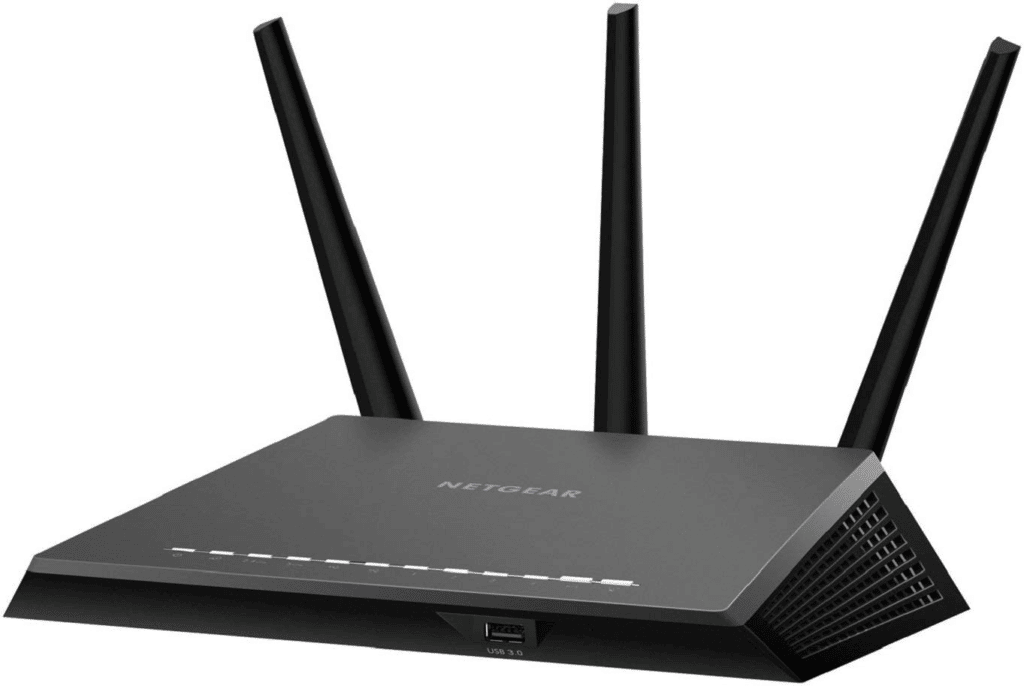
The NETGEAR Nighthawk R7000 is a dependable dual-band router that pairs solid performance with some of the most detailed parental controls in its price range. It runs on both 5 GHz and 2.4 GHz bands and automatically manages traffic to reduce congestion during heavy usage.
The R7000 comes with built-in Circle Smart Parental Controls, which offer advanced web filtering, per-device time limits, and usage tracking. Basic Circle features are free, while premium features like app-specific time limits require a paid subscription.
This router is well-suited for medium-sized households that need reliable parental oversight without the complexity of a mesh system. It also includes a built-in OpenVPN server for secure remote access to your home network.
Features:
- Dual-band 5 GHz and 2.4 GHz
- Built-in OpenVPN server
- Circle Smart Parental Controls with free and premium tiers
7. ASUS AC1200 RT-ACRH12 Wifi Gaming Router
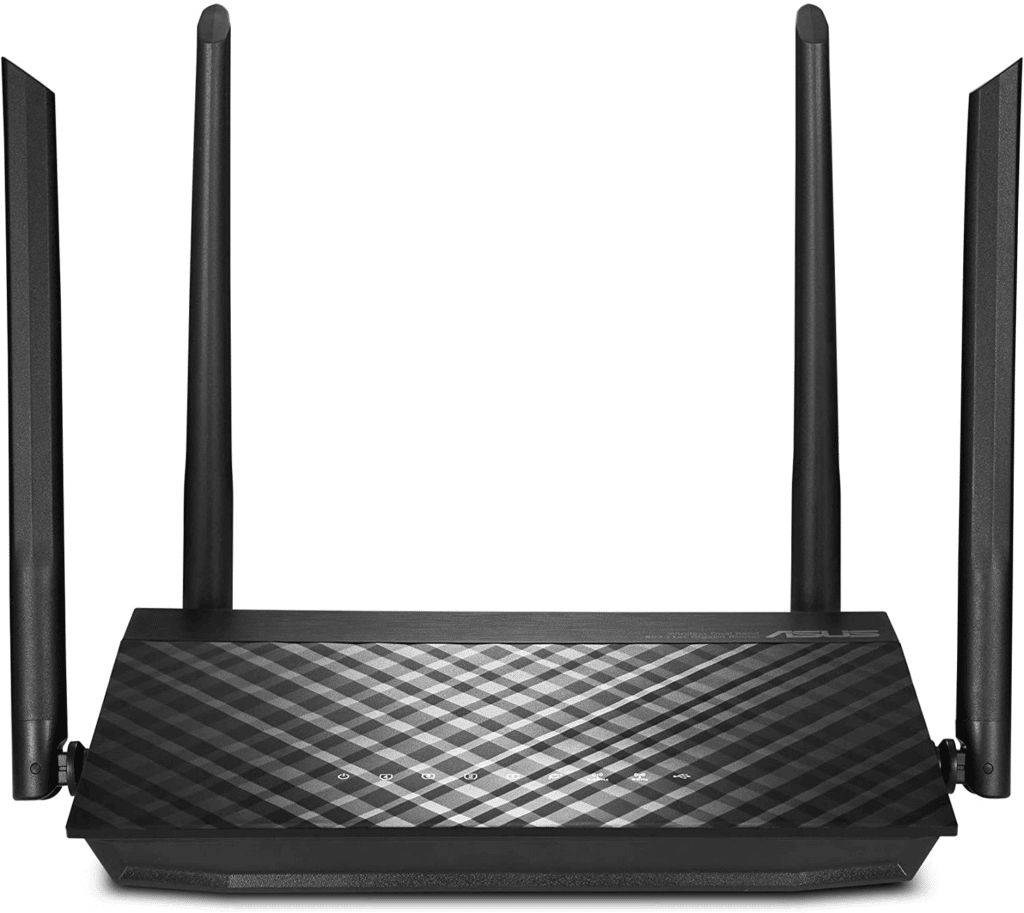
If you want parental controls on a budget, the ASUS AC1200 RT-ACRH12 is a smart choice. Despite its lower price, it covers homes up to 3,000 square feet and delivers enough speed for 4K streaming and casual gaming.
You can manage the router through the ASUS web interface or the ASUS Router mobile app. The parental control features let you block specific websites, set daily time limits, and monitor browsing activity across all connected devices, all without a subscription fee.
The router also supports VPN connections, which adds a layer of privacy for anyone on your network who wants to mask their location while browsing. For families looking for affordable content filtering without sacrificing performance, this is a solid option.
Features:
- 802.11ac wifi technology
- Free parental controls with no subscription
- Coverage up to 3,000 square feet
What to Look for in a Parental Control Router
Not all parental control features are created equal. When shopping for a router, focus on these three areas:
Content Filters: Look for a router that offers category-based or keyword-based content filtering, not just a blanket on/off toggle. The best options let you customize what gets blocked for each family member so adults and kids can have different browsing rules.
Time Management: Most routers offer basic scheduling, but good parental controls include recurring weekly schedules, one-tap internet pauses, and per-device time limits. This makes it easy to enforce screen time rules during homework hours, meals, or bedtime.
User Profiles: Individual profiles let you assign specific rules to specific devices. That way, restrictions apply only to your children’s tablets and phones while leaving adult devices unrestricted. The best systems let you group multiple devices under one profile.
Our Top Pick
For most families in 2026, the Synology RT2600ac is the best overall parental control router. Its free Safe Access parental controls, strong Wi-Fi coverage through four antennas, and easy setup make it a well-rounded choice. You get thorough content filtering and scheduling without any ongoing subscription costs.
Bottom Line
Your router is only as fast as your internet plan. See which providers and speed tiers are available in your area.
Smart home heavy? Check our best routers for smart homes.
For a roundup of the top picks, see our best WiFi router guide with models for every budget.
The right parental control router depends on your household size, budget, and how much control you need over your family’s internet usage. All seven routers on this list offer solid parental features, but they differ in speed, coverage area, and whether the controls are free or subscription-based. Match your needs to the right model and you will have reliable oversight over your network.