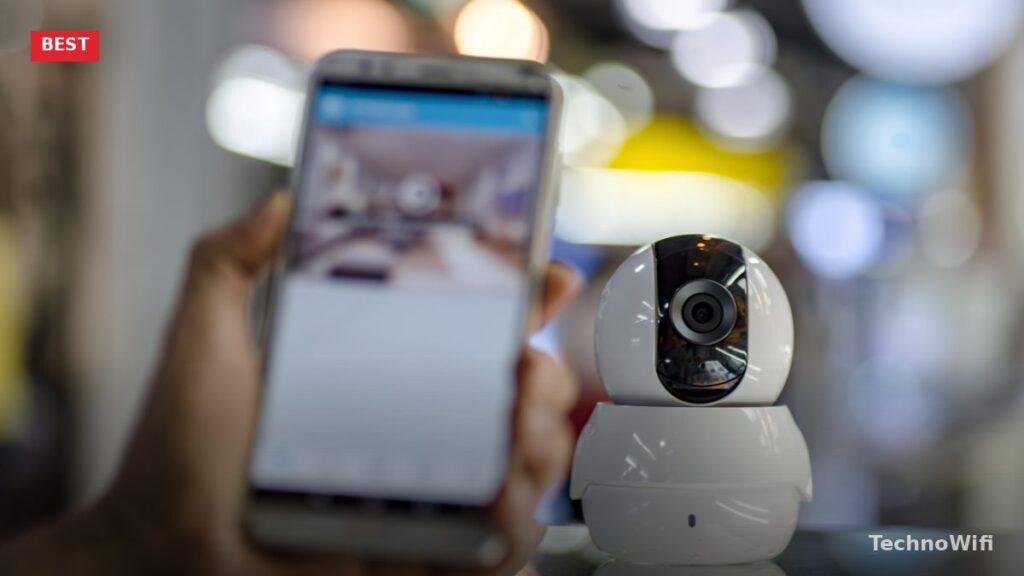
Best Security Camera Apps in 2026
You do not always need expensive hardware to keep an eye on your home. If you have an old smartphone or tablet collecting dust in a drawer, a security camera app can turn it into a working surveillance camera with motion detection, alerts, and even cloud recording.
These apps work by using your spare device’s built-in camera as the recording unit and your primary phone as the viewfinder. Most of them support both Android and iOS, and several offer free tiers with enough features to cover basic home monitoring.
While dedicated security camera systems from brands like Ring and Nest come with their own apps, third-party security camera apps are a great option if you want to repurpose old hardware or set up temporary surveillance without buying new equipment. Here are five of the best security camera apps worth trying in 2026.
1. Alfred Home Security Camera
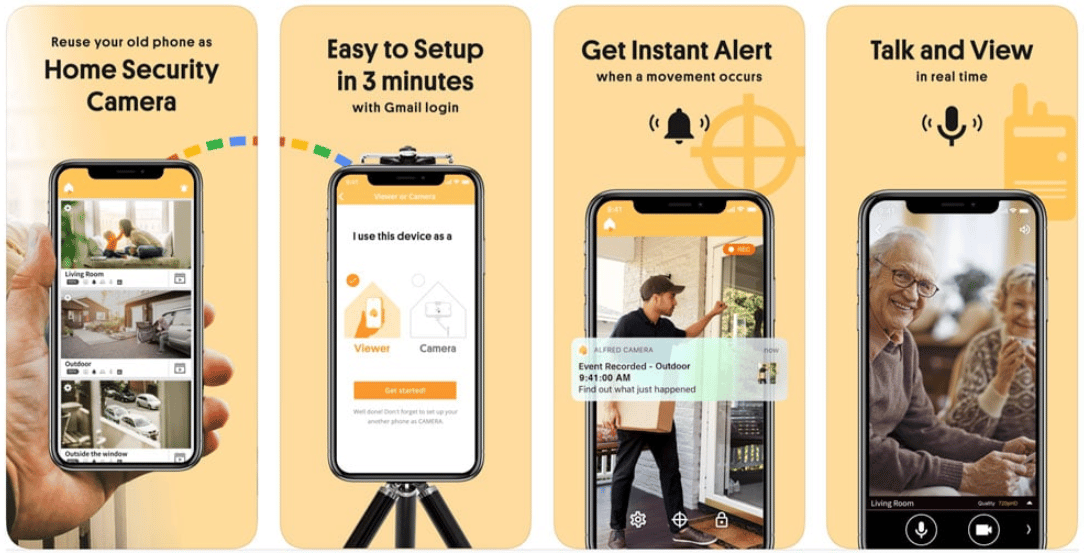
Alfred is one of the most popular security camera apps on both Android and iOS, and for good reason. The concept is simple: install the app on two devices, designate one as the camera and the other as the viewer, and you have a working surveillance setup in minutes.
The free version includes motion detection, which triggers recording automatically when movement is spotted. All captured footage is uploaded to a free cloud account, so you can review clips later even if something happens to the recording device. You also get a live feed you can check at any time from the viewer device.
Premium features like zooming, HD recording, and extended cloud storage require a paid subscription. One thing to keep in mind: the app can be resource-heavy on older devices, and some users report occasional crashes on phones with limited RAM. If your spare device is relatively recent (within the last 4 to 5 years), you should be fine.
2. AtHome Camera Surveillance App
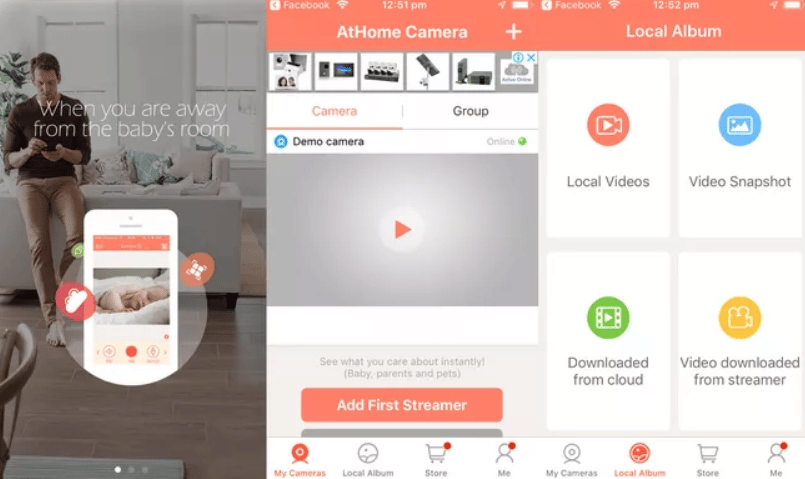
AtHome Camera stands out from other surveillance apps thanks to its built-in facial recognition. Rather than simply detecting motion, the app can identify when a person enters the frame and begin recording specifically in response to human activity. It then creates a short animated GIF of the detected person and sends a push notification to your viewer device.
If you want to go deeper, we have a separate guide on 4K security cameras.
The app works on iPhones, iPads, and iPod Touch devices running iOS 7 or later, and there is also an Android version. You can view recorded footage on another mobile device or on a PC through the AtHome web portal.
Cloud storage for recordings is available through a monthly subscription. The free tier gives you basic motion detection and live viewing, which may be enough if you just need to keep tabs on a single room or entryway.
3. Manything
ManythingManything is a free app that turns any Android device (4.2 or higher) or iOS device (8.0 or higher) into a security camera with live streaming and motion alerts. The interface is clean, and getting started takes just a couple of minutes.
One feature that sets Manything apart is two-way audio. You can talk through the camera phone’s speaker from your viewer device, which is useful for scaring off an intruder, calming a pet, or using the setup as a baby monitor. The motion detection sensitivity is adjustable, so you can fine-tune it to avoid false alerts from pets or passing shadows.
The free plan covers one camera device. If you want to use multiple phones as cameras or need cloud recording, you will need to move to a paid plan. Pricing is reasonable compared to buying a dedicated camera system.
4. TrackView
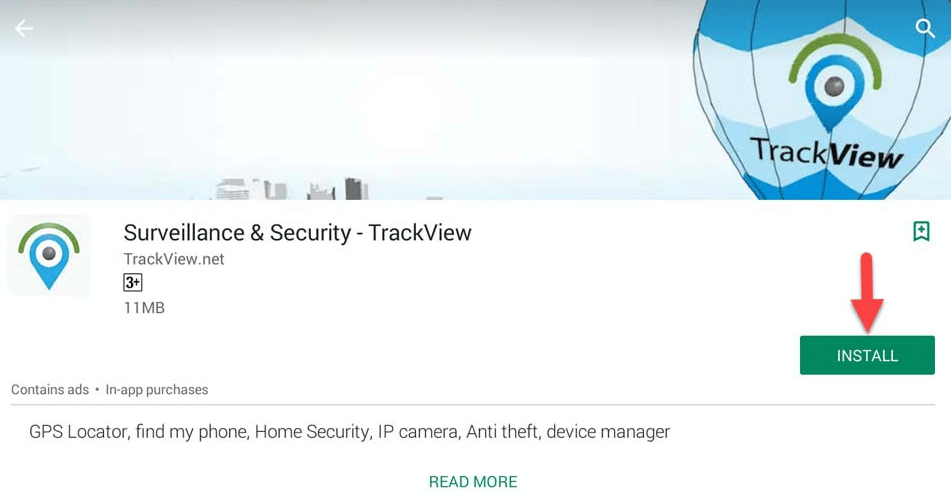
TrackView bundles several features into one app: security camera surveillance, GPS phone tracking, a family locator, and two-way audio. It works across Android, iOS, Windows, and macOS, which gives you more flexibility in what devices you can repurpose as cameras.
For related tips, check out our full guide on outdoor home security cameras.
The security camera features include motion detection, night vision mode, remote video and audio recording, and cloud storage for captured footage. You can also set up event-triggered alerts, so you only get notified when something actually happens in the camera’s view.
TrackView offers several subscription tiers. The free version has limited features and shows ads, while paid plans unlock HD recording, extended cloud storage, and ad-free use. The higher tiers can get pricey, but the basic paid plan covers what most home users need. Setup takes less than a minute, and you do not need any additional hardware or wiring.
5. WardenCam
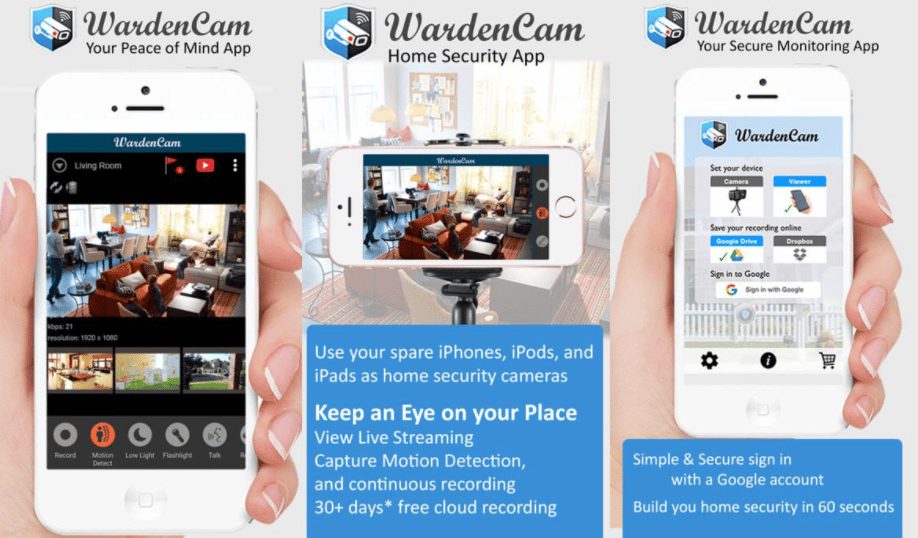
WardenCam is a lightweight security app that works over Wi-Fi, 3G, and 4G networks. It offers motion detection with customizable sensitivity, two-way audio, and cloud backup through Dropbox or Google Drive rather than a proprietary storage system.
That cloud storage approach is a nice touch. Instead of paying for yet another subscription service, you can store recordings in your existing Dropbox or Google Drive account. You can view live footage and past recordings from your viewer device at any time.
The app is a good fit for quick, temporary setups. Want to check whether your packages arrived, see what your dog does while you are at work, or keep an eye on an elderly family member? WardenCam handles all of those scenarios without requiring any permanent installation or monthly fees beyond your existing cloud storage plan.
Picking the Right App
All five of these apps can turn a spare phone into a functioning security camera, but they each have a different strength. Alfred is the most straightforward for basic home monitoring. AtHome Camera offers facial recognition at a budget price. Manything excels at two-way communication. TrackView packs in GPS tracking alongside surveillance. And WardenCam keeps things simple with Dropbox and Google Drive integration.
Before choosing, consider how many cameras you need, whether you want cloud storage included or prefer to use your own, and how old the spare device is. Most of these apps run well on phones from the last few years, but very old devices may struggle with live streaming and motion detection running simultaneously.