When you purchase through links on our site, we may earn an affiliate commission. Here’s how it works.
Mesh WiFi Routers: The Best Options for Full Home Coverage
A mesh WiFi system uses multiple nodes placed around your home to create one unified wireless network. Rather than depending on a single router to push signal through walls and floors (and often falling short), mesh nodes hand off your connection as you move from room to room. You stay on the same network name, and the switch between nodes happens automatically without any interruption.
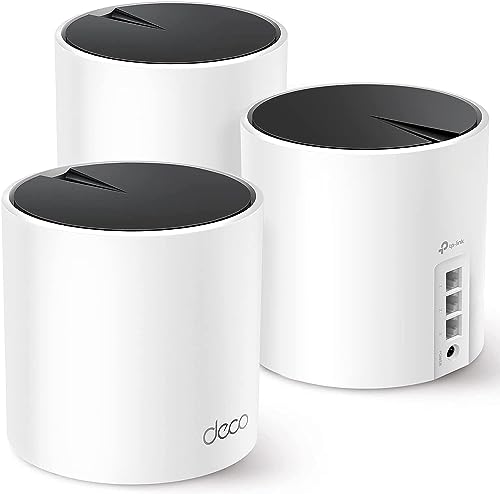
Standard routers work fine in small apartments and open-plan spaces. Once you introduce multiple floors, thick walls, or distances over 1,500 square feet, dead zones start showing up. That is exactly where mesh systems justify their price. They cost more than a single router, but they solve coverage problems that no standalone device can handle on its own.
How to Pick the Right Mesh WiFi System
Home size is the single biggest factor. Most mesh systems come in 2-pack or 3-pack configurations. A 2-pack typically covers 3,000 to 4,000 square feet. Three nodes push coverage to 5,000 to 7,500 square feet depending on the system. If your home is under 2,000 square feet with an open layout, you likely do not need mesh at all, as a good standalone router will do the job.
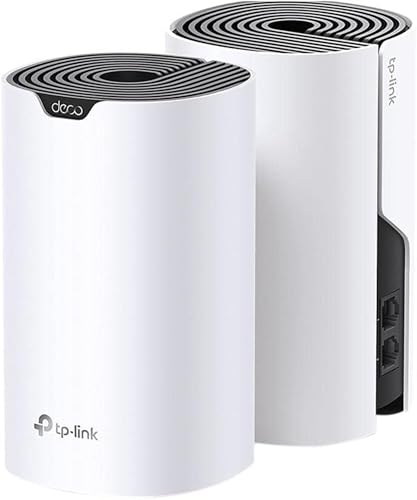
The WiFi standard matters too. WiFi 6 (802.11ax) is the current mainstream standard, delivering faster speeds, better performance with many devices online, and improved power efficiency. WiFi 6E adds a 6 GHz band that cuts congestion in dense environments. WiFi 7 is starting to appear in premium systems, but device support for WiFi 7 is still limited. For most homes in 2026, WiFi 6 or 6E hits the right balance between performance and price.
Best Mesh WiFi Routers Compared
| System | WiFi Standard | Coverage (2-pack) | Speed Rating | Price Range |
|---|---|---|---|---|
| Google Nest WiFi Pro | WiFi 6E (tri-band) | Up to 4,400 sq ft | AXE5400 | $200 to $400 |
| Eero Pro 6E | WiFi 6E (tri-band) | Up to 4,000 sq ft | AXE5400 | $250 to $450 |
| Netgear Orbi RBK863S | WiFi 6E (quad-band) | Up to 8,000 sq ft | AXE11000 | $700 to $1,100 |
| TP-Link Deco XE75 | WiFi 6E (tri-band) | Up to 5,500 sq ft | AXE5400 | $200 to $350 |
| ASUS ZenWiFi ET8 | WiFi 6E (tri-band) | Up to 5,500 sq ft | AXE6600 | $300 to $500 |
Best Overall: Google Nest WiFi Pro
Google’s latest mesh system is one of the easiest to set up and manage on the market. The Google Home app walks you through placement, network naming, and device connections in about 10 minutes. The tri-band WiFi 6E hardware is fast enough for streaming, gaming, and video calls across a busy household, and the compact puck design blends into most rooms without looking like networking hardware.
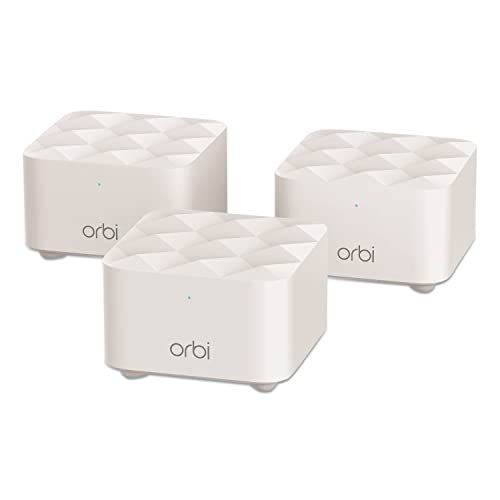
The trade-off is limited advanced features. Power users who want port forwarding controls, QoS settings, or detailed traffic monitoring will find the Google Home app too basic. There is no web-based admin interface, so everything goes through the app. If that does not bother you and you just want WiFi that works everywhere without fuss, the Nest WiFi Pro delivers exactly that.
We also cover WiFi router for large home in a separate article worth checking out.
Best Value: TP-Link Deco XE75
TP-Link consistently undercuts the competition on price without cutting corners on performance. The Deco XE75 gives you tri-band WiFi 6E, covers up to 5,500 square feet with a 2-pack, and supports over 200 connected devices. The Deco app is clean and easy to use, with parental controls, device prioritization, and a basic antivirus scanner built in at no extra subscription cost.
The hardware will not win design awards since the cylindrical nodes are functional but plain. Speed tests show performance slightly behind the Eero Pro 6E and Orbi, but the gap is negligible for day-to-day home use. At roughly $100 less than comparable systems, the Deco XE75 offers the best value in the WiFi 6E mesh category right now.
Best for Large Homes: Netgear Orbi (RBK863S)
When budget is not the primary concern and you need to blanket a large home with fast, reliable WiFi, the Orbi RBK863S is the system to buy. It is quad-band, meaning it has a dedicated backhaul channel reserved for communication between nodes. That frees up the bands your devices actually connect to, keeping them clear of node-to-node traffic. This makes a real difference in homes with 30 or more connected devices.
A 3-pack covers up to 10,000 square feet. The main router unit has a 10-Gigabit Ethernet port for future-proofing, and each satellite includes four Gigabit Ethernet ports for wired connections. The downside is the price, as the 3-pack routinely sells for over $1,000. Netgear also pushes its Armor security subscription at $100 per year, though the system works perfectly fine without it.
Best for Easy Setup: Eero Pro 6E
Amazon’s Eero line rivals Google Nest when it comes to simplicity. The setup app is straightforward, and Eero handles most optimization automatically, including channel selection, band steering, and firmware updates. You plug in the nodes, follow the app prompts, and let the system take care of the rest. The hardware supports WiFi 6E with tri-band, and performance is strong across a busy household.
Eero offers an optional subscription called Eero Plus ($10 per month) that adds ad blocking, VPN protection, and password management. The system works perfectly well without the subscription, but the ad blocking alone is worth considering if you are tired of ads popping up on every device. One thing to be aware of: Eero is owned by Amazon, so your network usage data feeds into Amazon’s ecosystem unless you opt out in the settings.
If you are still exploring options, our WiFi router for multiple devices guide is a solid next read.
Best for Power Users: ASUS ZenWiFi ET8
ASUS gives you the most control over your network without requiring a networking degree. The admin interface (available through the ASUS Router app or a web browser) lets you configure QoS, set up a VPN server, manage port forwarding, create a separate IoT network, and monitor traffic per device. AiProtection (powered by Trend Micro) provides network security at no extra cost for the lifetime of the device.
In terms of performance, the ET8 holds its own against the Orbi and Eero Pro. Coverage reaches 5,500 square feet with a 2-pack, and each node has a 2.5-Gigabit WAN port for faster internet connections. If you are the kind of person who wants to see exactly what every device on your network is doing and fine-tune things to your preferences, the ASUS is the mesh system built for you.
Mesh WiFi vs WiFi Extender: Which Do You Need?
WiFi extenders are cheaper but they create a separate network (or a weaker extension of your existing one). Your devices do not roam smoothly between the router and the extender, and speeds typically drop by 50% on the extended network because the extender reuses the same band to receive and rebroadcast the signal.
Mesh systems cost more but create a single, unified network. Devices switch between nodes automatically, speeds stay consistent throughout the house, and every node communicates with every other node to find the best path for your data. For homes with persistent dead zones, mesh is worth the extra investment. For a single room that just needs a boost, an extender gets the job done for $30 to $60.
How many mesh nodes do I need?
For most homes under 3,000 square feet with standard drywall construction, a 2-pack will be plenty. Homes between 3,000 and 5,000 square feet, or those with brick or concrete walls, typically need 3 nodes. Place nodes roughly 30 to 40 feet apart so they maintain a strong connection between them while extending coverage meaningfully. Avoid placing nodes in closets or behind furniture, since that blocks signal.
Do mesh routers slow down your internet?
No. A well-designed mesh system delivers speeds close to what your ISP provides. Some older dual-band mesh systems lose speed on the hop between nodes because they share bandwidth between backhaul and client connections. Tri-band and quad-band systems with dedicated backhaul channels avoid this problem entirely. If your internet plan is 500 Mbps, a modern mesh system should deliver 400+ Mbps consistently throughout your home.
Can I mix mesh nodes from different brands?
Picking the right router starts with knowing your internet plan. Use our ISP coverage checker to see what speeds and providers are available at your address.
No. Mesh nodes need to come from the same product family to communicate properly. You cannot pair a Google Nest node with an Eero satellite. Some brands allow you to mix generations within the same line (for example, Eero 6+ nodes can work alongside Eero Pro 6E nodes), but check compatibility before buying. Sticking with one system gives you the simplest and most reliable experience.
