When you purchase through links on our site, we may earn an affiliate commission. Here’s how it works.
How to Choose the Best Wi-Fi Router for Multiple Devices
Want to connect a bunch of devices to your Wi-Fi at the same time? Most routers claim they can handle it, but in practice, only a handful actually distribute the signal evenly across all your gadgets without choking.
Before you go shopping, keep one thing in mind: no router, no matter how expensive, can deliver faster speeds than what your ISP gives you. That’s a hard ceiling.
To find out your actual speed, plug a device directly into your modem with an Ethernet cable and run a speed test. That number is your baseline, and it’s the maximum any router can work with.
Recommended list of the Best Wi-Fi Router for Multiple devices
| Best Router for Multiple devices | Wireless type | Processor type | Wifi speed limit |
|---|---|---|---|
| Netgear Nighthawk X10 | 802.11ad | 1.7GHz quad-core processor | Tri-band up to 800 + 1733 + 4600 Mbps - for 60Ghz band devices |
| TP-Link Deco Mesh Wifi system | 802.11ac | Qualcomm Quad-Core Processor | Up to 3000mbps |
| D-Link Wifi Router AC3000 | 802.11n, 802.11b, 802.11ac, 802.11g | Dual-core processor | Up to 3000mbps |
| TRENDnet AC3000 | 802.11ac | NA | up to 1733Mbps (5GHz1) + 867Mbps (5GHz2) + 400Mbps (2. 4GHz) bands |
| Juplink WiFi 6 Router-AX1800 | 802.11 a/b/g/n/ac/ax | 1.8GHz quad-core processor | up to 1.8Gbps |
1. Netgear Nighthawk X10
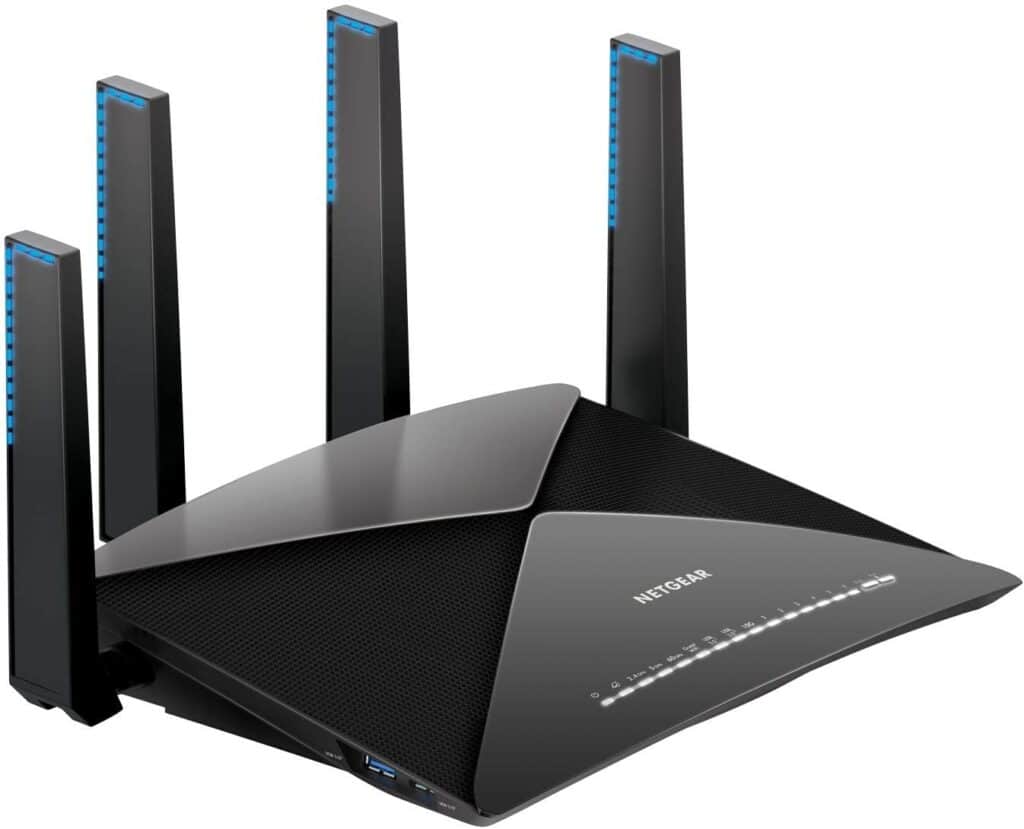
Netgear Nighthawk x10
Our number one pick, the Netgear Nighthawk x10, packs a 1.7 GHz quad-core processor and a built-in Plex media server. It’s a powerhouse.
When it comes to handling multiple devices, this router leaves competitors in the dust. It’s compatible with Amazon’s Alexa and Google Home, so you can manage it with voice commands from anywhere in your house.
The speed is impressive, and it can keep a steady connection to up to 45 devices at once without breaking a sweat.
You also get 4 amplified antennas, BeamForming+, MU-MIMO, and Dynamic QoS. These features work together to make sure every connected device gets its fair share of bandwidth.
It’s compatible with Windows 7, 8, 10, Vista, XP, 2000, Mac OS, UNIX, and Linux. Browser support includes Internet Explorer 5.0, Firefox 2.0, Safari 1.4, and Google Chrome 11.0 or higher.
Our guide on Wi-Fi extender goes into more detail if you need it.
Yes, the price tag is higher than most routers on this list. But the performance and connectivity you get in return make it a solid investment.
2. TP-Link Deco Mesh Wifi system
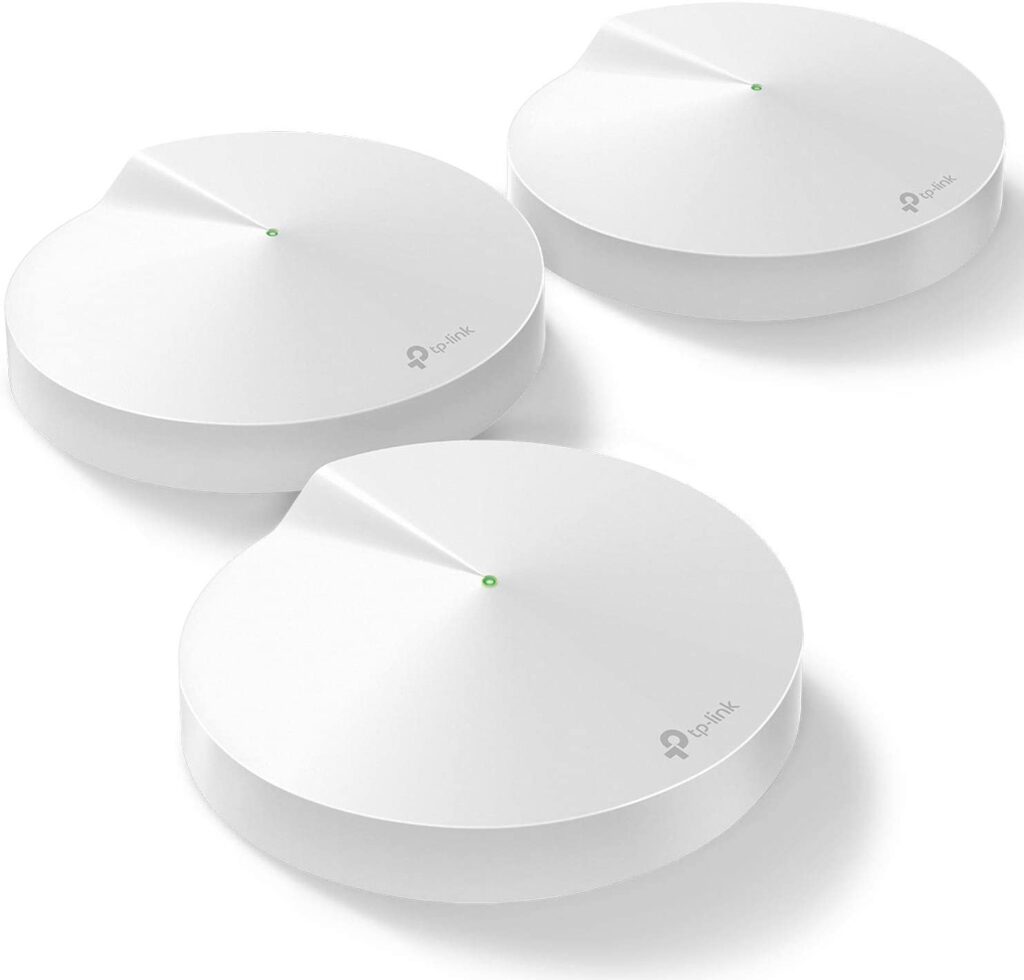
TP-Link Deco Mesh
The TP-Link Deco Mesh has won awards around the world for its reliable performance, and for good reason.
This isn’t just a standalone router. It’s a complete Wi-Fi system that can handle more than 100 devices at the same time. That’s pretty wild.
The system uses 3 units to cover your entire home, wiping out dead zones in the process. It covers up to 5,500 sq ft of space with a consistent connection. For most homes, that’s more than enough.
On top of that, you get a free lifetime subscription to TP-Link HomeCare. This includes antivirus protection, Quality of Service settings, and parental controls that actually work.
3. D-Link Wifi Router AC3000
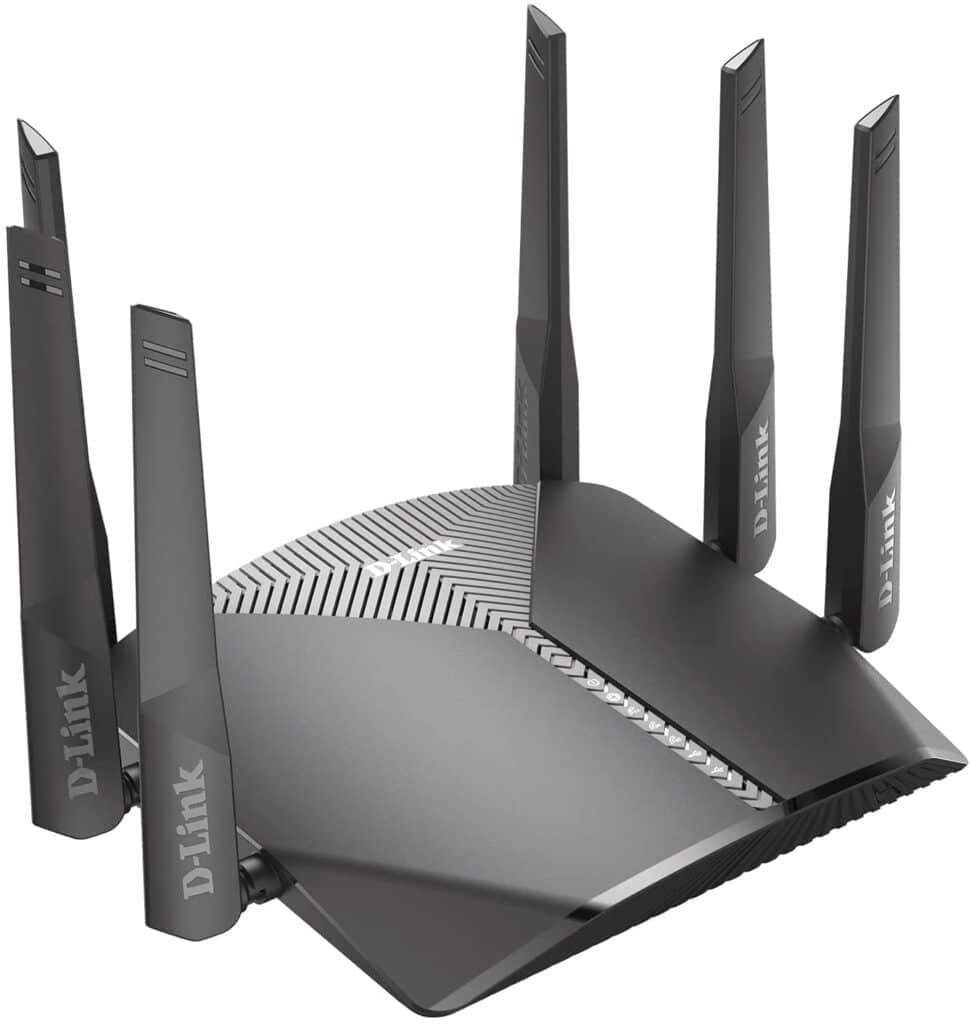
D-Link AC3000
If you need a router that handles lots of devices and doubles as a gaming router, the D-Link AC3000 is worth a close look.
Depending on your ISP plan, it can deliver combined Wi-Fi speeds of up to 400 Mbps (2.4 GHz) + 866 Mbps (5 GHz) + 1733 Mbps (5 GHz). Those are serious numbers.
We also wrote a hands-on guide on WiFi extenders for home that you might find useful.
It works with Google Assistant and Amazon’s Alexa, so you can control it hands-free. You can also manage everything through the free D-Link Wi-Fi app on your phone.
Parents will appreciate the profile-based parental controls. You can set time limits and track online activity for each family member individually.
4. TRENDnet AC3000
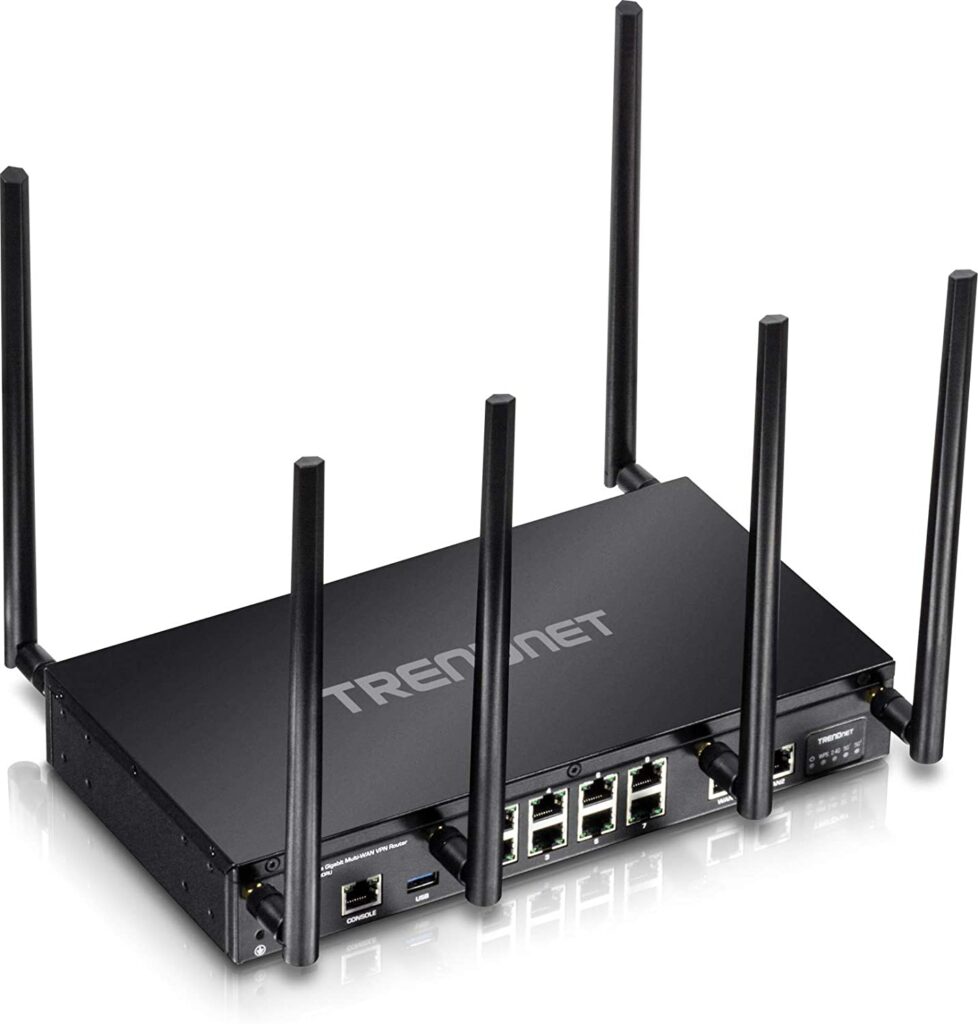
TRENDnet AC3000
The TRENDnet AC3000 pushes device networking speeds with two separate high-performance 802.11ac networks: up to 1733 Mbps (5 GHz band 1) + 867 Mbps (5 GHz band 2) + 400 Mbps (2.4 GHz).
It has dual WAN ports for load balancing and encrypted VPN access for remote users. That means less network downtime and more consistent performance across all your devices.
For more advanced users, it includes QoS management, IEEE 802.1Q inter-VLAN routing, and VPN support through SSL, IPsec, PPTP, and L2TP w/IPsec. These features give you fine-grained control over your network’s performance and security.
5. Juplink WiFi 6 Router-AX1800
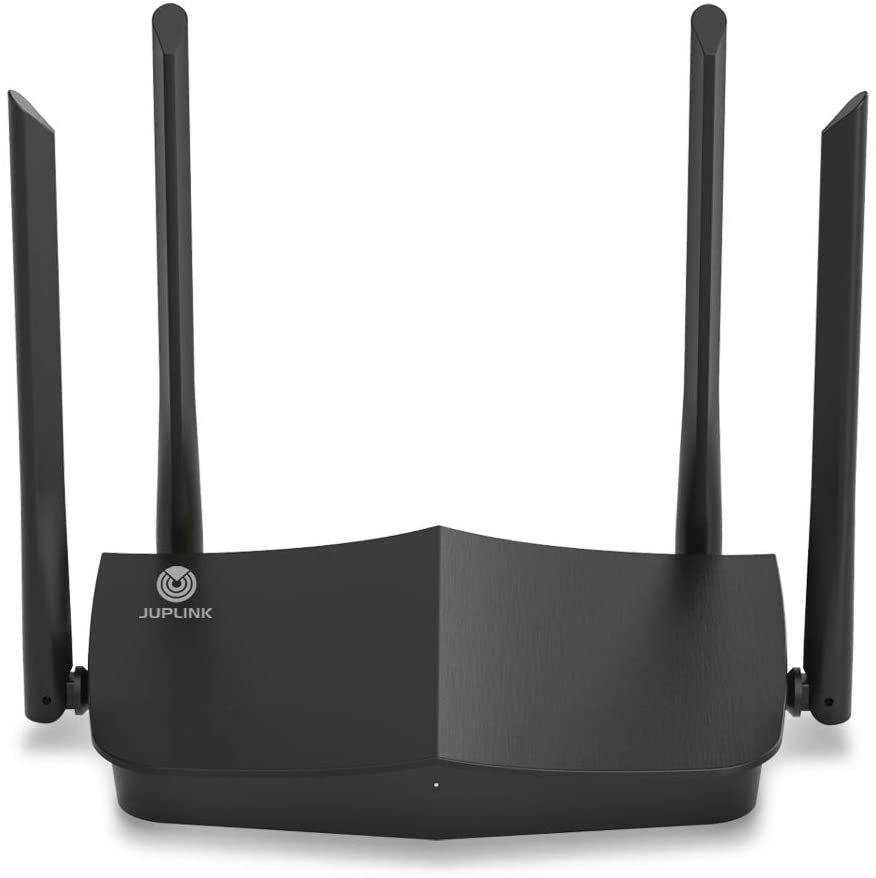
Juplink WiFi 6
The Juplink AX1800 runs on WiFi 6 technology, using both 2.4 GHz and 5 GHz bands to deliver speeds up to 1.8 Gbps with 4x the network capacity of older routers. It’s built for busy households.
With 1x Gigabit WAN Port and 4x Gigabit LAN Ports, you can keep multiple devices connected without worrying about signal drops.
Stream video, game online, and run live streams across up to 48 devices simultaneously. It handles the load.
The 4 external antennas (5 dBi each) paired with 4 separate front-end modules provide reliable coverage even in larger spaces. And the price is very reasonable for what you get.
The bottom line for the Best router for Multiple devices
When you’re shopping for a router to handle multiple devices, pay attention to features like MU-MIMO, BeamForming, and the number of frequency bands. These are the things that actually make a difference when 10, 20, or 40 devices are fighting for bandwidth.
Do your homework on these specs, and you’ll end up with a router that keeps everything connected and running smoothly.
Not sure which router to get? Our best WiFi router picks cover every price range and use case.
Smart home heavy? Check our best routers for smart homes.
Picking the right router starts with knowing your internet plan. Use our ISP coverage checker to see what speeds and providers are available at your address.
For combined picks, see our best routers and extenders.
