How to Shoot a Travel Video Like a Pro
Knowing how to shoot a travel video turns ordinary vacation clips into something people actually want to watch. Whether you’re filming a weekend road trip or a month-long backpacking journey, a little planning and the right approach will make your footage stand out.
We all love looking back at travel memories. Photos are great, but video captures the energy of a place in a way still images can’t. The sound of a busy market, the motion of waves crashing, the chaos of a foreign city at rush hour. That’s what video preserves.
The tips below will help you plan, film, and edit travel videos that feel polished without needing a film degree or expensive gear.
5 Tips for Shooting Better Travel Videos
1. Study What Works
Before your trip, spend time watching travel videos from creators who are doing it well. Pay attention to how they frame shots, how long each clip lasts, and how they transition between scenes.
You’ll start noticing patterns. Good travel videos mix wide establishing shots with tight close-ups. They vary their pacing. They use natural sound alongside music. Watching with a critical eye teaches you more than any tutorial.
YouTube is the obvious starting point. Search for travel vloggers who visit destinations similar to yours and study their editing style, camera movements, and storytelling structure.
2. Plan Before You Pack
Great travel videos don’t happen by accident. Before you leave, think about what kind of video you want to create.
Are you vlogging with narration? Building a cinematic highlight reel set to music? Creating a practical travel guide? Each style calls for different shots and different gear.
Looking for more? We have a dedicated guide on how to increase FPS on a laptop.
Make a rough shot list. Think about the locations you’ll visit and what moments you want to capture. Having a plan doesn’t mean you can’t be spontaneous, but it keeps you from coming home with 200 random clips and no story.
3. Pack the Right Gear
You don’t need a Hollywood-level kit, but bringing the right equipment makes a real difference.
At minimum, you’ll want a camera that shoots at least 1080p (4K is better if your camera supports it), a small tripod or stabilizer, and an external microphone. Built-in camera mics pick up too much wind and handling noise for travel footage.
For adventure activities like hiking, kayaking, or motorcycling, a GoPro or similar action camera is worth bringing along.
Essential gear to pack:
- An external microphone
- An extra memory card
- Spare batteries or a portable charger
- An extra data cable
- A compact tripod or gimbal stabilizer
Keep your camera bag organized. Professional travel videographers keep accessories separated so they can swap gear quickly without missing a shot.
4. Use Smart Filming Techniques
Once you’re on location, a few simple habits will improve your footage dramatically.
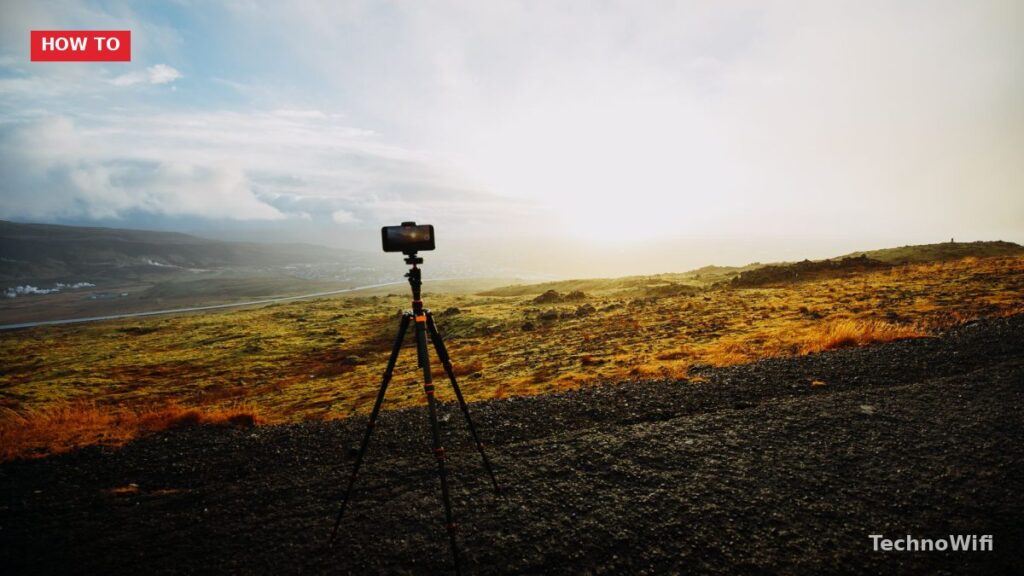
Keep your camera steady. Shaky footage is the number one thing that makes travel videos look amateur. Use a tripod when you can, and brace your arms against your body when shooting handheld.
We also cover do i need 32gb of RAM for video editing in a separate article worth checking out.
Avoid zooming while recording. Instead, physically move closer to your subject or switch lenses. Digital zoom degrades quality, and the zooming motion looks jarring in the final edit.
Focus on your subjects. Whether it’s a street vendor, a mountain view, or your travel partner’s reaction, hold shots for at least 5 to 10 seconds. Short clips are hard to work with in editing.
Don’t forget your smartphone either. Modern phone cameras shoot excellent video and are great for quick clips, time-lapses, and selfie angles your main camera can’t capture.
5. Edit With Purpose
Editing is where your travel video comes together. You’ll take all those individual clips and build them into something with flow and rhythm.
Pick editing software that matches your skill level. Free options like iMovie or DaVinci Resolve work well for beginners. Filmora and Adobe Premiere Pro offer more control as your skills grow.
Look for software that includes basic features like trimming, cropping, speed adjustment, and audio mixing. Background music makes a big difference, so choose tracks that match the mood of your footage. Most editors include royalty-free music libraries.
Cut aggressively. Most beginners leave clips too long. Your viewers don’t need to see every second of every scene. Keep the best moments and cut the rest.