Best Free Antivirus for Mac OS in 2026
If you think your Mac doesn’t need antivirus protection, it’s time to reconsider. The idea that Macs are immune to malware is outdated. Finding a good free antivirus for Mac has become just as important as it is for Windows users.
According to security research, Mac-targeted malware has been growing steadily over the past few years. Ransomware, adware, and phishing attacks all target macOS now, and leaving your system unprotected is a real risk.
The good news? You don’t have to spend money to get decent protection. Below are some of the best free antivirus programs you can install on your Mac right now. These aren’t limited trial versions. They’re genuinely free tools that offer real protection against common threats.
Avast Free Antivirus for Mac

Avast has been a go-to free antivirus on Windows for years, and their Mac version holds up just as well. You get a full set of security features without being pressured into upgrading or paying for definition updates.
It’s one of those rare free antivirus tools that actually feels complete rather than stripped down. Here’s what you get:
Virus and Threat Protection
The free version catches viruses of all kinds, including ransomware, trojans, adware, and unwanted bots coming from the internet or external media like USB drives.
Firewall and Network Protection
Avast includes a free firewall that blocks unauthorized remote access to your Mac. This is a feature that many free antivirus tools skip entirely, so it’s a nice bonus.
App and Browser Control
The antivirus monitors your browser activity and installed apps for suspicious behavior. If you accidentally click on a malicious link, Avast steps in and blocks the page before any damage is done.
Bitdefender Free Antivirus for Mac
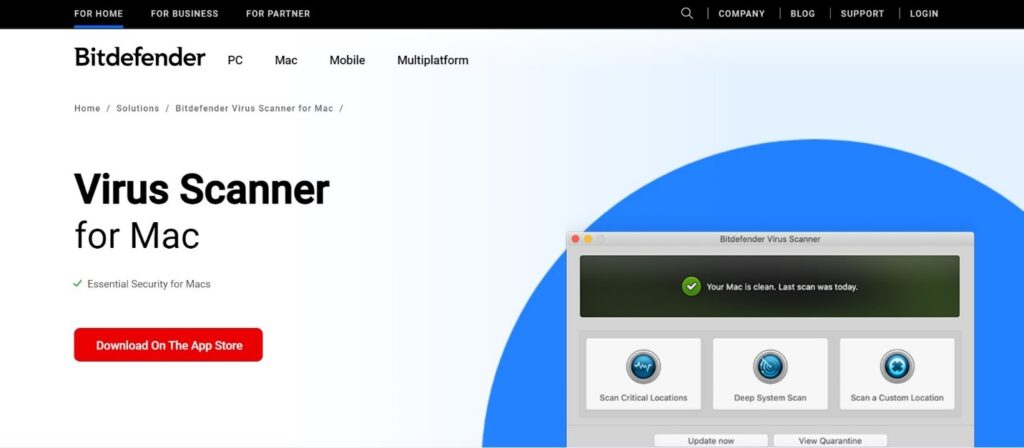
Bitdefender’s free Mac antivirus is designed to give you a taste of their full product, but even the free tier offers solid protection. You won’t have to worry about basic ransomware or malware sneaking onto your system as long as you keep it updated.
Some of the features included in the free version:
- Real-time protection against viruses and malware
- Browsing protection that flags dangerous websites
- Adware detection and removal
Bitdefender also has paid packages for Mac users that add things like a built-in VPN and advanced threat detection. The free version is a great way to test their product before deciding if the upgrade is worth it for you.
AVG Free Antivirus for Mac
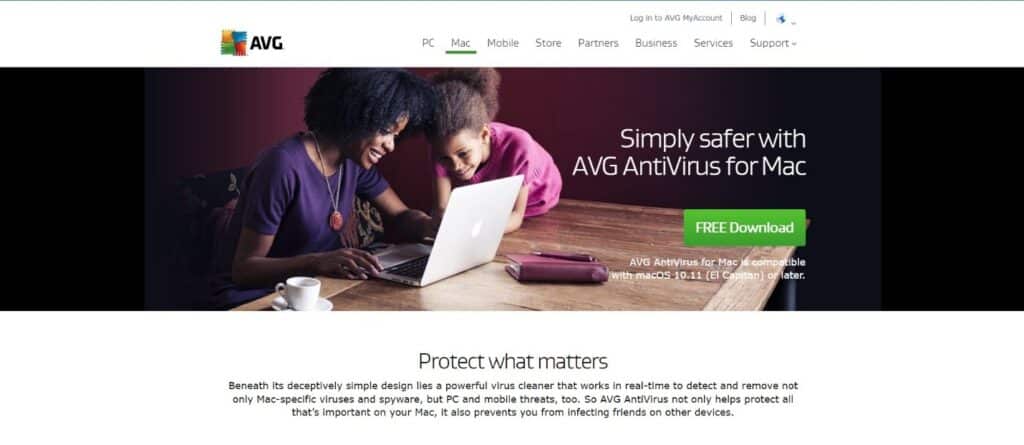
AVG’s Mac version mirrors what you get on their popular Windows product. If you’ve used AVG on a PC before, you’ll feel right at home with the Mac edition. And yes, it’s completely free with no forced upgrades after a trial period.
AVG is one of the most established names in antivirus software, so their protection engine is well tested and reliable.
Features you get with AVG Free Antivirus for Mac:
- Virus and ransomware protection
- Link protection that blocks unsafe links, infected downloads, and malicious email attachments
- File and app scanning on demand
- Free virus definition updates
AVG is one of the few companies that offers a genuinely usable, mostly ad-free product for Mac. They don’t nag you to upgrade constantly, which is a refreshing change from some competitors.
Avira Free Antivirus for Mac
Avira packs a surprising amount into their free Mac antivirus. You get features that other companies charge for, like real-time cloud-powered virus scanning and a free VPN.
If you’ve used Avira on Windows, you already know they’re generous with their free tier. The Mac version follows the same philosophy.
Features included in Avira’s free Mac antivirus:
- Real-time virus scanning and protection
- Quarantine management for flagged files
- A free VPN (with data limits)
- Junk file remover
- Privacy protection features
Avira’s Mac app runs light and doesn’t hog your CPU, which matters if you’re on an older MacBook. You can always upgrade to the paid version later for extras like password management and expanded cloud protection.
Sophos Home Protection for Macs

Sophos is mainly known as an enterprise cybersecurity company, but they have a solid free home protection tool for Mac users too. It’s built on the same technology they use for business clients, which is reassuring.
You can install it directly on your Mac or set it up on a standalone Sophos device if you have one.
Features included in Sophos Home Protection for Mac:
- Real-time Mac antivirus scanning
- Parental website monitoring and filtering
- Web protection against phishing and malicious sites
- Remote management so you can monitor security from another device
Don’t Skip Mac Security
Mac users shouldn’t get complacent just because Apple’s ecosystem is more locked down than Windows. Threats are real and growing. A free antivirus won’t stop every sophisticated attack, but it will keep you safe from the most common dangers like phishing pages, adware bundles, and basic ransomware. There’s no reason not to install one.
![AVG Ultimate 2024 | Antivirus+Cleaner+VPN | 5 Devices, 2 Years [PC/Mac/Mobile Download]](https://www.technowifi.com/wp-content/uploads/2026/08/avg-ultimate-2024-antiviruscleanervpn-5-devices-2-years-pc-mac-mobile-download.jpg)
![Norton 360 Deluxe 2024, Antivirus software for 3 Devices with Auto Renewal - Includes VPN, PC Cloud Backup & Dark Web Monitoring [Download]](https://www.technowifi.com/wp-content/uploads/2026/08/norton-360-deluxe-2024-antivirus-software-for-3-devices-with-auto-renewal-1.jpg)