Best Docking Station for HP Laptop
The best docking station for HP laptop lets you connect monitors, keyboards, mice, and other peripherals through a single cable. Instead of plugging and unplugging devices every time you sit down at your desk, a dock turns your laptop into a full workstation in seconds.
These docking stations act as port replicators, giving you access to USB ports, display outputs, ethernet, and sometimes charging, all through one connection. That’s a big deal when modern laptops keep cutting down on built-in ports.
Here are six of the best docking stations for HP laptops, selected for their compatibility, port selection, and overall value.
6 Best Laptop Docking Stations for HP
| Docking station | Type | Ports | Weight |
|---|---|---|---|
| HP USB-C Dock G55TW10AA | HP USB-C dock G5 | 1 x powered USB 3.0, 1 x USB-C (power port), USB-C 1 x Audio 1 x Super speed USB 3.0 1 x network 2 x Display/ video - DisplayPort 1 x Display/ video - HDMI | 1.5 pounds |
| HP USB-C Dock G5 5TW10UT | HP USB-C Dock G5 | 1x USB Type-C (front); 1x USB 3.0 (side, charging SS); 3x USB 3.0 (back, charging); 2x DisplayPort; 1x HDMI 2.0; 1x headphone/microphone combo | 1.5 pounds |
| HP D9Y32AA docking station 65W adapter | HP 2013 D9Y32AA | 4X USB 3.0 Ports, Display Port 1.2, VGA Port | 2.39 pounds |
| HP UltraSlim Dock D9Y32AA | HP 2013 D9Y32AA#ABA | 4x USB 3.0 ports, 2x DisplayPort, 1x VGA port,1x LAN/Ethernet port, 1 x Line in, 1 x Line out | 1.67 Pounds |
| HP Genuine Elite USB-C | Genuine Elite USB-C | Ethernet, HDMI, DisplayPort, USB-C, and four USB ports. 1 x DisplayPort 1 x HDMI 1 x Ethernet 1 x USB-C type 4 x USB 3.0 Ports 1 x Audio Port 1 x DC-IN Blue tip 19.5V - 3.33A (65Watt) | 0.66 pounds |
| HP Thunderbolt Dock 120W | Thunderbolt G2 | (1) Thunderbolt port, (1) USB-C DisplayPort data and power out port (15 W), (2) DisplayPort ports, (1) VGA port, (2) USB 3.0 ports, (1) RJ45/Ethernet port, (1) AC adapter connector | 3.7 pounds |
When you buy through links on technowifi.com, we may earn a commission at no cost to you. We evaluate products independently. Commissions do not affect our evaluations.
1. HP USB-C Dock G5 5TW10AA
![SABRENT 6-Port Docking Station for Steam Deck - 95W PD, HDMI 4K, USB-A/C Ports[DS-SD6P]](https://www.technowifi.com/wp-content/uploads/2026/08/sabrent-6-port-docking-station-for-steam-deck-95w-pd-hdmi-4k-usb-a-c-portsds.jpg)
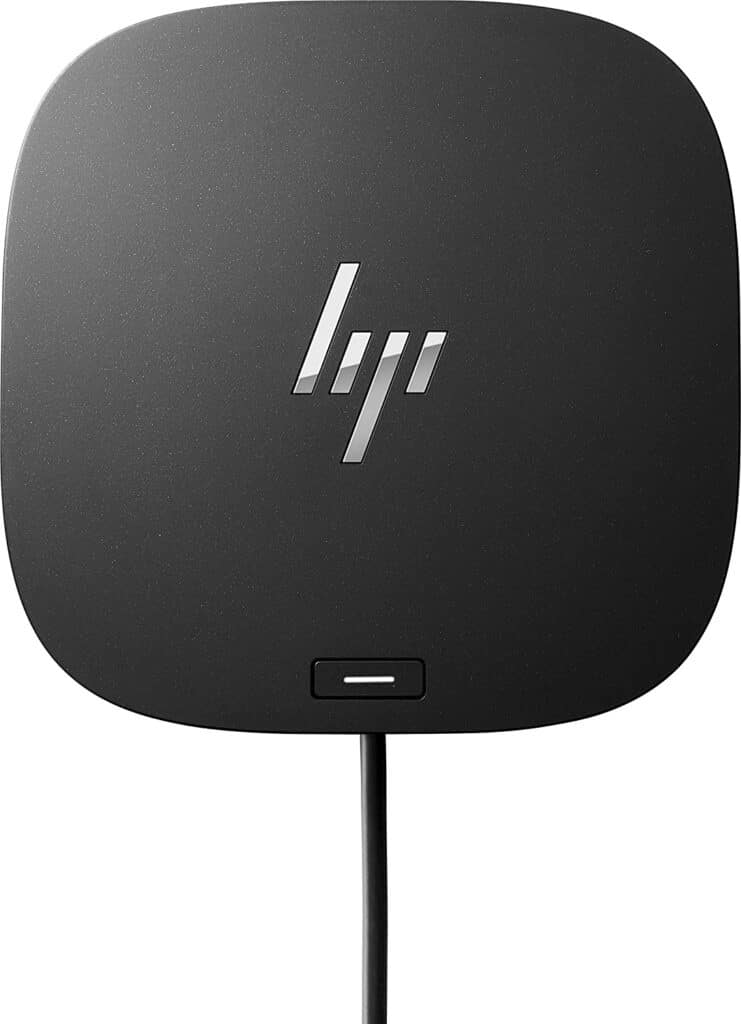
The HP USB-C Dock G5 tops our list with its 100-watt power delivery and wide compatibility. It works great with the EliteBook X360 G6, Elite X2, and similar HP notebooks.
What makes this dock stand out is the single USB-C cable connection. One cable handles charging, data, and display output. It’s also compatible with notebooks from Apple, Lenovo, Dell, and other brands, so you’re not locked into HP-only hardware.
2. HP USB-C Dock G5 5TW10UT
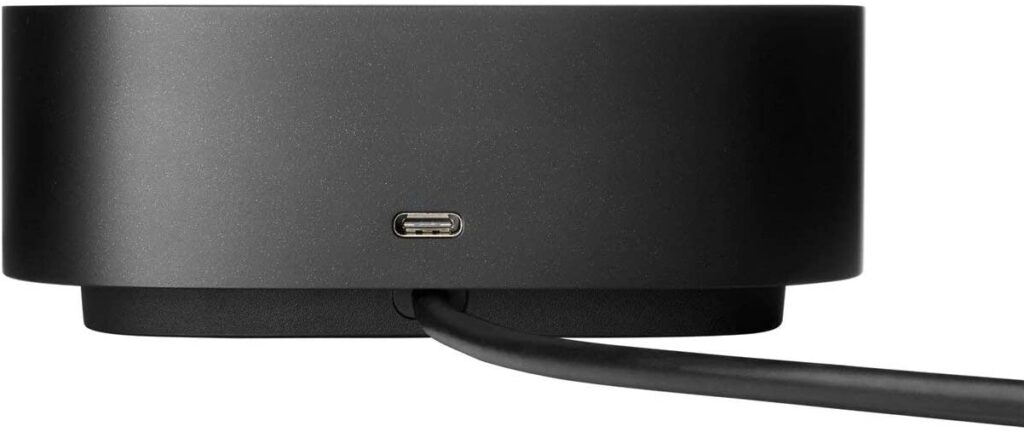
This variant of the G5 dock serves both HP and non-HP laptops. The single-cable design connects you to accessories and up to three displays at once.
Just plug in the USB-C cable to get access to all connected devices and charge your PC simultaneously. It comes with USB Type-C and USB 3.0 charging ports, and IT teams can manage it remotely across a commercial fleet.
3. HP D9Y32AA Docking Station 65W Adapter
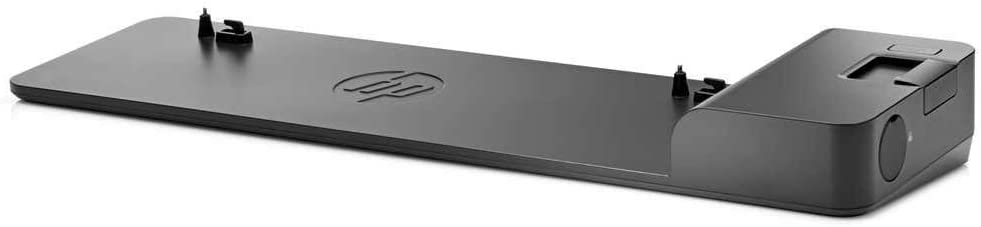
Designed specifically for ultra-slim HP EliteBook notebooks, this dock uses a one-click slide-in connection. No fumbling with cables. Just dock your laptop and you’re connected to displays, network, and USB devices.
It has 4 USB 3.0 ports for high-speed data transfer, which covers most peripheral needs for a typical office setup.
4. HP UltraSlim Dock D9Y32AA
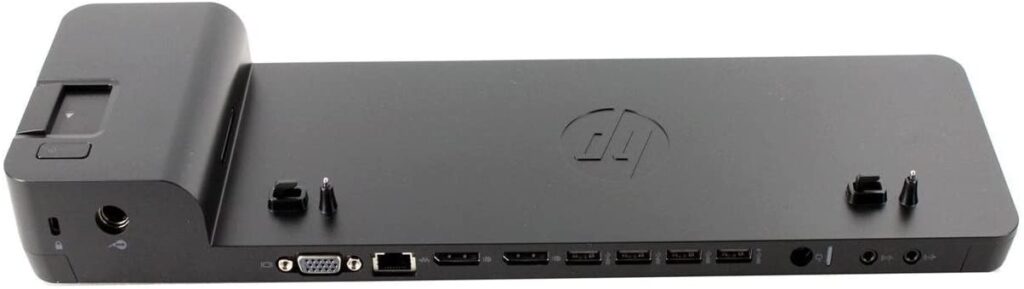
The UltraSlim Dock gives you quick display expansion and network connectivity through a simple slide-in design. It’s compatible with most ultra-slim HP EliteBook and ProBook models.
Four USB 3.0 ports handle your peripherals, and the one-click installation means there’s zero setup complexity. Slide your laptop in and everything connects automatically.
5. HP Genuine Elite USB-C
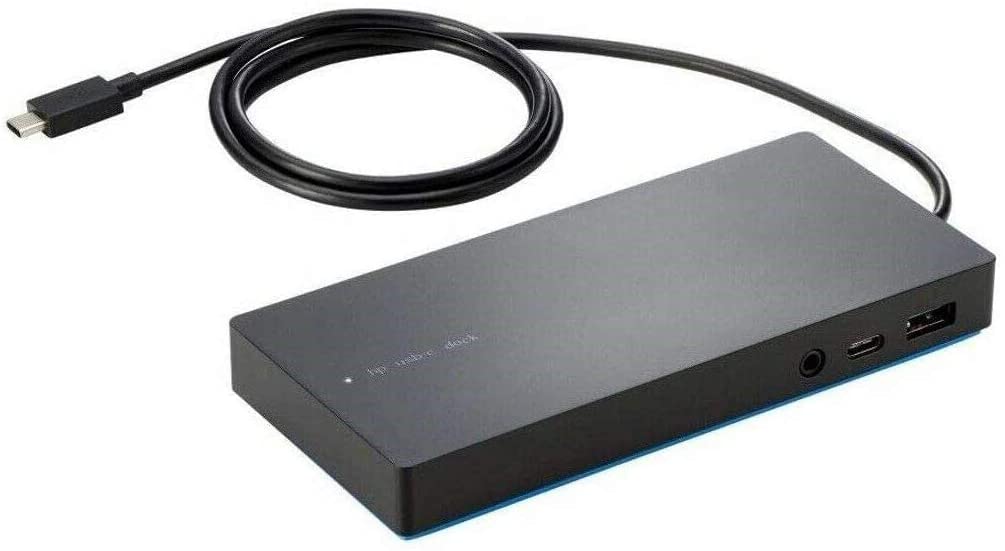
This ultra-portable dock is built for people who move between desks or offices frequently. Despite its small size, it offers full desktop connectivity including HDMI, DisplayPort, USB-C, and 4 USB ports.
You can connect multiple displays, external drives, and ethernet all through one cable. It’s a good pick if portability matters as much as port count.
6. HP Thunderbolt Dock 120W
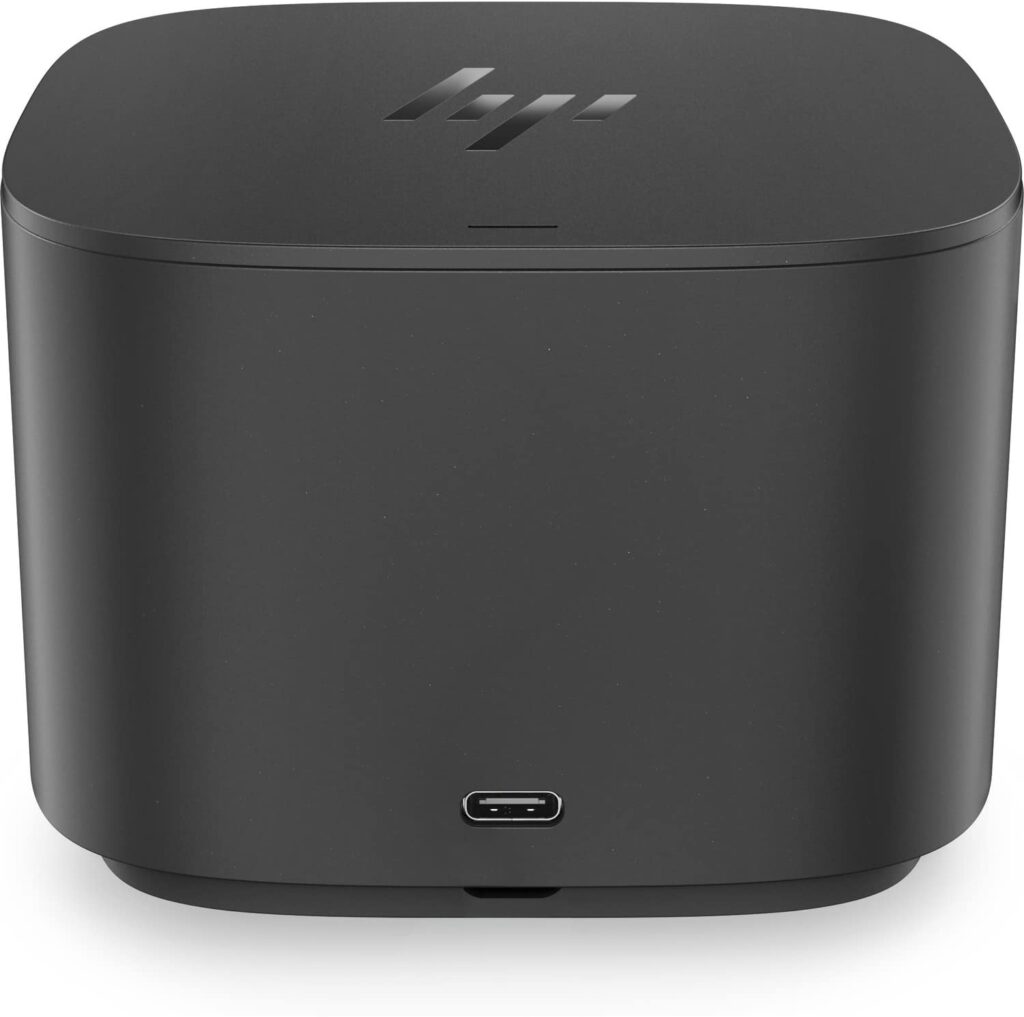
The Thunderbolt Dock 120W delivers the fastest data transfer speeds in this lineup thanks to the Thunderbolt interface. It works with any USB-C laptop and has 5 available ports.
It offers USB-C device connectivity, optional integrated audio, and 120W power delivery. If you need to drive multiple high-resolution displays while keeping your laptop charged, this is the dock to get.
Which HP Docking Station Should You Buy?
The right dock depends on your setup. If you have an ultra-slim EliteBook, the slide-in UltraSlim Dock is the simplest option. If you need broad compatibility across laptop brands, the USB-C Dock G5 is the most flexible. And if raw speed and display support are priorities, the Thunderbolt Dock 120W is the best choice.
Think about what ports you actually need, how many monitors you want to run, and whether you need to carry the dock between locations.
Best Lenovo Laptop Docking Station