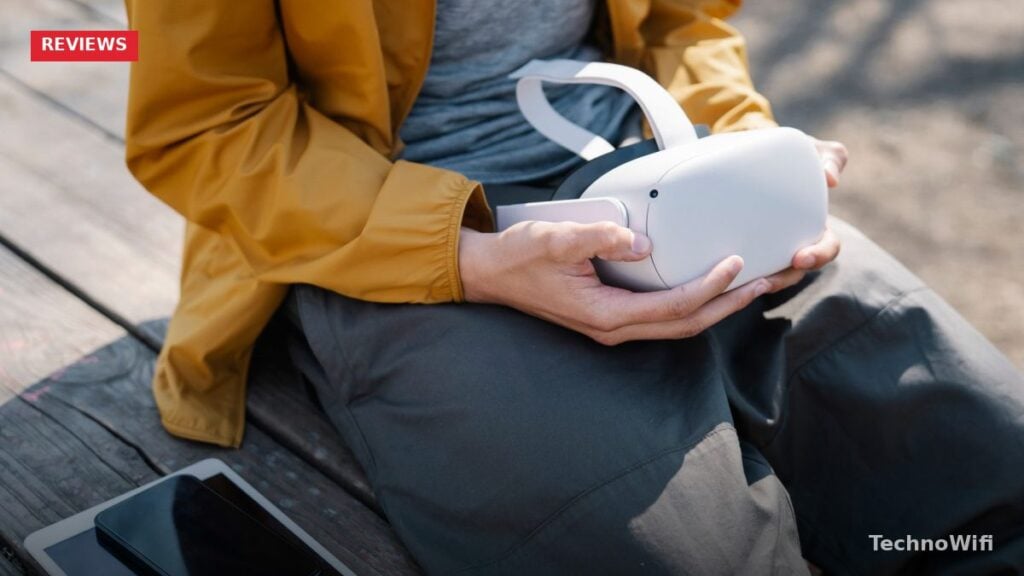
VR headsets have become one of the most requested gifts for kids. Birthday lists, holiday wish lists, reward charts… they all seem to end up with some version of “I want a VR headset” on them. But the VR market looks nothing like it did a few years ago, and picking the right headset takes a bit of research.
The options have narrowed a lot. Phone-based VR, where you slid a smartphone into a plastic headset, is dead. Those cheap cardboard and plastic viewers that flooded Amazon around 2018 and 2019 offered a terrible experience, and nobody makes worthwhile content for them anymore. What replaced them is better in every way: standalone headsets that work without a phone, without a PC, and without wires. A few options also connect to gaming consoles or computers for higher-end experiences.
Age matters here, too. Most VR manufacturers recommend their headsets for ages 10 to 13 and up, depending on the brand. Younger kids do use them regularly with parental supervision, but you should know the guidelines and limitations before handing one over.
What Age Is Safe for VR Headsets
Meta, the company behind the Quest line of headsets, requires users to be at least 10 years old. They lowered this from 13 in 2024 after adding supervised child accounts with parental controls. Sony recommends the PlayStation VR2 for ages 12 and up. Most other VR manufacturers stick with 13+ as the minimum.
The age restrictions come down to two things. First, developing eyesight. VR headsets focus at a fixed distance (usually around 1.3 to 2 meters), and there’s limited research on what prolonged use at that focal distance does to children’s still-developing vision. The American Academy of Ophthalmology hasn’t issued a specific guideline against VR for children, but most eye doctors recommend caution and keeping sessions short for younger users.
Second, content exposure. VR is immersive in a way that flat screens simply aren’t. Scary or violent content hits a lot harder when it surrounds you completely. Social VR apps like VRChat and Rec Room also expose kids to unmoderated voice chat with strangers, which is a real concern for younger children.
Some practical advice from parents who’ve been through this: limit VR sessions to 20 to 30 minutes for kids under 12. Enforce breaks between sessions. Watch for signs of motion sickness (nausea, dizziness, or headaches). Make sure the headset fits properly, since adult-sized headsets sit loosely on smaller heads, which makes comfort and visual quality worse. And start with stationary or slow-paced games before jumping into fast-moving titles.
Most VR platforms now have parental controls. Meta Quest has a parent dashboard you can access from the Meta Quest phone app. It lets you approve or block apps, set daily time limits, see activity history, and control social interactions. These controls are solid, and setting them up before your child’s first session is a smart move.
Best VR Headset for Kids Overall
The Meta Quest 3S is the best VR headset for most kids in 2026. It costs around $299, works completely standalone (no phone, no PC, no wires), and gives you access to hundreds of games and experiences through the Meta Quest Store.
The “S” in Quest 3S stands for the more affordable version of the Quest 3. Meta kept the same processor (Snapdragon XR2 Gen 2) and the same tracking system, but used a slightly lower-resolution display and simpler mixed reality cameras to bring the price down. For kids, none of what was trimmed really matters. The gaming experience is identical to the full Quest 3.
Setup is pretty straightforward. Charge the headset, connect to WiFi, sign into a Meta account (or create a supervised child account through the parent dashboard), and start downloading games. The whole process takes about 15 minutes. No cables to run, no sensors to mount on walls, no PC to configure.
We break down cheap VR headsets for PC gaming in a separate post that complements this one.
The game library is what makes the Quest platform dominant for kids. Beat Saber has them slashing blocks to music. Gorilla Tag is absurdly popular with the under-15 crowd, basically a game of tag where you move by swinging your arms like a gorilla. Rec Room offers thousands of player-created games. Job Simulator lets them hilariously mess up everyday jobs. Superhot VR turns them into an action movie hero where time only moves when they move. There are hundreds more, with new titles coming out regularly.
The Guardian boundary system is worth mentioning too. During setup, you trace the edges of your play area with the headset on. The system then shows a virtual fence whenever the player gets close to a wall, piece of furniture, or the boundary edge. It doesn’t make VR completely bump-proof, but it dramatically reduces the chance of a kid punching a TV or walking into a bookshelf.
The regular Meta Quest 3 runs about $499 and offers better mixed reality passthrough cameras (useful for seeing the real world while in VR) along with a sharper display. If budget allows and your child is particularly interested in mixed reality experiences that blend virtual objects with the real room, the Quest 3 is worth a look. But for pure VR gaming, the Quest 3S is the better value.
Best VR Headset for Kids Who Game on PlayStation
If your kid already has a PlayStation 5, the Sony PlayStation VR2 is an excellent option. Sony has dropped the price significantly since launch, and it regularly sells in the $349 to $549 range depending on the bundle.
The hardware is genuinely impressive. The PSVR2 uses OLED displays with HDR support, delivering richer colors and deeper blacks than the LCD panels in Meta Quest headsets. It has eye tracking that some games use for foveated rendering (the headset renders the spot you’re looking at in higher detail while reducing quality in your peripheral vision, which improves performance). The Sense controllers have adaptive triggers and haptic feedback that make interactions feel physical. Pulling back a bowstring in Horizon Call of the Mountain actually feels like real resistance in your hands.
The game library leans toward polished, studio-developed titles rather than the indie-heavy Quest store. Horizon Call of the Mountain is a stunning showcase. Astro Bot is charming and family-friendly. Moss and Moss: Book II put you in the role of a spirit guide helping a tiny mouse on an adventure. Gran Turismo 7 in VR is spectacular for kids who love racing.
Sony also added PC compatibility in 2024, so the headset can connect to a gaming PC via an adapter for access to SteamVR games. This extends its usefulness well beyond the PS5 library.
The main downsides for kids are the tethered cable and the weight. The PSVR2 connects to the PS5 with a single USB-C cable, which limits freedom of movement compared to the wireless Quest 3S. The headset is also heavier. Younger or smaller kids may find it uncomfortable during longer sessions. For kids 12 and up who are already PS5 gamers, though, it’s a fantastic VR experience.
Best Budget VR Headset for Kids
The Meta Quest 2 was the go-to budget VR headset for years, and refurbished units are still widely available in the $149 to $199 range. Meta officially discontinued it in 2024, but the hardware remains fully functional and still receives software updates. It accesses the same Quest Store as the Quest 3 and Quest 3S, so the game library is nearly identical.
The Quest 2 uses an older Snapdragon XR2 Gen 1 processor and has lower display resolution than the newer models. In practice, the difference is noticeable if you compare them side by side, but a kid using a Quest 2 as their first VR headset won’t feel like they’re missing out. The tracking works well, the controllers are comfortable, and games run smoothly.
If you can find a refurbished Quest 2 from a reputable seller in good condition, it’s still a solid way to get a kid into VR without spending $300. If refurbished Quest 2 units aren’t available in your area anymore, the Quest 3S at $299 becomes the budget pick by default. There really isn’t anything worthwhile between the Quest 2 and the Quest 3S in terms of price.
For a different take, see our guide on kids gaming headset.
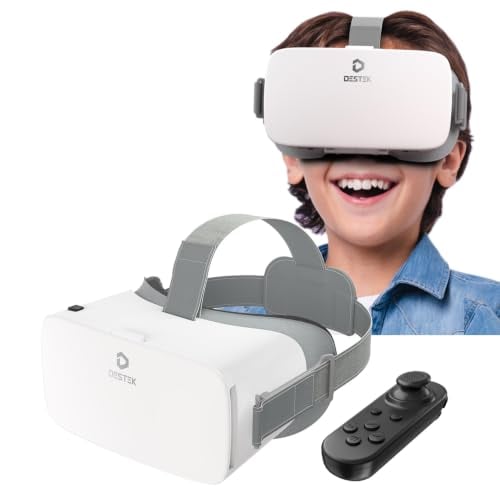
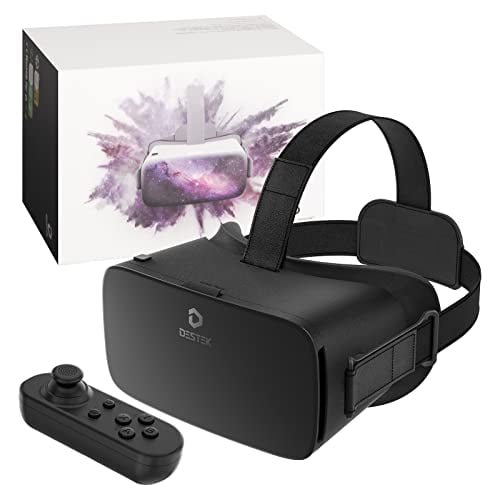
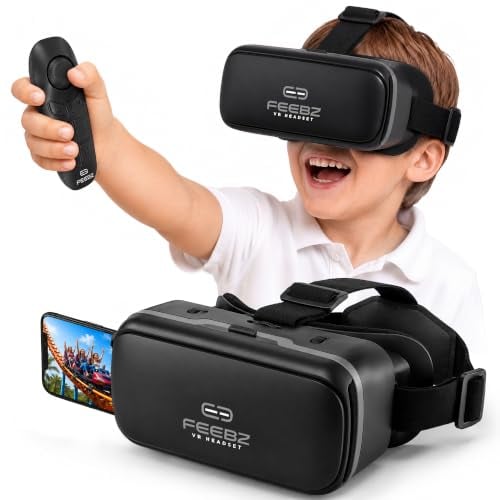
One category to avoid entirely: cheap phone-based VR headsets. The $20 to $50 plastic shells where you slide a smartphone into a slot in front of your eyes. These products still exist on Amazon, but the experience is poor. Tracking barely works (most rely on a single gyroscope with no positional tracking), the field of view is narrow, the lenses are low quality, and there’s virtually no content worth using. Phone-based VR was a stepping stone that the industry moved past years ago. Spending $40 on one of these won’t give your child a real VR experience and may actually turn them off the technology entirely.
What About PC VR Headsets for Kids
PC VR delivers the best visual quality and the widest library of VR experiences, but it comes with major requirements and costs that make it a tough sell for most kids.
The hardware requirement is the biggest barrier. A VR-capable gaming PC needs at minimum an Nvidia RTX 3060 or AMD RX 6700 XT graphics card, 16GB of RAM, and a modern processor. If you already have a gaming PC that meets those specs, great. If not, building or buying one adds $800 to $1,500 on top of the headset cost.
The practical recommendation for most families is to start with a Meta Quest 3S used as a standalone headset. If the family later gets a gaming PC (or already has one), the Quest 3S can connect to it via a USB-C Link cable or wirelessly through Air Link for access to SteamVR and the entire PC VR game library. This gives you both standalone convenience and PC VR capability in one device, without buying two separate headsets.
Dedicated PC-only headsets like the Valve Index or the Bigscreen Beyond are designed for enthusiasts and offer features like wider field of view, higher refresh rates, and precision tracking with external base stations. They’re overkill for kids. The Valve Index requires mounting two base stations on opposite walls and costs $999 for the full kit. The Bigscreen Beyond is compact and lightweight at $599, but requires custom face cushions sized to a 3D scan of your face, which makes sharing between family members impractical. These are products for dedicated sim racers, flight sim pilots, and VR enthusiasts, not for a 12-year-old who wants to play Beat Saber.
| Headset | Price | Display | Standalone or tethered | Recommended age | Key games for kids | Parental controls |
|---|---|---|---|---|---|---|
| Meta Quest 3S | $299 | LCD, 1832×1920 per eye | Standalone (wireless) | 10+ | Beat Saber, Gorilla Tag, Rec Room, Job Simulator, Superhot VR | Yes – parent dashboard with time limits, app approval, social controls |
| Meta Quest 3 | $499 | LCD, 2064×2208 per eye | Standalone (wireless) | 10+ | Same Quest Store library as Quest 3S | Yes – same parent dashboard |
| Sony PSVR2 | $349-$549 | OLED with HDR, 2000×2040 per eye | Tethered to PS5 (USB-C cable) | 12+ | Horizon Call of the Mountain, Astro Bot, Moss, Gran Turismo 7 VR | PS5 family management with play time limits |
| Meta Quest 2 (refurbished) | $149-$199 | LCD, 1832×1920 per eye | Standalone (wireless) | 10+ | Same Quest Store library as Quest 3/3S | Yes – same parent dashboard |
How to Set Up Parental Controls on Meta Quest
Meta’s parental controls are the most developed in the VR space, and getting them set up before your child’s first session is a really good idea. The process takes about 10 minutes and is done mainly through the Meta Quest app on your phone.
- Start by creating a Meta family account. Download the Meta Quest app on your smartphone (iOS or Android) and sign in with your own Meta account. If you don’t have one, you’ll create one during setup. This becomes the parent account that manages everything.
- Next, create a supervised child account. In the Meta Quest app, go to the menu and select Family Center. Tap “Add Family Member” and follow the prompts to create an account for your child. For kids under 13 (or the minimum age in your country), Meta requires a supervised account. Kids 13 and older can have a standard account, but you can still turn on parental supervision for it.
- Once the child account exists, sign into it on the Quest headset. The parent dashboard in the Meta Quest app on your phone now gives you control over the child’s VR experience.
From the parent dashboard, you can approve or block specific apps and games before your child can download or use them. You can set daily time limits (say, 30 minutes on school days, one hour on weekends). You can check activity history showing what apps were used and for how long. You can control who your child can interact with in social VR, including blocking specific users or turning off social features entirely. You can block the Meta Quest browser to prevent unsupervised web browsing. And you can manage in-app purchases so nothing gets bought without your approval.
- One setup step worth doing together with your child: the Guardian boundary. Put on the headset together and trace the edges of the play space. Walk the boundary of the area where VR will be used, marking walls, furniture, and anything breakable. The headset stores this boundary and displays a virtual grid whenever the player gets close to an edge. A bigger play area is better, but even a 6-by-6-foot space works for most games. Clear the area of tripping hazards, low tables, and pets before each session.
| Parental control feature | Meta Quest (Quest 2, 3, 3S) | PlayStation VR2 |
|---|---|---|
| App and game approval | Yes – parent approves each app before child can access it | Yes – through PS5 family management parental controls |
| Daily time limits | Yes – customizable per day | Yes – set through PS5 parental controls |
| Activity monitoring | Yes – view usage history in parent dashboard | Yes – play time reports on PS5 |
| Social and chat controls | Yes – restrict who child can interact with, block users | Limited – PS5 communication restrictions apply |
| Browser blocking | Yes – can disable the built-in browser entirely | N/A – PSVR2 does not have a built-in browser |
| Purchase controls | Yes – require parent approval for purchases | Yes – spending limits and purchase restrictions on PS5 |
| Content age ratings | Yes – filter by age rating | Yes – restrict content by ESRB/PEGI rating |
| Remote management | Yes – manage from Meta Quest phone app | Yes – manage from PS App on phone |
VR Headsets for Kids FAQs
What is the minimum age for VR headsets?
Meta requires Quest users to be at least 10 years old and offers supervised accounts for children under 13. Sony recommends the PSVR2 for ages 12 and up. Most other VR manufacturers suggest 13 as the minimum age. These are guidelines, not hard technical limits. Many parents let children younger than 10 try VR in short supervised sessions. The key is keeping sessions brief (under 20 minutes for younger children), making sure the headset fits properly, and watching for any discomfort or motion sickness.
Are VR headsets bad for kids’ eyes?
There’s no strong evidence that VR headsets cause permanent eye damage in children, but long-term studies are limited because consumer VR is still pretty new. The main concern from eye doctors is that VR headsets focus at a fixed distance, which could contribute to eye strain during extended use. The same concern applies to any prolonged near-focus activity like reading or using a tablet. The practical approach is moderation: keep sessions to 20 to 30 minutes for children under 12, enforce breaks, and schedule regular eye exams. If your child already has vision issues, talk to their eye doctor before starting regular VR use.
Can kids play VR online with other people safely?
They can, but it takes some parental setup first. Social VR apps like Rec Room, Gorilla Tag, and VRChat connect players with strangers through voice chat in shared virtual spaces. Without restrictions, your child can hear and talk to anyone. On Meta Quest, parental controls let you restrict who your child can interact with, disable voice chat, and block specific users. Rec Room has its own set of parental controls including a junior account mode. The safest approach is starting with single-player or local multiplayer games and gradually introducing online social experiences as your child shows they can handle interactions with strangers appropriately.
Do VR headsets cause motion sickness in kids?
Some kids get motion sickness in VR, and some don’t. It depends on the game, the child, and the headset. Games with smooth artificial locomotion (where you use a thumbstick to walk around a virtual world) cause the most sickness because your eyes see movement that your body doesn’t feel. Games where you stand in one spot or teleport between positions cause much less. Start your child with stationary games like Beat Saber or Job Simulator. If they handle those well, gradually introduce games with more movement. Stop right away if they report nausea, dizziness, or headaches. Motion sickness in VR usually gets better with gradual exposure over time, but pushing through it makes things worse.
What are the best VR games for kids?
Beat Saber is the most universally loved VR game for kids and adults alike. You slash colored blocks with light sabers in time with music. Gorilla Tag is wildly popular with kids, a free game of tag where movement is based on arm swinging. Job Simulator and Vacation Simulator are funny, creative sandbox games. Superhot VR is a stylish action game where time only moves when you move (it involves shooting, but enemies are abstract red figures, not realistic). Moss is a charming adventure game suitable for younger players. Rec Room is a free social platform with thousands of community-created games. For kids on PSVR2, Astro Bot and Horizon Call of the Mountain are standouts.
Should I buy a used Meta Quest 2 or a new Quest 3S for my kid?
If budget is tight and you can find a Quest 2 in good condition from a reliable seller for under $175, it’s a reasonable way to test whether your child actually enjoys VR before committing more money. The Quest 2 runs the same games, has the same parental controls, and provides a genuine VR experience. The Quest 3S at $299 is the better long-term investment: faster processor, better display, improved tracking, and newer hardware that will get software updates and new game support for years longer than the Quest 2. If you can afford the $299, go with the Quest 3S. If you want to spend less to test the waters first, a refurbished Quest 2 does the job.