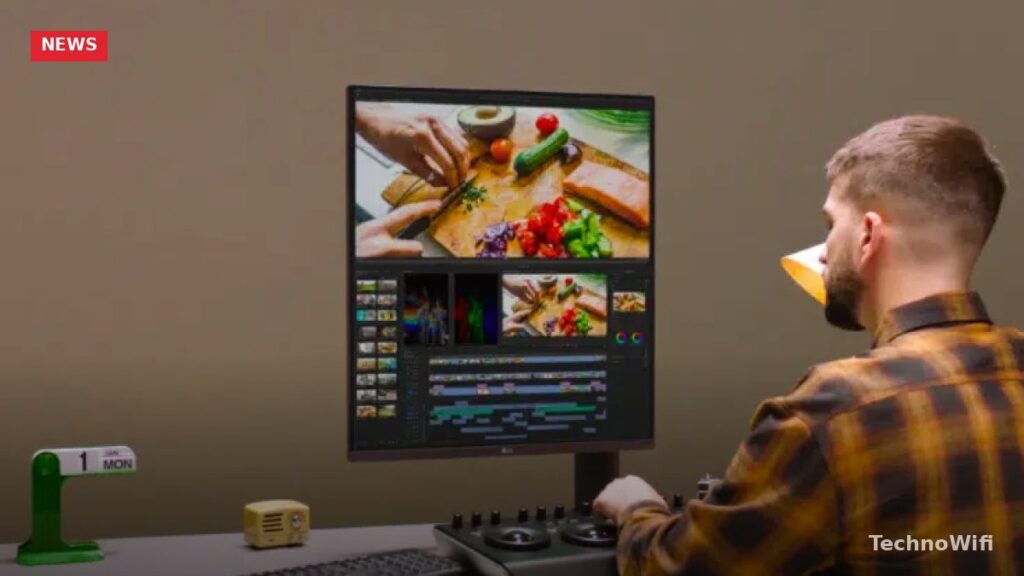
LG DualUp Monitor and Ultrafine Display: Premium Monitors for Professionals
LG’s premium monitor lineup includes two standout options for professionals who need serious screen real estate: the LG DualUp Monitor and the LG Ultrafine Display. Both monitors target creative professionals, developers, and anyone who works with complex layouts or multiple applications at once. Here’s a detailed look at what each monitor offers and which one might be the better fit for your workspace.
LG Ultrafine Display
The LG Ultrafine Display is a 32-inch 4K monitor built for color-critical work. Its Nano IPS Black panel delivers a 2000:1 contrast ratio, which is a significant step up from standard IPS panels that typically land around 1000:1. The result is deeper blacks and better shadow detail, which matters for photo editing, video production, and graphic design.
The display runs at 3,840 x 2,160 resolution with a 98% DCI-P3 color gamut, making it accurate enough for professional color grading and design work. LG includes detachable self-calibration sensors with this monitor, so you can maintain color accuracy over time without buying a separate calibration tool.
Connectivity is well covered with USB Type-C (supporting power delivery for laptops), two HDMI ports, a DisplayPort, and USB upstream and downstream ports. The USB-C connection makes it a clean single-cable setup for compatible laptops. AMD FreeSync support is included for smoother visuals when gaming or scrolling through high-frame-rate content.
The built-in split-view feature lets you display two input sources side by side on a single screen, turning one 32-inch monitor into what feels like two smaller displays. This is useful if you work with a laptop and a desktop at the same time.
LG Ultrafine Display: Key Specs
- Screen Size: 32 inches
- Resolution: 3840 x 2160 (4K UHD)
- Aspect Ratio: 16:9
- Panel Type: Nano IPS Black
- Contrast Ratio: 2000:1
- Maximum Brightness: 400 nits
- Color Gamut: 98% DCI-P3
- AMD FreeSync: Yes
- Response Time: 5ms
- Stand: Tilt, Height, Pivot adjustable
- Ports: USB-C, DisplayPort, 2x HDMI, USB upstream and downstream
- Speakers: 2 x 5W built-in
The Ultrafine Display works best if you have enough desk space for a full 32-inch panel and need top-tier color accuracy for professional editing. Photo editors, video colorists, and graphic designers are the primary audience, but it also works well as a general-purpose productivity monitor for anyone who wants a large, sharp screen.
LG DualUp Monitor
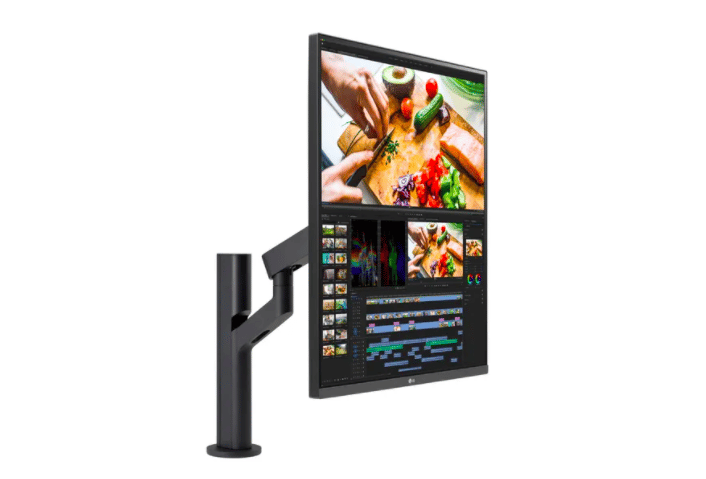
The LG DualUp Monitor takes a completely different approach to screen real estate. Instead of a traditional widescreen layout, it uses a near-square 16:18 aspect ratio on a 27.6-inch panel. The resolution is 2560 x 2880, which is equivalent to stacking two 21.5-inch 16:9 monitors on top of each other. The result is a tall display that gives you significantly more vertical space than a standard widescreen monitor.
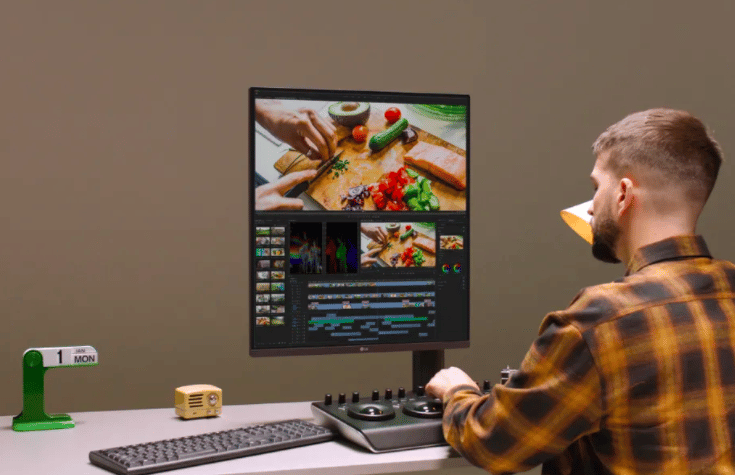
This format is particularly useful for developers who want to see more lines of code without scrolling, writers who work with long documents, and anyone who regularly uses stacked window arrangements. It replaces the need for a second monitor in many workflows, saving desk space while providing a similar amount of viewable area.
The DualUp ships with LG’s Ergo stand, which clamps to your desk instead of sitting on a traditional base. The clamp mount frees up your entire desk surface underneath the monitor, and the stand supports tilt, swivel, pivot, and height adjustment. You can also mount it next to an existing monitor to create a dual-screen setup without taking up any additional desk footprint.
LG DualUp Monitor: Key Specs
- Screen Size: 27.6 inches
- Resolution: 2560 x 2880 (SDQHD)
- Aspect Ratio: 16:18
- Panel Type: Nano IPS
- Maximum Brightness: 300 nits
- Response Time: 5ms
- Stand: LG Ergo clamp with Tilt, Swivel, Pivot, Height adjustment
- Ports: USB-C, 2x HDMI, USB upstream and downstream
- Speakers: 2 x 7W built-in
The DualUp doesn’t match the Ultrafine Display’s color accuracy or contrast ratio, so it’s not the ideal choice for color-critical professional work. Where it excels is in productivity and space efficiency. If your desk is small or you already have a primary monitor and want to add vertical screen space without widening your setup, the DualUp is a smart solution.
Which Monitor Is Right for You?
Choose the LG Ultrafine Display if you need color-accurate 4K output for photo editing, video production, or design work. The Nano IPS Black panel, self-calibration sensors, and 98% DCI-P3 coverage make it a serious creative tool. You’ll need a desk that comfortably fits a 32-inch panel.
Choose the LG DualUp Monitor if you want to maximize vertical screen space in a compact footprint. It’s ideal for coding, writing, spreadsheet work, and workflows where you stack windows vertically. The Ergo clamp stand keeps your desk clear, and the 16:18 aspect ratio genuinely replaces the need for a second monitor in many setups.
Both monitors support USB-C connectivity for single-cable laptop setups, and both include built-in speakers (though external speakers or headphones will sound better). If your work demands precise color, go Ultrafine. If your work demands space efficiency and vertical real estate, go DualUp.