When you purchase through links on our site, we may earn an affiliate commission. Here’s how it works.
Can You Play PS4 Games on PS5?
Yes. The PS5 is backward compatible with the PS4, and it supports the vast majority of PS4 games. Sony has confirmed that over 4,000 PS4 titles work on PS5, which covers roughly 99% of the entire PS4 library. Whether you have physical discs or digital purchases, most of your PS4 collection will carry over.
This guide covers exactly how backward compatibility works, which games are compatible, how to transfer your library, and what performance improvements you can expect.
How PS5 Backward Compatibility Works
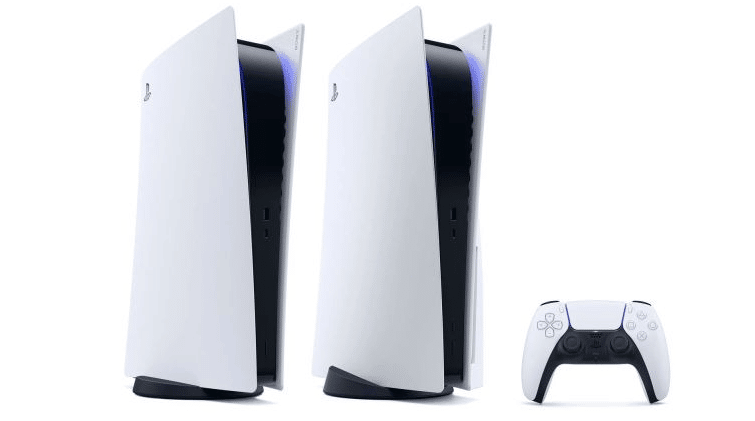
Play PS4 Games on PS5 – Backward Compatibility
The PS5 runs PS4 games through a built-in compatibility layer. Sony worked with developers and publishers to test individual titles and confirm they function correctly on the new hardware. Most games run without any issues right out of the box.
PS4 games show up in your PS5 library just like native titles. You can launch them from the home screen, and the PS5 treats them like any other game in terms of suspend/resume, trophy tracking, and screenshot or video capture.
Which PS4 Games Work on PS5?
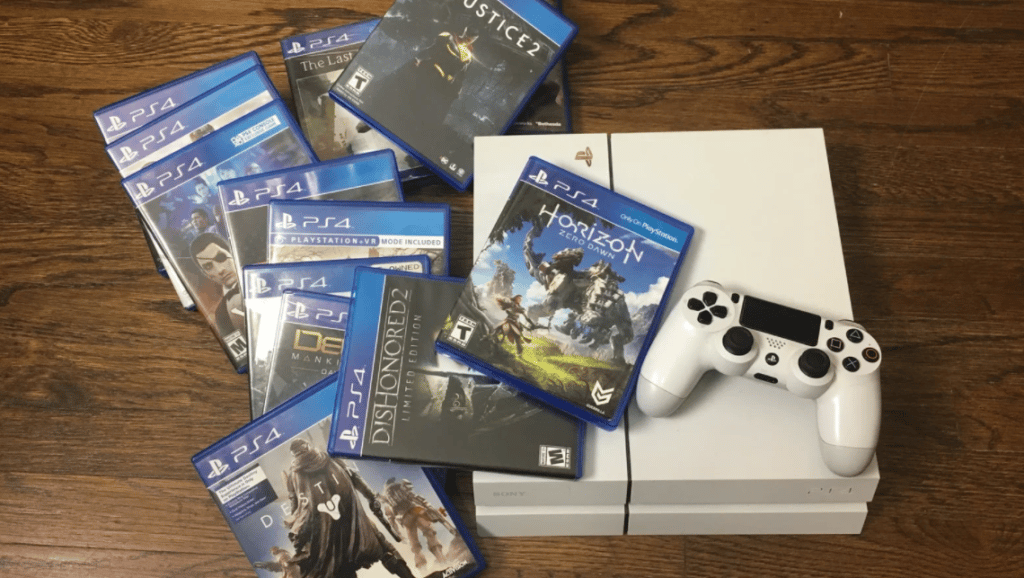
Nearly all of them. Sony’s official compatibility list covers more than 4,000 PS4 titles, and the number has only grown since the PS5 launched. If a PS4 game is available on the PlayStation Store or you own it on disc, there’s a very high chance it works on PS5.
Compatible games include both physical disc titles and digital downloads. If you bought a game digitally on your PS4, it appears in your PS5 library automatically when you sign in with the same PSN account.
PS4 Games That Do Not Work on PS5
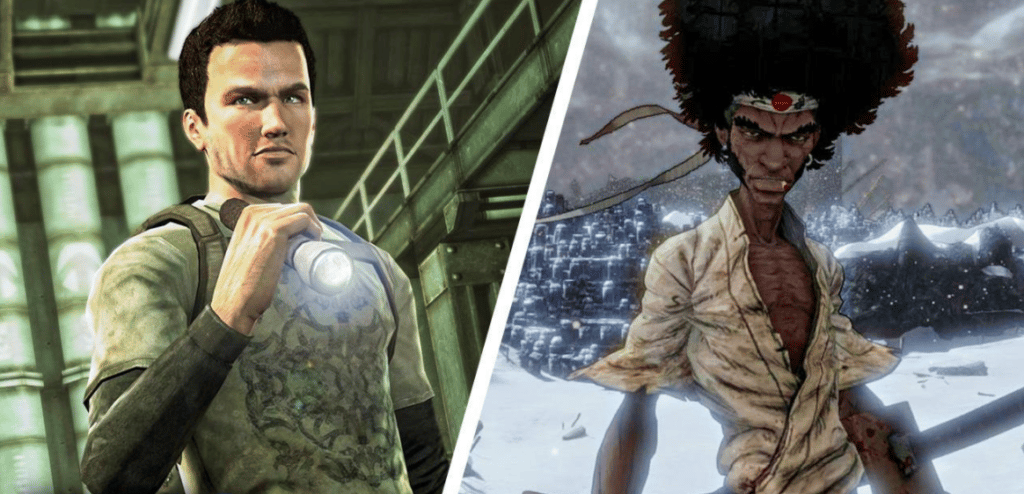
PS4 Games Not Compatible With PS5
A very small number of PS4 games are not compatible with PS5. These titles display a “Playable on PS4 only” label on the PlayStation Store. The known incompatible games are:
For more on this, take a look at our PS5 games for kids guide.
- Afro Samurai 2 Revenge of Kuma Volume One
- Joe’s Diner
- Just Deal with It!
- Robinson: The Journey
- Shadwen
- TT Isle of Man: Ride on the Edge 2
- We Sing
This list is short, and most of these titles are older or niche releases. If a game you own is not on this list, it should work fine on PS5.
Do PS4 Games Run Better on PS5?
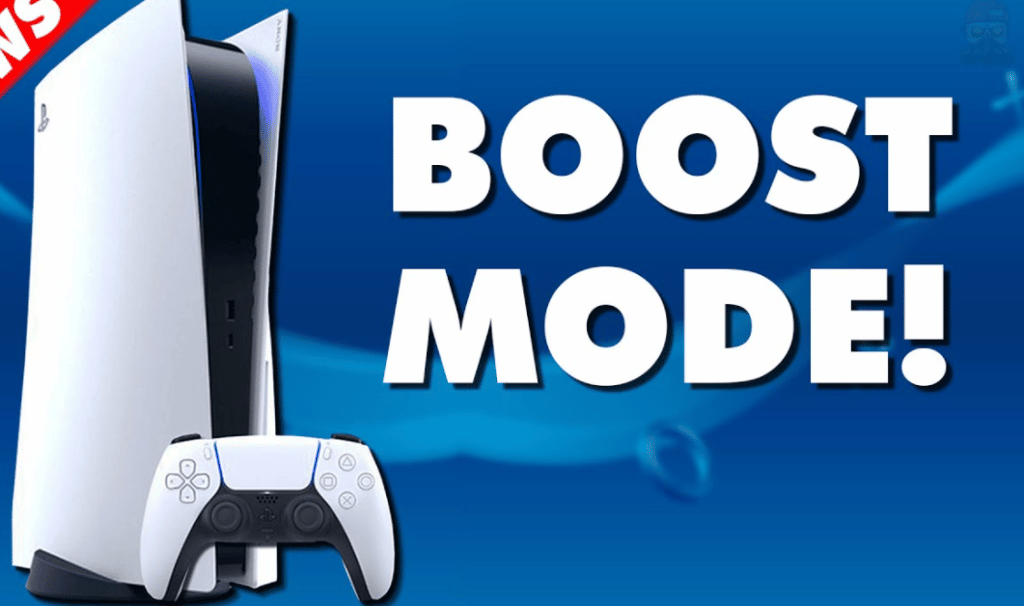
Do PS4 Games Run Better on PS5?
Many PS4 games run better on PS5 thanks to the console’s Game Boost feature. This mode can improve frame rates, reduce load times, and provide more stable performance compared to the original PS4 hardware.
Games that were locked to 30fps on PS4 sometimes run at 60fps on PS5. Titles with unlocked frame rates benefit the most, as the PS5’s more powerful hardware lets them hit their performance ceiling more consistently.
Load times improve significantly across the board. The PS5’s SSD is dramatically faster than the PS4’s hard drive, so games that took 30 to 60 seconds to load on PS4 often load in under 10 seconds on PS5.
Some PS4 games received free PS5 patches from their developers. These patches add features like higher resolution textures, faster frame rates, DualSense haptic feedback, and reduced load times. Notable examples include Ghost of Tsushima, God of War, and The Last of Us Part II.
How to Play PS4 Disc Games on PS5
If you own PS4 games on disc, you need the PS5 model with a disc drive (not the Digital Edition). Insert the PS4 disc into the PS5, and the console will recognize the game and begin installing it. You may need to download an update before playing.
The disc must remain in the drive while you play, just like on PS4. The PS5 uses the disc for license verification, so you cannot install a disc game and then remove the disc.
On a similar note, our multiplayer games for PS5 article has more practical tips.
If you own PS4 discs but bought the PS5 Digital Edition, you cannot play those disc games. You would need to repurchase them digitally from the PlayStation Store.
How to Play Digital PS4 Games on PS5
Digital PS4 games transfer to PS5 automatically. Sign in to your PS5 with the same PSN account you used on PS4, and your purchased games appear in your library. Select the game, download it, and play.
You can also transfer PS4 games to your PS5 over your local network using the data transfer feature. During PS5 setup, the console offers to copy games and save data from a PS4 on the same Wi-Fi network. This is faster than re-downloading large games if you have a slow internet connection.
PS4 save data can be transferred to PS5 through PlayStation Plus cloud saves, a USB drive, or the network transfer feature. Once your saves are on the PS5, they work with the PS4 version of the game automatically.
Can PS5 Play PS1, PS2, or PS3 Games?
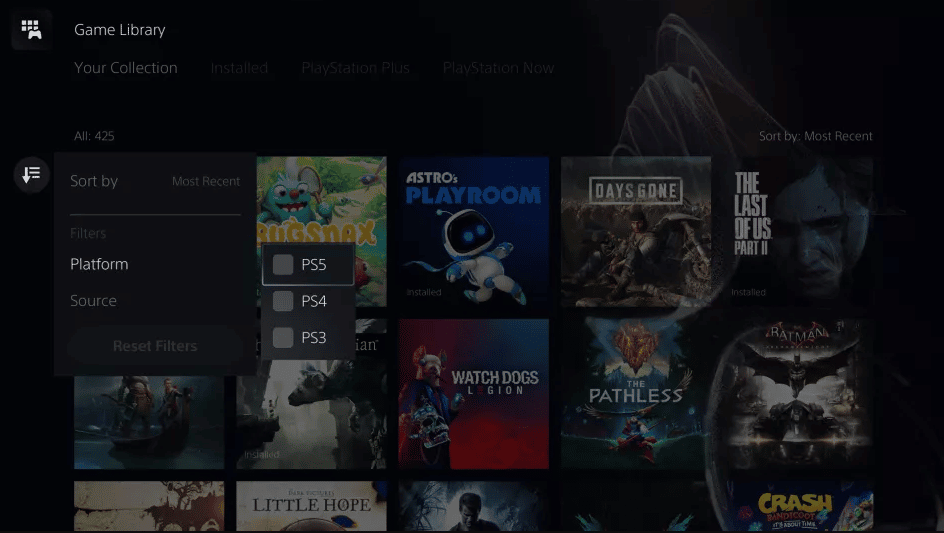
PS5 Compatibility with Older PlayStation Games
The PS5 does not play physical PS1, PS2, or PS3 discs. However, Sony offers access to older PlayStation games through the PlayStation Plus Premium tier.
PS Plus Premium includes a catalog of classic games from PS1, PS2, PS3, and PSP. PS3 games are available through cloud streaming (not native downloads), while PS1 and PS2 titles run as emulated downloads. The selection rotates and has grown steadily, with popular titles from each generation available.
This is the only official way to play older PlayStation games on PS5. If you have a specific PS3 game you want to play, check the PS Plus Premium catalog to see if it’s included.
Summary
The PS5 plays nearly all PS4 games, with only a handful of exceptions. You can use discs (on the disc drive model) or digital purchases, and many games run better on PS5 thanks to Game Boost, faster load times, and developer patches. For older PlayStation generations, PS Plus Premium provides access to a selection of classic titles through downloads and streaming. If you’re upgrading from PS4 to PS5, your game library comes with you.
