When you purchase through links on our site, we may earn an affiliate commission. Here’s how it works.
Canon M50 Wedding Photography Settings
Shooting a wedding is one of the toughest gigs in photography. You’re dealing with constantly changing light, moving subjects, and zero second chances. If you’re planning to shoot Canon M50 wedding photography, knowing the right settings ahead of time makes all the difference.
The Canon M50 is a compact mirrorless camera that punches above its weight. It’s got a 24MP APS-C CMOS sensor, an electronic viewfinder, a fully articulating touchscreen, and a DIGIC 8 processor. You also get expanded dual-pixel autofocus coverage for stills and 1080p video. For a camera this size, that’s a strong feature set.
Here’s how to dial in your settings for the best results.

Recommended Settings for Canon M50 Wedding Photography
Step 1. Shoot in Manual Mode
Canon M50 wedding photography – manual modeYour biggest challenge at any wedding is adapting to different lighting conditions. You’ll move from a dim church to a bright outdoor reception, sometimes within minutes. Manual mode gives you full control over exposure so you can adjust on the fly.
If you want to go deeper, we have a separate guide on Canon M50 manual focus.
This is especially important for outdoor weddings or beachside ceremonies where harsh sunlight can blow out your highlights if you’re relying on auto.
Step 2. Set Your Shutter Speed
Canon M50 wedding photography – shutter speed
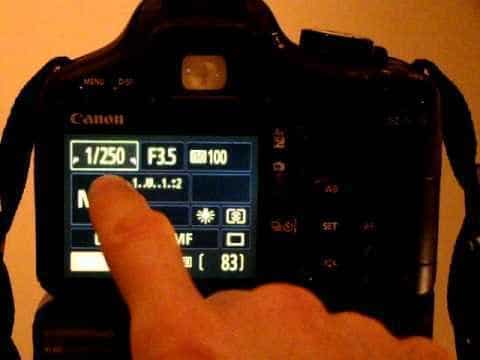
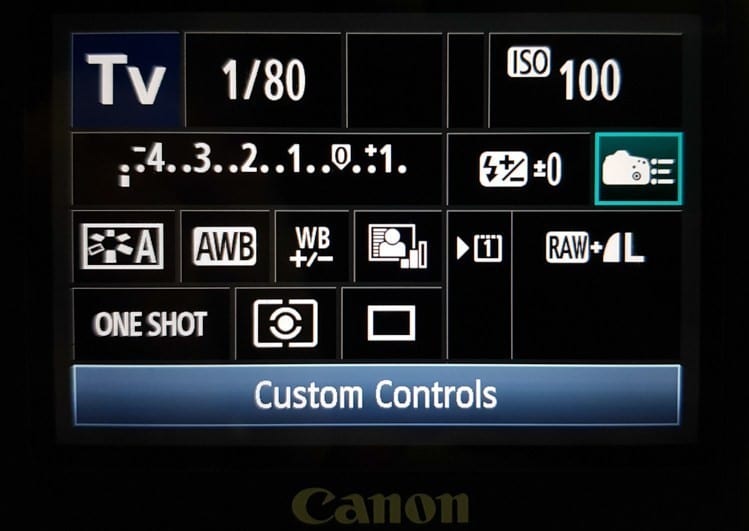
For most wedding moments, set your shutter speed to 1/500 of a second. That’s fast enough to freeze walking, hand gestures, and candid reactions.
When you’re shooting the first dance or couples walking slowly, you can drop it lower. Just make sure you don’t go so slow that you introduce motion blur from your own hand movement.
Step 3. Adjust Aperture Settings
Canon M50 wedding photography – aperture
Aperture choice depends on what you’re shooting. For couple portraits where you want that creamy background blur, keep it wide between f/1.4 and f/2.8.
For related tips, check out our full guide on how to connect Canon M50 to iPhone.
For group shots of the wedding party, guests at tables, or wide venue photos, bump your aperture up to f/5.6 or higher. You need a deeper depth of field to keep everyone in focus.
Step 4. Use a Flash
Canon M50 wedding photography – flash
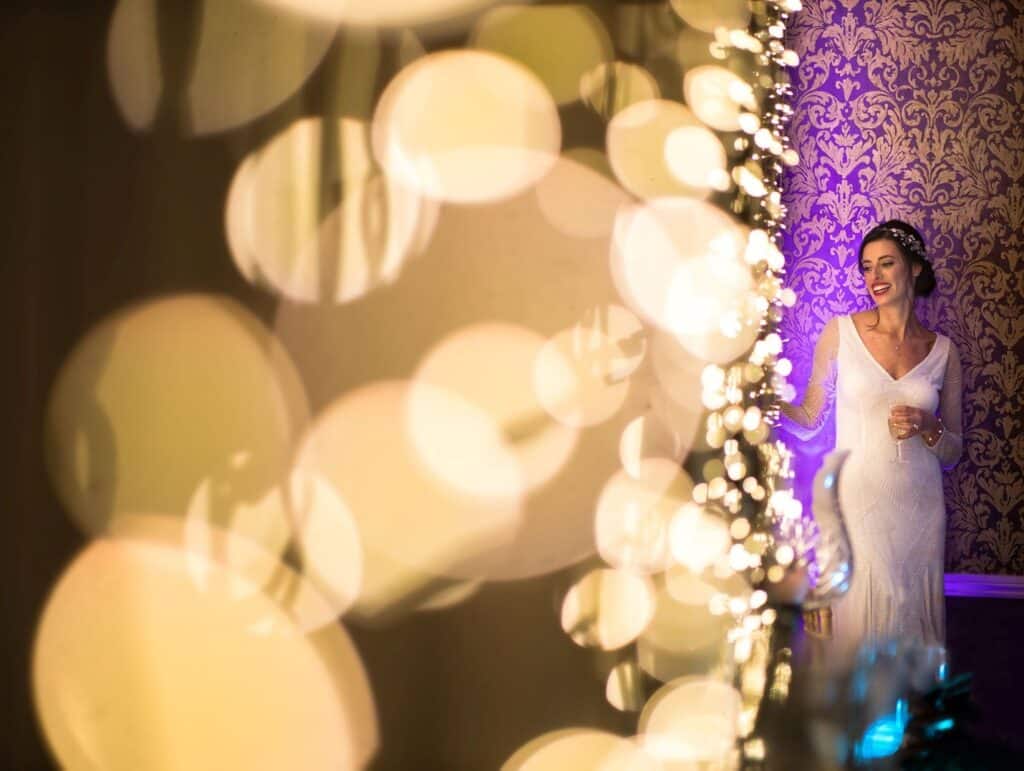
Wedding venues are notorious for uneven lighting. One corner might be bright while the dance floor sits in shadow. The Canon M50 has a built-in flash, but it’s pretty weak compared to what you actually need.
Invest in an external speedlight. It’ll give you more power, the ability to bounce light off ceilings, and much more flattering results on skin tones.
Step 5. Bring the Right Accessories
Your Canon M50 wedding photography kit isn’t complete without a few extra pieces of gear.
Tripod
When you’re juggling heavy lenses and shooting for hours, a tripod saves your arms and keeps your shots stable. It also eliminates camera shake during slower shutter speed shots in dim reception halls.
Lenses
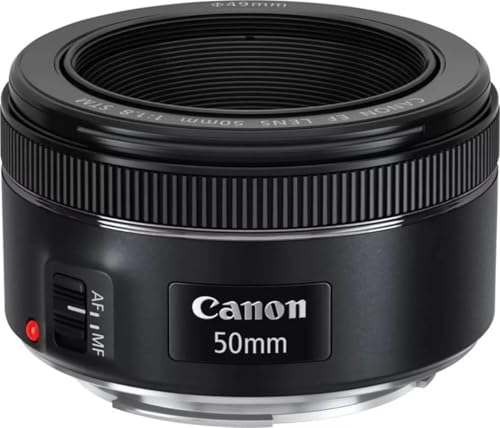
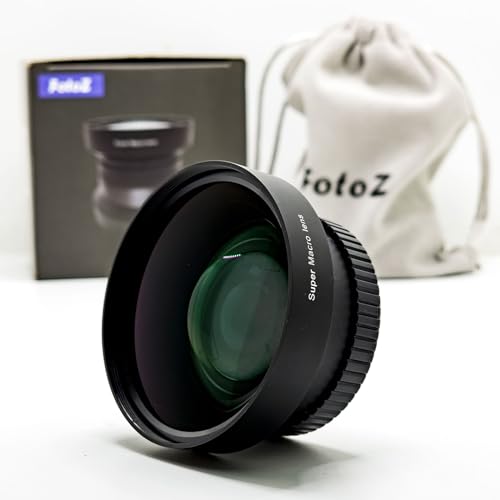
If you’re just starting out, the kit lens or a fixed 50mm or 35mm prime will work. But if you want to step up your results, grab a 24-70mm f/2.8 zoom lens. It covers close-up portraits and wide venue shots without swapping lenses, which is exactly what you need when things move fast.
Check out the list of the best Canon lenses for wedding photography.
