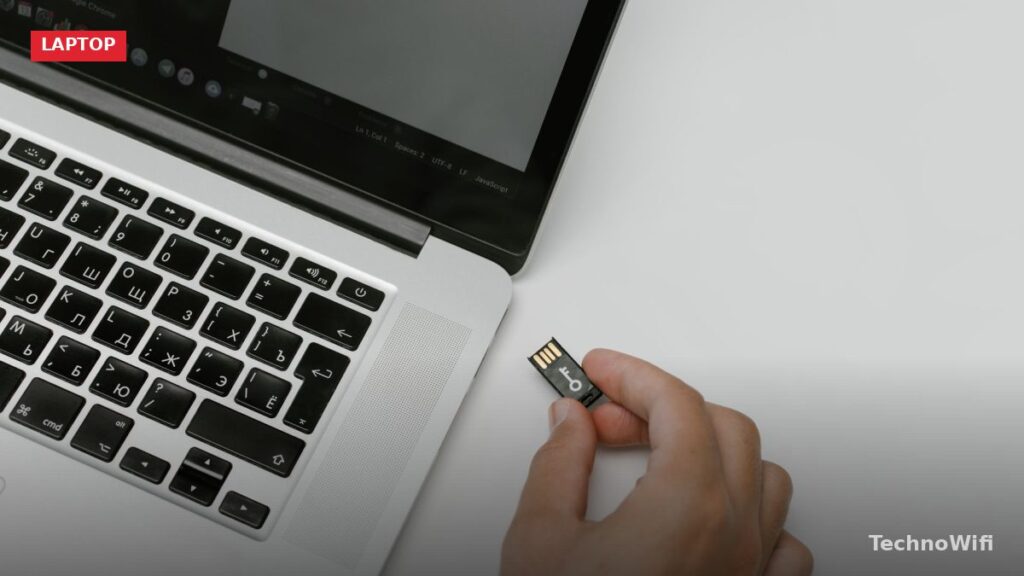
Docking Stations for MacBook Pro
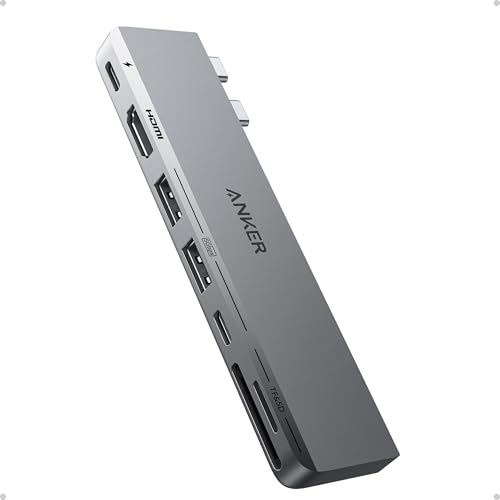
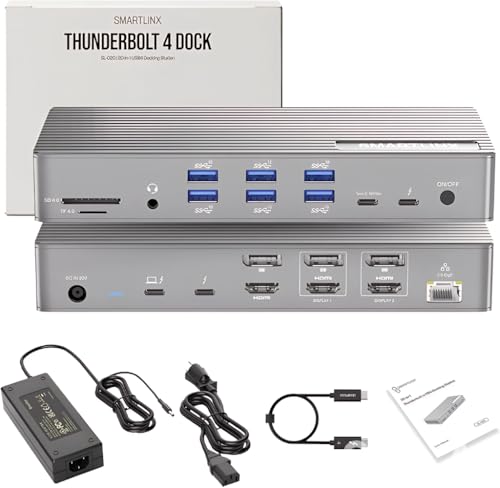
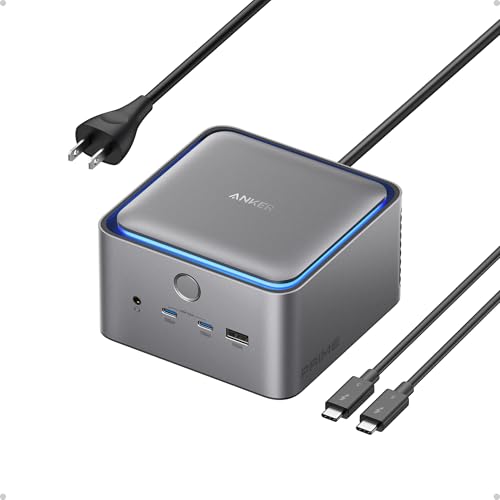
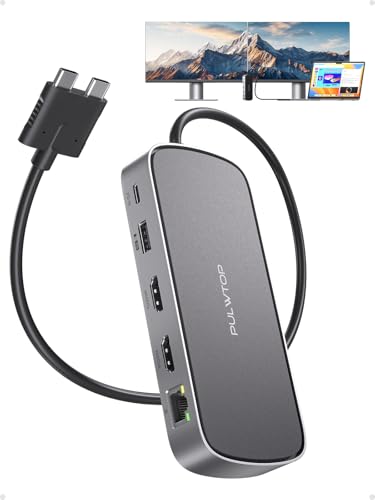
Docking stations for MacBook Pro give you extra ports and connectivity that Apple’s slim laptops just don’t offer on their own. Think of them as expansion hubs: plug in one cable and suddenly you’ve got access to external monitors, USB drives, SD cards, Ethernet, and charging, all through a single connection.
Most docking stations offer a wider variety of ports than a basic USB-C hub. Many include their own power supply, so they can handle high-speed data transfer and laptop charging at the same time. If you need multiple display outputs or want to connect a bunch of peripherals without cable clutter, a dock is the way to go.
Here are seven docking stations worth considering for your MacBook Pro setup in 2026.
Recommended Docking Stations for MacBook Pro
1. Hieracool Docking Station
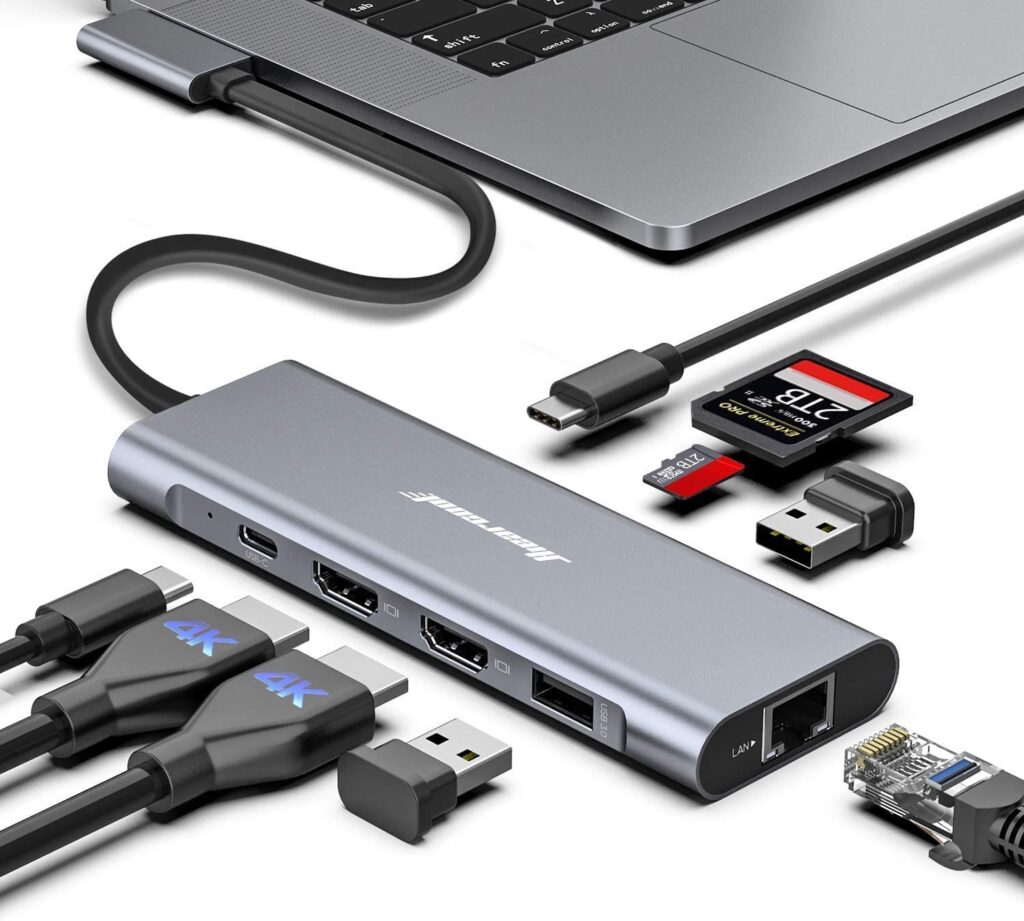
This USB-C dock supports dual monitor setups with resolutions up to 3840 x 2160. It’s an 8-in-1 station that packs multiple port types into a compact design, so you can hook up displays, storage devices, and peripherals without juggling adapters.
The USB-C connection handles both data and display duties, making it a solid choice if you want a single hub that covers your daily needs. Triple display output is also supported if your MacBook model allows it, which is a nice bonus for power users who need the extra screen space.
2. Vako MacBook Pro 9-in-2 Docking Station
The Vako dock supports three-screen expansion with two display modes, running at 60Hz resolution for smooth visuals. It connects directly to your MacBook Pro and is built specifically for the 13-inch, 15-inch, and 16-inch models.
We also cover 4K monitors for Mac Mini in a separate article worth checking out.
Data transfer is fast thanks to dedicated SD and MicroSD card slots. The technical design includes long cord isolation to keep heat away from your laptop’s ports, which helps prevent overheating during extended use. Overload and overcurrent protection are built in, so you don’t have to worry about power-related issues.
3. Rocketek Hub Docking Station
The Rocketek hub adds USB 3.0 ports along with SD, Micro SD, and TF card slots on the front panel. It connects through a simple USB interface and works with a range of Mac devices.
Data synchronization is fast thanks to high-speed USB 3.0 transfer rates. It plays nicely with flash drives, mice, keyboards, external hard drives, and other USB peripherals. Setup is straightforward with no software installation required. Just plug it in and it works. You can also adjust the mounting knob to secure the hub firmly in place.
4. Azdome Docking Station
Azdome’s dock delivers data transfer speeds up to 5Gbps, which means you can move large files in seconds. It supports both forward and reverse transmission and works with single and dual display setups in mirror mode.
The USB 3.0 port handles high-speed file transfers, and the overall build quality is backed by safety certifications. If you need a no-fuss dock that connects quickly and handles the basics well, Azdome is a reliable option.
5. MOKiN MacBook Pro Docking Station
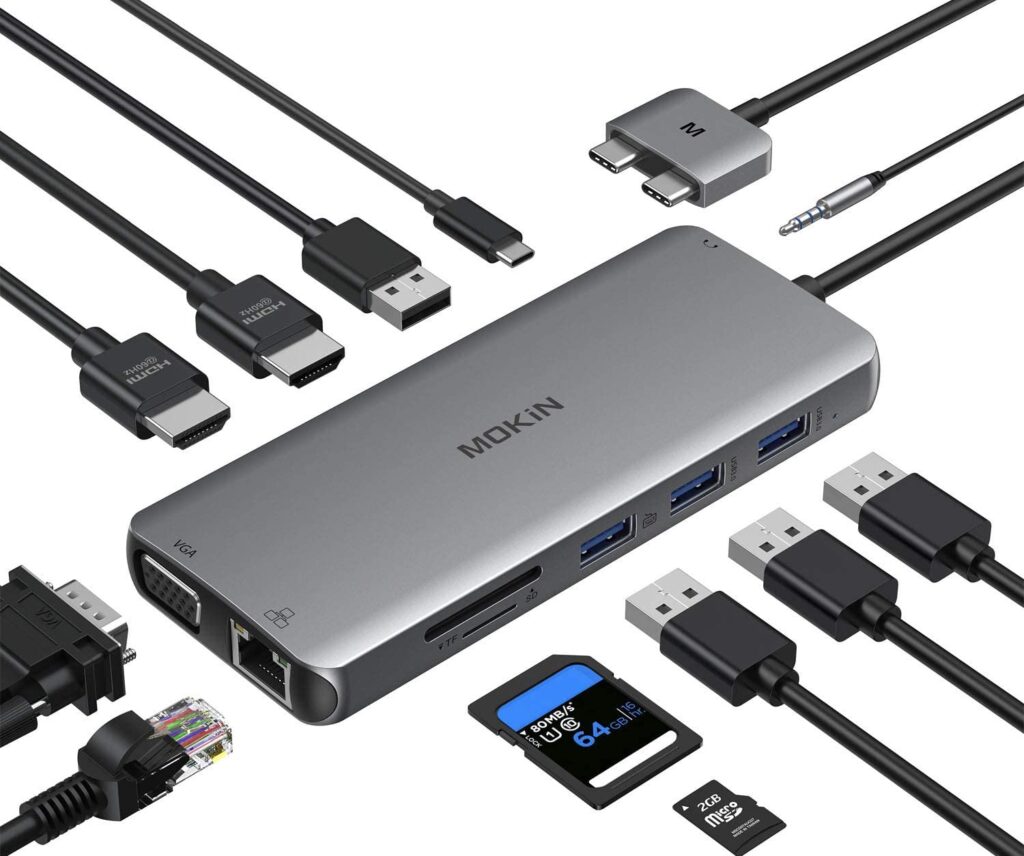
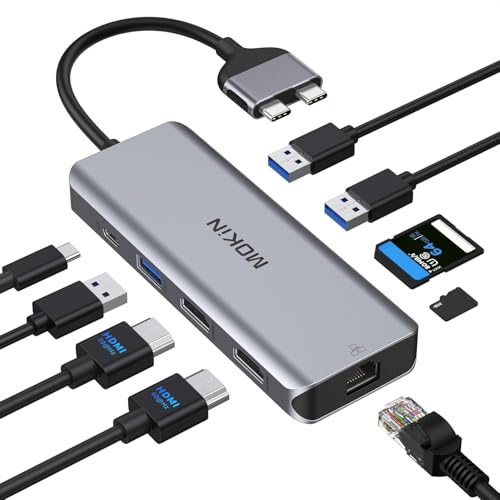
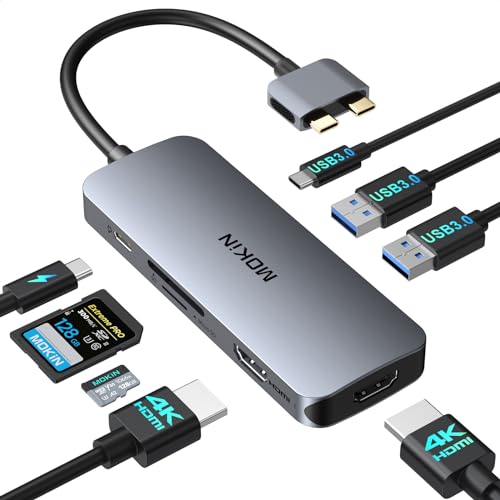
Designed for MacBook Pro/Air models from 2018 onward, the MOKiN dock features an enhanced chip for better performance. It offers 2x USB 3.0 and 2x USB 2.0 ports along with a 1000Mbps Ethernet port, giving you transfer speeds of 5Gbps and 480Mbps respectively.
If you are still exploring options, our ASUS docking stations for Chromebook guide is a solid next read.
The HDMI port supports 4K Ultra HD at 60Hz or Full HD 1080p at 60Hz, and you can mirror or extend your display to a projector, TV, or external monitor. The USB-C Power Delivery charging port lets you charge your laptop through the dock, keeping your desk clean with fewer cables.
6. Falwedi 12-in-1 Triple Display
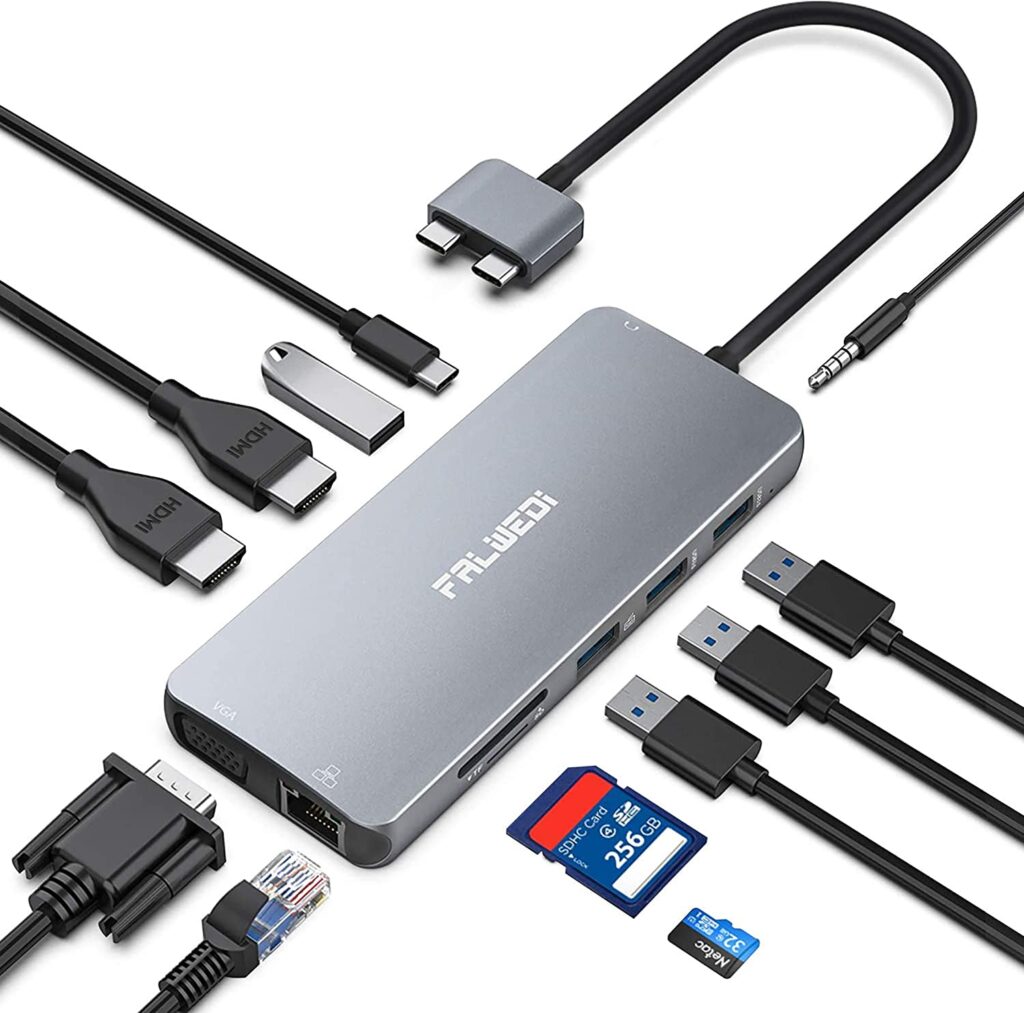
The Falwedi gives you triple extended display capability on Mac systems, supporting both SST and MST modes. Two USB 3.0 ports handle file transfers at up to 5GB/s, and the Ethernet port tops out at 1000Mbps for stable wired internet.
Dual 4K HDMI ports support ultra HD output at 3840×2160 at 60Hz on each connected display. The USB-C charging port (PD3.0) supports up to 100W input, though power delivery to your laptop is capped at 87W. For anyone who runs three screens on their MacBook, this is one of the most complete options available.
7. TOTU Universal USB-C Docking Station
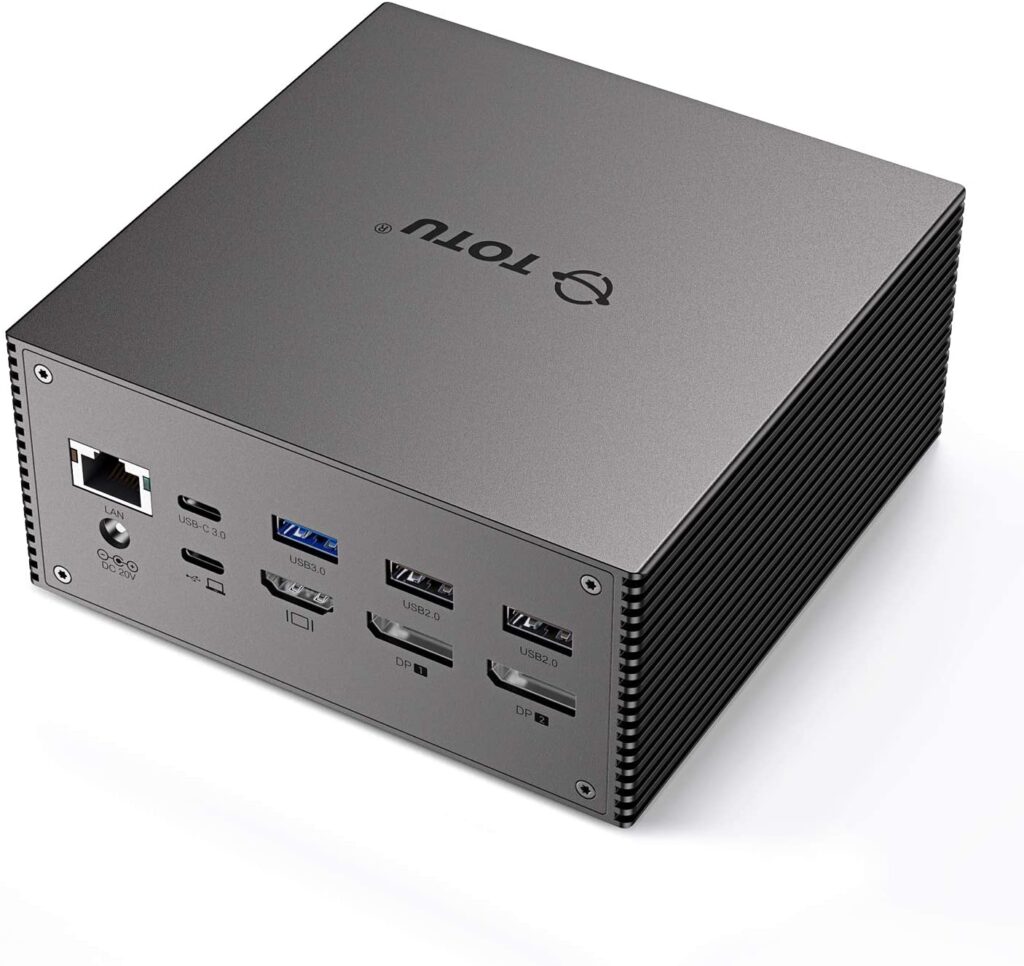
TOTU’s dock supports DisplayPort Alternate Mode for video output and Power Delivery for charging. It offers three additional display connections through HDMI and DisplayPort, plus 60 watts of charging power.
Triple display works on both Windows and Mac. The USB-C cable connection keeps things tidy, and the dock comes with a 12-month warranty for peace of mind. It’s a dependable pick if you want multi-monitor support without spending top dollar.
Which MacBook Pro Dock Should You Pick?
All seven of these docking stations expand your MacBook Pro’s connectivity in ways that matter for daily work. Most come in aluminum builds, so they’re durable and portable enough to toss in a bag.
If you need triple display support, the Falwedi and TOTU are your best bets. For everyday dual-monitor setups, the Hieracool and MOKiN are strong all-rounders. And if you want the simplest plug-and-play experience, the Azdome and Rocketek hubs get the job done without any fuss.