Best Routers and Wi-Fi Extenders in 2026
Your internet connection is only as good as the router pushing it around your home. Whether you are dealing with dead zones in the back bedroom, buffering during video calls, or just want faster speeds for gaming, upgrading your router or adding an extender can make a real difference. Here is what to know about the current options.
Wi-Fi 6E vs Wi-Fi 7: Does It Matter Yet?
Wi-Fi 6E added a third radio band (6 GHz) on top of the standard 2.4 GHz and 5 GHz bands. That extra band is less crowded and can deliver faster speeds over short to medium distances. Most flagship phones, laptops, and tablets released in 2024 and 2025 support 6E, so it is a practical upgrade right now.
Wi-Fi 7 goes further with wider channels (320 MHz), multi-link operation, and theoretical speeds above 40 Gbps. In practice, real-world Wi-Fi 7 speeds are roughly 30 to 50 percent faster than 6E in ideal conditions. Wi-Fi 7 routers have dropped in price since early 2025, but most people’s devices still top out at 6E. If you are buying a router to last the next four to five years, Wi-Fi 7 is a reasonable choice. If you want to save money now, 6E still delivers excellent performance.
Mesh Systems vs Range Extenders
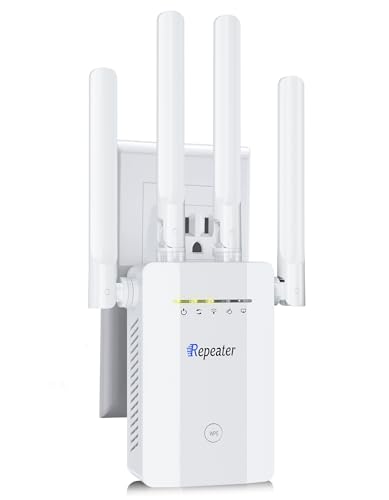
Range extenders take your existing Wi-Fi signal and rebroadcast it. They are cheap (usually $30 to $80) and easy to set up. The downside is that they cut your bandwidth roughly in half because the extender uses the same radio to receive and retransmit. You also end up with separate network names, which can confuse devices.
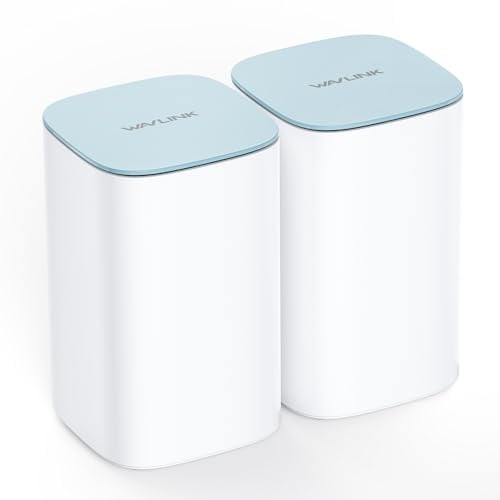
Mesh systems use multiple access points that work together as a single network. Your devices automatically connect to whichever node has the strongest signal, and the handoff between nodes is smooth. Mesh systems cost more (usually $200 to $500 for a two or three pack), but they cover larger areas more reliably and keep a single network name throughout.
For apartments and small homes under 1,500 square feet, a good standalone router is usually enough. For homes between 1,500 and 3,000 square feet, a two-node mesh system works well. Above 3,000 square feet, go with a three-node mesh setup or consider a dedicated backhaul system.
Best Overall Router: ASUS RT-BE96U
ASUS has been consistently strong in the router space, and the RT-BE96U is their current Wi-Fi 7 flagship. It supports tri-band operation with a dedicated 6 GHz backhaul, has a 10 Gbps WAN port for future-proofed internet connections, and the AiMesh feature lets you add more ASUS routers as mesh nodes later. The ASUS router app gives you solid parental controls, VPN support, and network traffic analysis. It is priced around $350 to $400.
What makes ASUS stand out is the depth of their software. The router admin panel gives you control over traffic prioritization per device, lets you run a VPN server from the router itself, and includes a built-in network security scanner powered by Trend Micro. If you like tinkering with network settings, ASUS gives you more options than almost any other consumer brand.
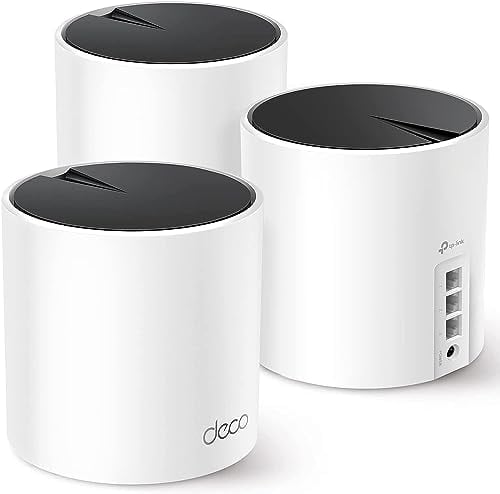
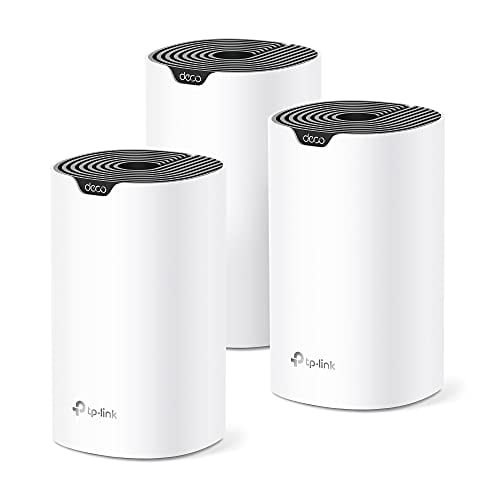
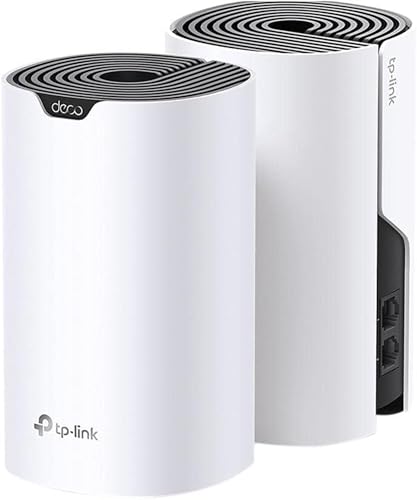
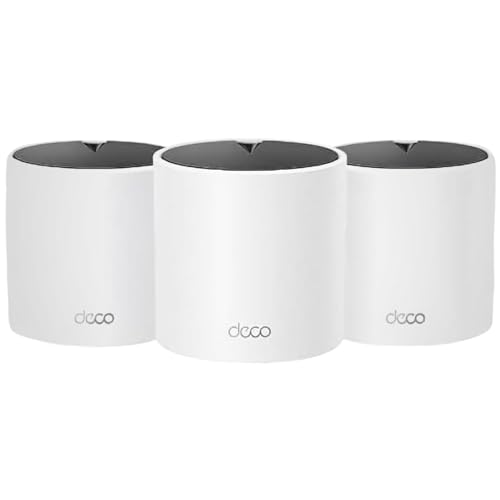
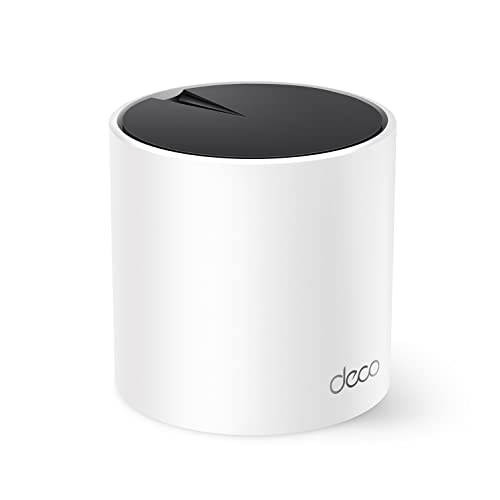
Best Mesh System: TP-Link Deco BE85
TP-Link’s Deco line has earned a strong reputation for affordable, easy-to-use mesh systems. The BE85 is their Wi-Fi 7 mesh kit, sold as a two-pack that covers up to 5,500 square feet. Setup through the Deco app takes about ten minutes, and the system handles device roaming beautifully. It supports 320 MHz channels on the 6 GHz band and has a 10 Gbps backhaul connection between nodes. A two-pack runs about $500 to $550.
The Deco app is one of the cleaner mesh management apps out there. You can see every connected device, set time limits for specific devices (great for kids), and run speed tests between nodes to verify your backhaul performance. If you want a system that you set up once and rarely think about again, the Deco line delivers that.
Best Budget Mesh: Eero 6+
Amazon’s Eero 6+ is still one of the best values in mesh networking. A three-pack covers about 4,500 square feet, supports Wi-Fi 6 (not 6E or 7), and offers dead-simple setup through the Eero app. It lacks the cutting-edge speed of Wi-Fi 7 systems, but for most households running standard internet plans up to 500 Mbps, it handles everything fine. A three-pack typically costs around $150 to $200.
One thing to know about Eero: some advanced features like ad blocking and threat detection require an Eero Plus subscription at around $10 per month. The basic functionality works perfectly without it, but if you want those extras, factor the ongoing cost into your decision.
Best for Gaming: Netgear Nighthawk RS700S
Gamers care about latency more than raw throughput, and the Nighthawk RS700S delivers low-latency Wi-Fi 7 performance with features like automatic QoS that prioritizes gaming traffic. It also has a 10 Gbps ethernet port for wired connections and supports DFS channels to avoid interference. Pricing sits around $400 to $450.
That said, if you are serious about competitive gaming, nothing beats a wired ethernet connection. Even the best Wi-Fi 7 router adds a few milliseconds of latency compared to a direct cable. Use the Nighthawk’s 10 Gbps port with a Cat 6 or Cat 6a cable to your gaming PC, and save the Wi-Fi for everything else in the house.
Quick Buying Tips
Before you buy, check what internet speed you are actually paying for. If your plan tops out at 300 Mbps, a $500 Wi-Fi 7 router will not make your internet faster. It will improve local network speeds and coverage, but your ISP speed is the ceiling.
Also, placement matters more than specs. A $400 router shoved in a basement closet will perform worse than a $150 router placed centrally on the main floor. Put your router (or primary mesh node) in the most central spot you can, raised off the floor, and away from thick walls and large metal objects.
Finally, do not overlook your modem. If your modem is old or rented from your ISP, it could be the bottleneck. A router can only work with the internet speed your modem delivers. Check whether your modem supports DOCSIS 3.1 (for cable internet) or is compatible with your fiber or DSL provider. Upgrading the modem alongside the router often produces a bigger improvement than upgrading the router alone.
For a roundup of the top picks, see our best WiFi router guide with models for every budget.
Ready for WiFi 6? Check our best WiFi 6 routers.
Before buying a new router, it helps to know what speeds your ISP actually delivers. Check which providers and plans are available in your area.
Big house? See our best WiFi routers for large homes.