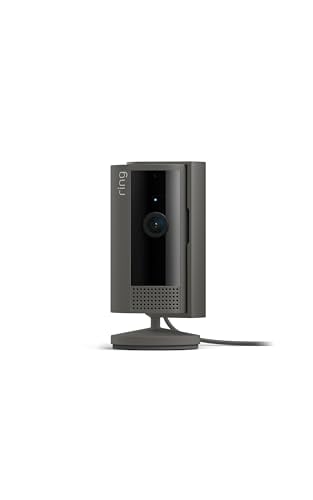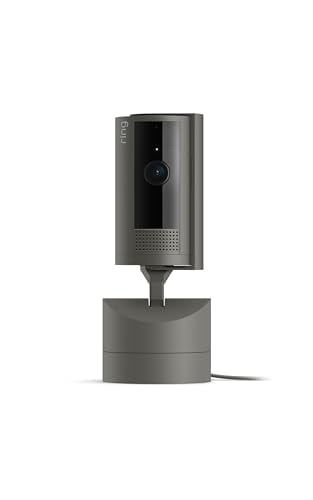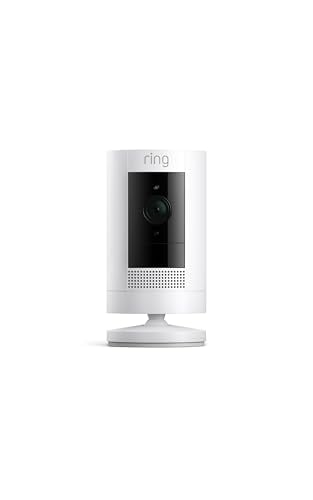
Always Home Cam by Ring
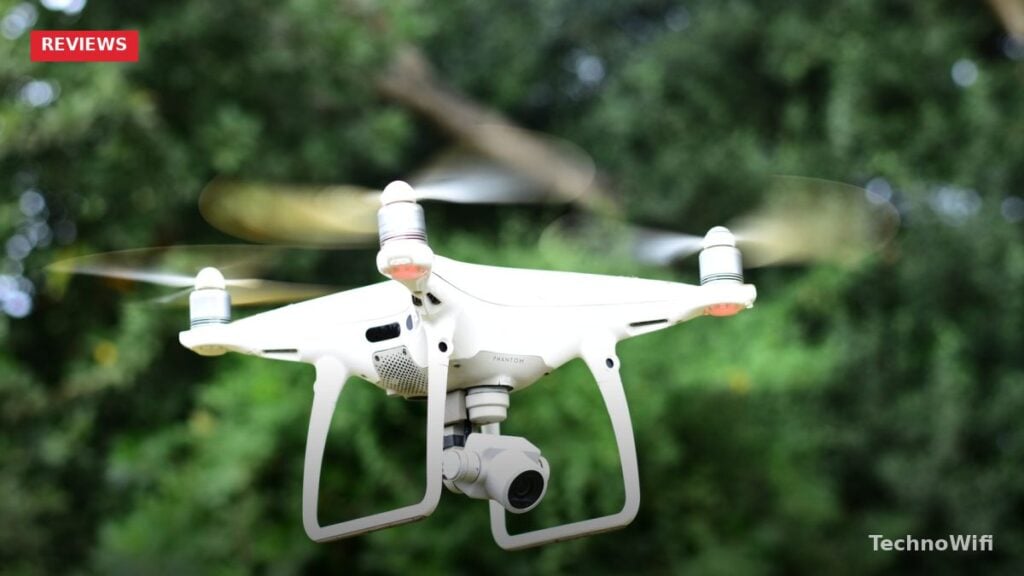
Ever thought about having a drone flying around inside your house? What if that drone could check on multiple rooms and double as a security camera? That’s exactly what Ring built with the Always Home Cam.
This indoor flying security camera takes home monitoring in a completely different direction. Instead of buying several fixed cameras for different rooms, you get a single device that can fly between them on a preset path.
What is the Always Home Cam?
The Always Home Cam is a security camera from Ring, part of their Smart Home Devices lineup.
It definitely turns heads. Unlike traditional security cameras that sit in one spot, this thing actually flies. It’s an autonomous indoor camera drone.
When it’s not in use, it sits in a charging dock. Think of it like a little robot that you can program and customize through the app to patrol different areas of your home.
Ring first announced the Always Home Cam back in 2020, and after several rounds of updates and a limited release, the device has matured quite a bit by 2026. The current version is more stable, quieter, and easier to set up than the early prototypes that first caught everyone’s attention.
What Makes It Different?
Ring has packed some interesting tech into this camera. For starters, it supports end-to-end encryption through Ring’s mobile app, which keeps your video footage private.
The app lets you customize all the settings to match your preferences.
The whole idea behind this device is simple: monitor your home when you’re not there. Ring designed the drone to fly a preset path, check on things, and return to its dock when it’s done.
For related tips, check out our full guide on top rated wireless security cameras.
Once it lands back on the dock, the battery recharges automatically. It’s ready to fly again whenever you send the command.
What really sets it apart is the control you get from your phone. You can pilot the camera from anywhere using Ring’s app, checking on any room in your house.
The practical benefit here is obvious. Instead of installing a camera in every room, the Always Home Cam covers your entire home with a single device. That means fewer cameras to buy, fewer things to charge, and less clutter on your walls and shelves.
How Does This Camera Work?
The Always Home Cam is fully autonomous. You decide the flight path, and you can customize everything from the Ring mobile app, even from a remote location.
During initial setup, you’ll create a map of your home and mark the flight path for the camera. You’ll tag specific spots like bedrooms, the kitchen, and other areas you want monitored. You can use an on-demand flying mode or set up automated commands using the built-in programs.
The mapping process uses the camera’s onboard sensors to understand your home’s layout. It identifies walls, doorways, and open spaces so it knows where it can and can’t fly. After the initial mapping, you fine-tune the flight paths by selecting specific waypoints where you want the camera to pause and record.
If the camera detects any disturbance while flying, it sends you an alert right away. It’s also compatible with Ring’s Smart Alarm system.
Here’s a privacy detail worth knowing: the charging dock blocks the camera’s viewing window. So when the drone is docked, it can’t record anything.
Our article on how to secure wireless cameras? covers related ground and is worth a look.
When it’s in the air, though, it can capture footage from different angles across multiple rooms, including bedrooms, the kitchen, living room, and more.
The built-in camera records in full HD at 1080p resolution. For a flying device, 1080p is solid. The video quality is sharp enough to identify faces and read text in the footage, which is what matters most for a security camera.
Flight Noise and What to Expect
Ring has been upfront about the fact that the drone makes some noise while flying. That sound gets picked up in recordings too, which is just something you have to accept with this type of device.
The noise level is similar to a small desk fan. It’s noticeable if you’re in the same room, but not so loud that it would wake someone sleeping in the next room. Ring has worked on reducing the motor noise over the years, and the 2026 version is noticeably quieter than the original prototypes.
If you’re using the camera mainly for quick check-ins while you’re away from home, the noise won’t be an issue since nobody is there to hear it. For scheduled patrols or motion-triggered flights, the slight hum is a fair trade-off for the coverage you get.
Practical Uses Around the Home
Beyond security, you can also use it for quick household checks, like making sure the stove is off or a faucet isn’t running. Pet owners often use it to check on animals while at work. The on-demand flight mode is perfect for these kinds of quick checks since you can send the drone to a specific room, look around, and dock it again in under a minute.
Some users have also found it helpful for monitoring home repairs or checking on elderly family members. The ability to fly to a specific room and see a live feed gives you peace of mind without installing a fixed camera in every space.
Safety and Obstacle Avoidance
The Always Home Cam has obstacle avoidance technology built in. It navigates around things like ceiling fans, light fixtures, and furniture on its own. You don’t need to worry about it crashing into stuff.
The propellers also have protective shrouding around them. This means they won’t hurt pets or scratch up your walls and furniture.
The sensors detect obstacles in real time and adjust the flight path to avoid them. If something new appears in the drone’s path, like a chair that’s been moved or a door that’s been closed, the drone reroutes itself automatically.
It’s a safe, practical indoor security option for any home.
Ring’s Always Home Cam: Pricing and Availability
The Ring Always Home Cam is available through Amazon and Ring’s website. Check Ring’s official store for current pricing and availability in your area.
Keep in mind that the Always Home Cam works within the Ring ecosystem, so you’ll need a Ring account and the Ring app to use it. A Ring Protect subscription is recommended if you want to save video clips and access advanced features like person detection. Without the subscription, you can still use the live view and on-demand flights, but recorded clips won’t be stored in the cloud.
Not sure which smart home platform fits your setup? See our Google Home vs Alexa breakdown for a side-by-side look.
Setting up Arlo? Our Arlo Essential Camera setup guide has every step.
Comparing budget cameras? See our Blink vs Wyze comparison.