How to Adjust Nikon Z6 Landscape Settings
The Nikon Z6 landscape settings you choose will shape how your outdoor photos turn out, and this camera gives you plenty to work with. Built around a 24.5-megapixel BSI-CMOS sensor, the Z6 captures incredible detail and dynamic range in a single frame. Its EXPEED 6 processor handles image data quickly, and the native ISO range of 100-51,200 (expandable to 204,800) means you can keep shooting as the light fades at golden hour.
What makes the Z6 particularly well-suited for landscapes is the combination of its high-resolution sensor and 5-axis in-body stabilization. The EVF (electronic viewfinder) with 3.69 million dots shows you an accurate preview of exposure before you press the shutter. The tilting touchscreen on the back is handy when you’re shooting from a low angle near the ground. And the weather-sealed magnesium alloy body means you don’t have to worry about dust or drizzle ruining your shoot.
The Z6 also shoots 4K UHD video at up to 30 fps with 10-bit 4:2:2 N-LOG output over HDMI, which is a bonus if you want to capture landscape time-lapses or video alongside your stills.
Landscapes Captured Using Nikon Z6
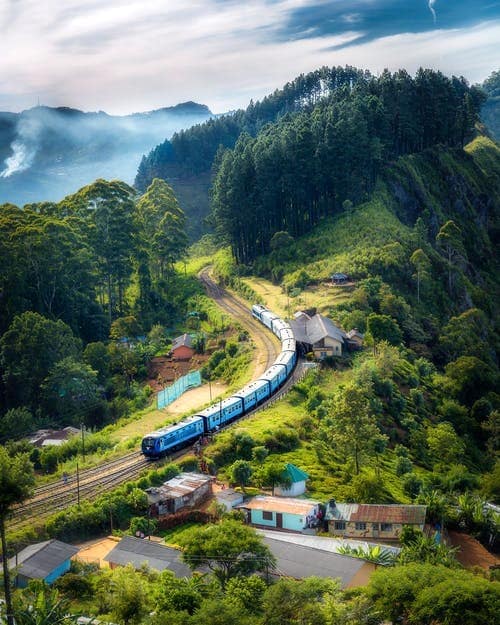
Shooting Landscape Photographs Using Nikon Z6
Step 1. Understand Your Camera Settings
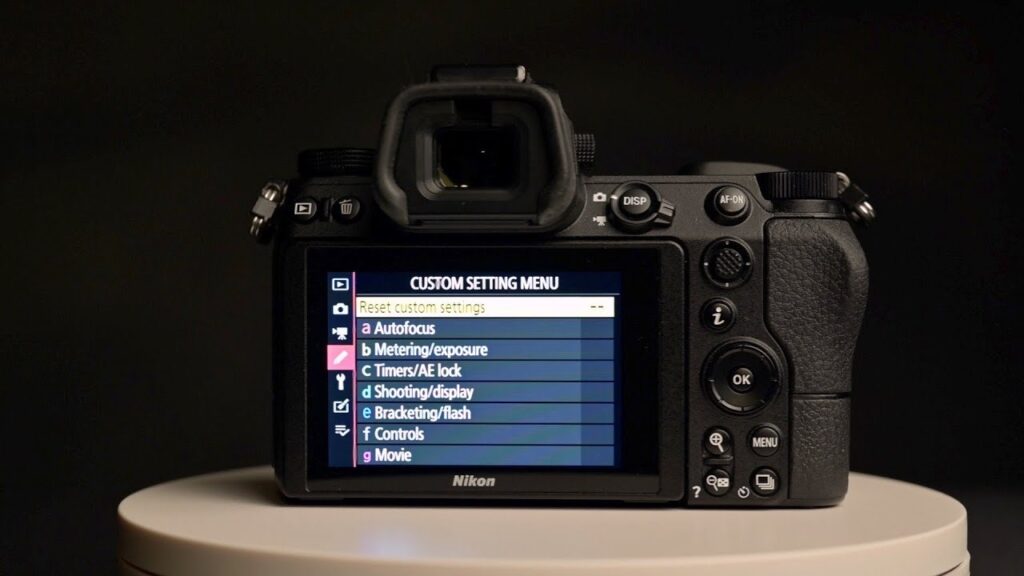
If you’re new to the Z6, spend some time learning what the camera can do before heading out to shoot. The key controls for landscape work are aperture mode, shutter speed, ISO, and exposure compensation.
For landscapes, aperture priority mode (A on the mode dial) is a great starting point. You set the aperture, and the camera picks the matching shutter speed. Typically, you’ll want a narrow aperture (f/8 to f/11) to keep everything from foreground to horizon sharp. Wider apertures like f/2.8 are rarely useful for landscapes since they blur the background, which is the opposite of what you usually want.
Understanding how these settings interact will make a noticeable difference in your landscape photography over time.
Step 2. Use ISO to Your Advantage
ISO measures how sensitive the sensor is to light. Lower numbers (100, 200) produce cleaner images with less noise, while higher numbers (1600, 3200) let you shoot in darker conditions but add grain.
For landscape photography, you generally want to keep ISO as low as possible. ISO 100 is ideal since you’re usually working with a tripod and can afford longer exposures. The Z6’s BSI sensor is particularly good at keeping noise low, even when you need to push ISO higher during dawn or dusk shoots.
Where higher ISO comes in handy is when you’re shooting handheld in fading light. The Z6 handles ISO 1600-3200 very well, keeping images clean enough for large prints. Just know that above ISO 6400, noise becomes more visible in shadow areas.
You can take low-light landscape shots much more efficiently once you understand how the Z6’s ISO settings behave at different levels.
Step 3. Bring a Good Tripod
A solid tripod is one of the most important pieces of gear for landscape photography. It eliminates camera shake, especially when you’re using slow shutter speeds to capture silky water effects or shooting at narrow apertures in low light.
You won’t always be on flat, stable ground when shooting landscapes. Sometimes you’ll be setting up on soft grass, loose gravel, or uneven rocks. Invest in a tripod that’s sturdy enough to handle these conditions. Look for spiked feet or rubber overshoes for better grip on different surfaces.
A tripod also lets you compose more carefully. When the camera is locked in place, you can take your time framing the shot, adjusting the horizon, and making small tweaks before pressing the shutter.
Step 4. Use Filters for Better Results
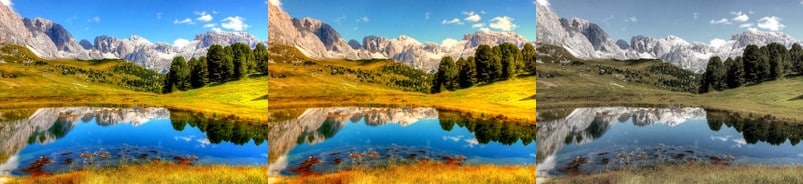
Filters can transform your landscape photos in ways that post-processing software can’t fully replicate. Here’s what to consider:
Polarizing filters cut glare from reflective surfaces like water and glass. They also boost contrast in the sky and reduce atmospheric haze, giving your photos more punch and visual depth.
Neutral density (ND) filters reduce the amount of light entering the lens. This lets you use slower shutter speeds even in bright conditions, which is how photographers get those smooth, flowing water effects in broad daylight.
Don’t buy the cheapest filters you can find. Quality glass matters here. Cheap filters can introduce color casts, reduce sharpness, and add unwanted vignetting around the edges. Good filters preserve the optical quality of your lens while giving you the creative effect you’re after.
Best Nikon Z6-Compatible Landscape Lenses


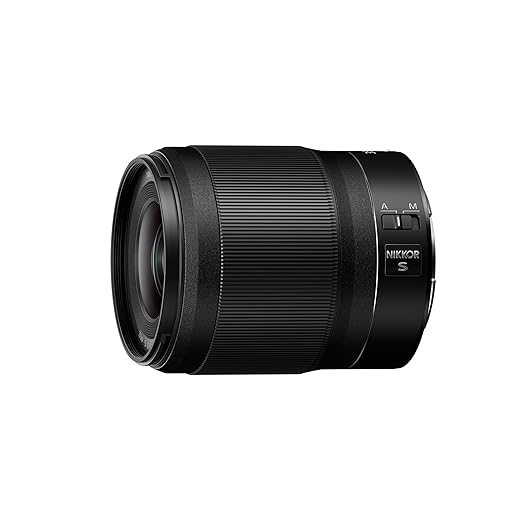

The Nikon Z6 is an excellent choice for landscape photography when you take the time to learn its settings and pair it with the right accessories. Its sensor, stabilization, and weather sealing give you the tools to capture stunning outdoor shots in nearly any condition. With practice, you can become a confident landscape photographer using this camera.
How we verify what we publishLast checked October 10, 2026Report an error