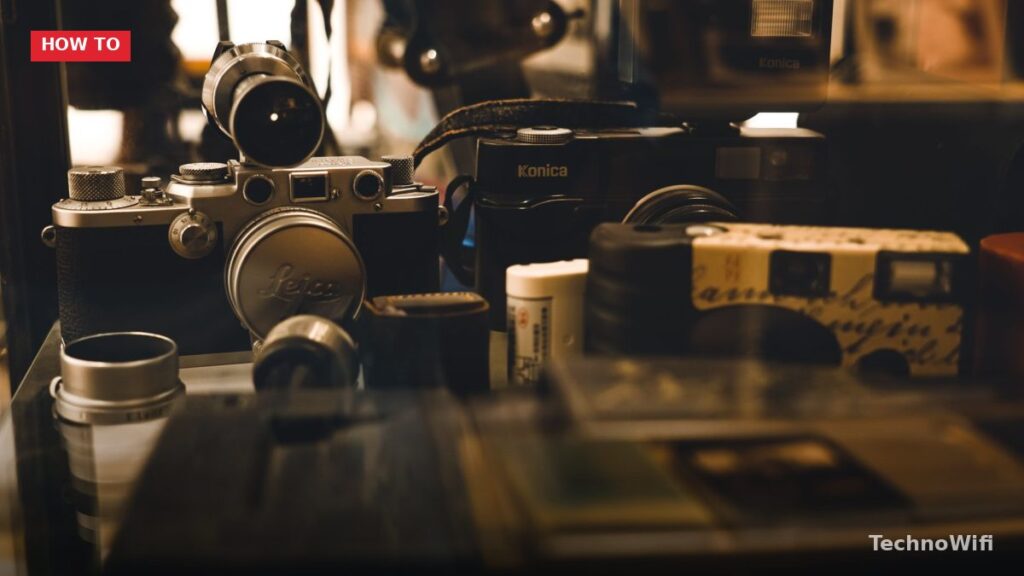
Finding Hidden Spy Cameras in Your Airbnb
A recent survey found that around 60% of Americans worry about hidden cameras in Airbnb rentals.
Even more concerning, over 12% of respondents said they actually found a hidden spy camera in their Airbnb.
Airbnb requires all members and hosts to respect each other’s privacy. Their policy specifically bans security cameras and other recording devices in private spaces like bedrooms and bathrooms, even if the host discloses them.
Despite these strict rules, complaints keep going up. Some hosts are clearly ignoring the policy.
As of 2026, Airbnb has rolled out stronger enforcement measures, but hidden cameras remain a real concern for travelers. The good news is that detection technology has also improved, giving guests more tools than ever to protect themselves.
Knowing how to spot hidden spy cameras in your Airbnb is the best way to protect your privacy while traveling.
Steps to Find Hidden Spy Cameras in Your Airbnb
Step 1. Learn What Spy Cameras Look Like
Spy cameras are small devices that can be tucked into all kinds of spots.
The smallest ones are pinhole cameras, which only need a tiny opening to work. A lot of spy cameras are wireless, which makes them easy for someone to install. Check out other posts on this site for more details about specific spy camera types. Here are some common hiding spots:
- Smoke detectors
- Stuffed toys
- Wardrobes
- Light bulbs
- Wall clocks
- USB wall plugs
Beyond these classic locations, spy cameras in 2026 have become smaller and more disguised than ever. Some models look exactly like phone chargers, Bluetooth speakers, or even screws. Others are built into picture frames, air fresheners, or tissue boxes. The general rule is to be suspicious of any electronic device that seems out of place or is pointed toward the bed, bathroom, or changing area.
Step 2. Ask the Airbnb Host Directly
Before you start searching, bring up the topic with the property owner.
A direct conversation can tell you a lot about where the host stands on privacy and surveillance. Some hosts might openly admit to using cameras. Others may not be honest, but you might notice them getting uncomfortable when asked. Pay attention to how they react and go from there.
When messaging your host, keep the tone casual but direct. Something like “Just checking, are there any cameras or recording devices on the property?” works well. Most legitimate hosts will appreciate the question and respond transparently. If a host avoids the question or gives a vague answer, treat that as a red flag.
Step 3. Search the Property When You Check In
As soon as you arrive, do a careful walkthrough and look for anything out of place.
Check for unfamiliar brands on wall decorations and electronics. Use a flashlight to spot the reflective surfaces of camera lenses.
Hidden spy cameras are often placed inside air vents. If you find anything suspicious, report it to the host right away.
Focus especially on bedrooms, bathrooms, and any private spaces where you would expect full privacy. Look at objects that face the bed or shower directly. Check smoke detectors by looking up at them closely. A real smoke detector should have visible vents and look like a standard model. If one looks different from the others in the property or has a tiny hole that could be a lens, investigate further.
Also check mirrors. A two-way mirror can hide a camera behind it. Place your fingernail against the mirror surface. On a normal mirror, there will be a small gap between your finger and the reflection. If the reflection touches your fingernail with zero gap, it might be a two-way mirror.
Step 4. Use a Spy Camera Detector or App
If a manual search doesn’t turn up anything, try using a dedicated detection device or app.
Some wired cameras might dodge detection through apps, so a purpose-built spy camera detector tends to work better.
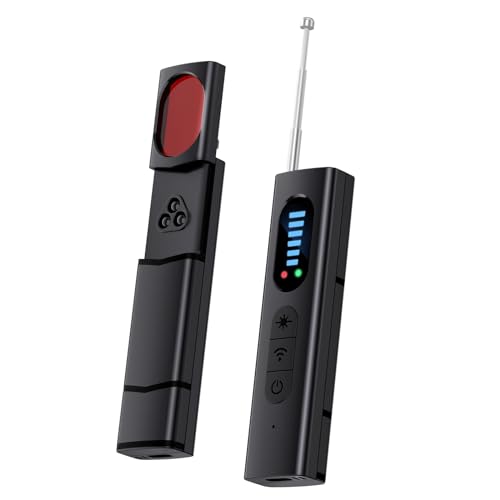
Many spy cameras have night vision and emit infrared light that you can’t see with the naked eye. But your smartphone camera can pick it up. Darken the room and slowly scan with your phone’s camera. Look for small, glowing dots on the screen.
Another approach is to scan for devices on the local WiFi network. Several free apps can show you all connected devices on the same network. If you spot a device labeled as a camera or something with a suspicious manufacturer name, that’s worth investigating. Keep in mind that some cameras use their own dedicated WiFi networks, so a network scan won’t catch every device.
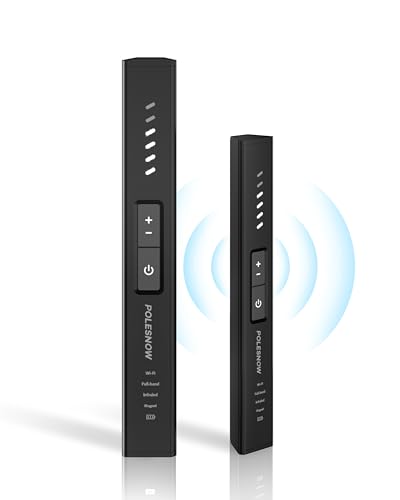
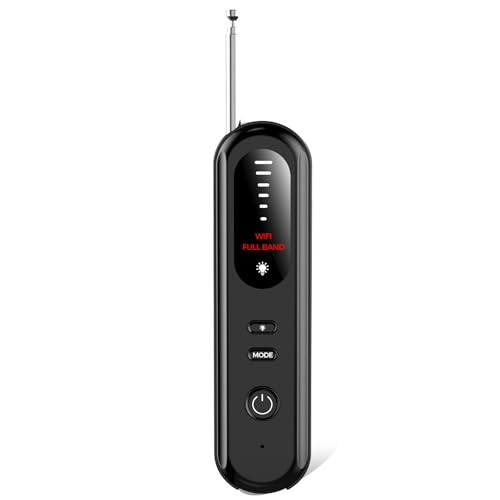
RF (radio frequency) detectors are another solid option. These handheld devices pick up radio signals that wireless cameras emit. Walk slowly around the room with the detector and pay attention to any signal spikes near objects that could hide a camera.
Airbnb hosts can install outdoor security cameras, but they have to disclose them before any booking is confirmed. Indoor cameras in bedrooms and bathrooms are completely off-limits.
Always read the property listing carefully, review the photos, and report any unauthorized cameras immediately.
Step 5. Check for Audio Recording Devices
Cameras aren’t the only privacy concern. Some hosts may also install audio recording devices that capture conversations without video.
Audio bugs can be hidden inside lamps, electrical outlets, or even furniture. While they are harder to spot visually, an RF detector can pick up their signals. Some smartphone apps designed for bug detection can also identify audio transmitters.
If you hear any unusual static, buzzing, or clicking sounds in a quiet room, that could indicate an active listening device nearby.
Step 6. Report to the Right Authorities
If you find a hidden camera, take a photo of it first. Then disconnect or remove the device and take another photo. Write down everything you noticed.
Contact the rental service as soon as possible with your photos and notes.
You can reach out to Airbnb’s Trust & Safety team directly. They’ll help you with next steps and can arrange alternative accommodation if needed.
In many states and countries, recording someone without their knowledge in a private space is a criminal offense. You have the right to file a police report, and you should consider doing so. Save all evidence, including photos, screenshots of the listing, and any messages with the host.
If you discover a camera during your stay, you can also leave a factual review mentioning the issue. This helps future guests make informed decisions about the property.
What to Do Before You Book
Prevention starts before you even arrive at the property. Here are a few steps that can reduce your risk:
Read reviews from previous guests carefully. Look for any mentions of privacy concerns, strange devices, or uncomfortable experiences. Properties with dozens of positive reviews and no red flags are generally safer bets.
Check the host’s profile and verification status. Superhosts with long track records and verified identities tend to follow platform rules more closely.
Look at the listing photos closely. If you spot cameras in the images or notice objects that seem oddly placed (like a clock facing the bed or an extra smoke detector in the bathroom), ask the host about them before booking.
The Bottom Line
Following these steps will help you find hidden spy cameras in your Airbnb and protect your privacy.
It’s also a good idea to check reviews and ratings from past guests before you book a place. With the right combination of awareness, basic tools, and a quick room scan, you can enjoy your trip without worrying about being watched.
See Also