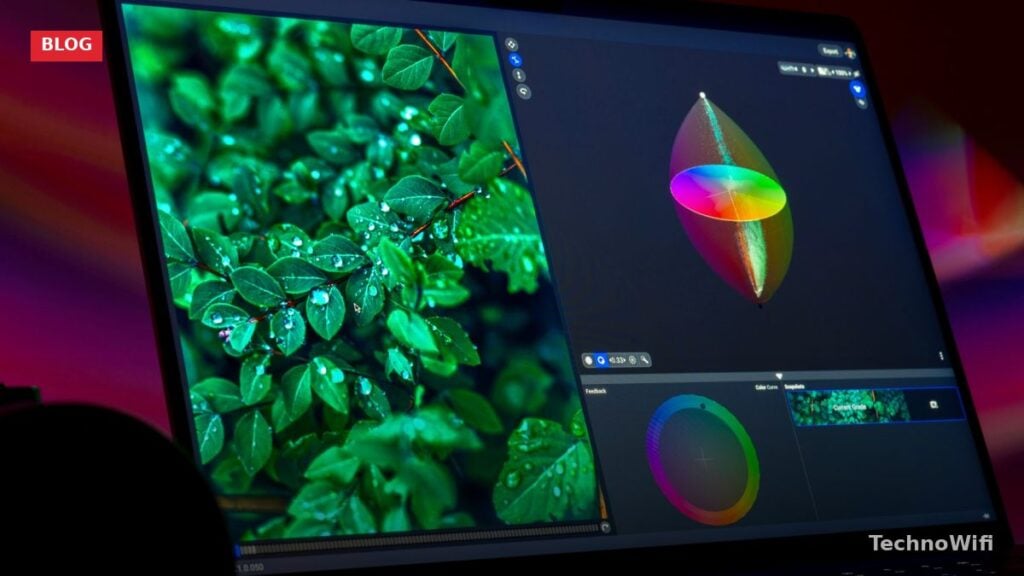
What Is Color Calibration and Why Does It Matter
Color calibration is the process of adjusting a device’s color output so it matches a known standard. The goal is simple: make sure the colors you see on your screen, in your prints, or in your camera output are accurate and consistent.
It’s used in photography, video production, television, gaming, engineering, medicine, and plenty of other fields where getting colors right actually matters.
How Color Calibration Works
At its core, color calibration makes sure that input devices (cameras, scanners), displays (monitors, TVs), and output devices (printers) all agree on what a given color looks like. When everything is calibrated, the image you see on your screen should closely match what comes out of the printer.
The problem is that every screen renders colors a little differently. Two people looking at the same image on different monitors will see slightly different colors. One screen might make an image look warm-toned while another makes the same image look cool. One monitor might add a reddish tint; another might lean green.
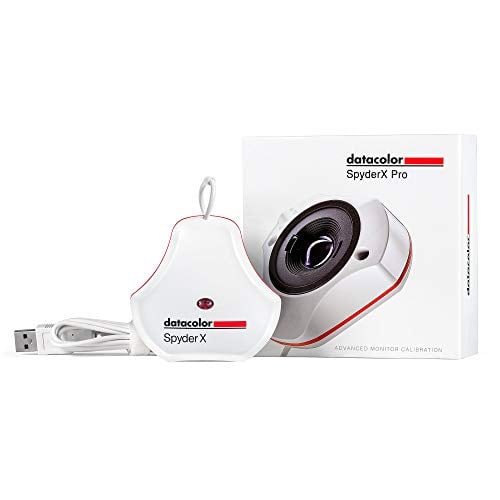
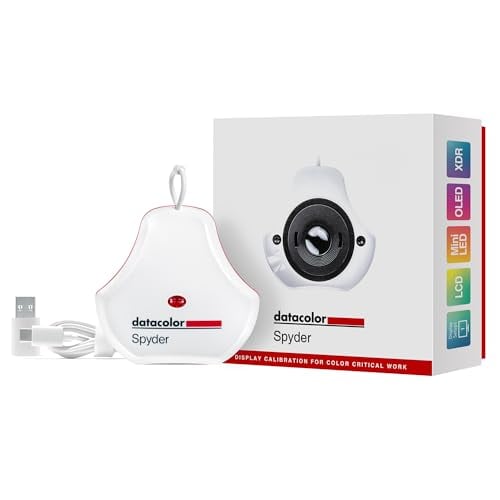
A color calibrator is a small spectrophotometer that attaches to the front of your display. Its companion software generates a series of color patches and gray levels, then measures what the screen actually produces versus what it should produce. The software then builds a correction profile. That profile adjusts the display’s output so colors appear accurately.
Why Color Calibration Matters
For the complete picture, our detachable camera flash guide fills in the gaps.
If you skip calibration, you might not be seeing things as they actually are. Imagine you’re editing a sunset photo that should feel warm with rich yellows and oranges. On an uncalibrated monitor, it might look cold and flat, and the entire mood is lost. You’d end up making adjustments based on inaccurate colors, and the final result would look off on every other screen.
Photographers and videographers rely on calibration to edit their work and get the exact colors and mood they’re aiming for. Without it, the finished product can end up with color casts and quality issues that are hard to track down.
The gaming industry uses calibration too. Developers calibrate their monitors so the colors in the final game look the way they intended. Players who calibrate their screens also get a more accurate visual experience.
We break down how to add printer to iPhone in a separate post that complements this one.
Outside the creative world, calibration is just as important. Chemists and scientists need accurate color readings to identify solutions and assess properties. Doctors depend on color-corrected images and video to make accurate diagnoses (sources).
In short, color calibration matters across nearly every industry. Without it, a lot of things go sideways.
Calibration Techniques for Different Devices
There are a few common types of color calibration, each tied to a specific type of device. Here’s how they work.
Camera
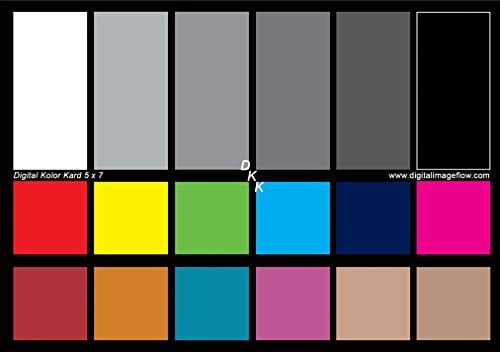
Camera calibration involves photographing a color target (a chart with known color values) and then converting the output to measured color values. When multiple cameras need to match each other, color mapping techniques are used to bring them into alignment.
Scanner
Scanners often need their own calibration to reproduce original colors accurately. To build a scanner profile, you scan a known target like an IT8 chart. The target is also measured with a spectrophotometer.
The scanner reads the target, and the software compares the scanned values against the known reference values. The differences between them are used to create an ICC profile. That profile maps the scanner’s color space to a device-independent standard.
Display
A colorimeter is attached to the screen surface to calibrate a monitor. The calibration software sends a series of colors to the display, then compares what the colorimeter reads against what was sent.
Based on the differences, the software builds a correction matrix. Depending on the monitor type and calibration software, it may adjust brightness, contrast, or individual RGB values to bring everything in line.
Printer
Printer calibration works by printing a test chart, then measuring the results with a spectrophotometer and comparing them against the original reference file. Every printer needs its own calibration profile to accurately reproduce colors from the image’s color space.
Wrapping Up
Getting colors right isn’t just a nice-to-have. For photographers, videographers, game developers, scientists, and medical professionals, it’s a requirement. Calibration makes sure that what you see on screen is what you actually get in the final output, whether that’s a print, a video, or a diagnosis.