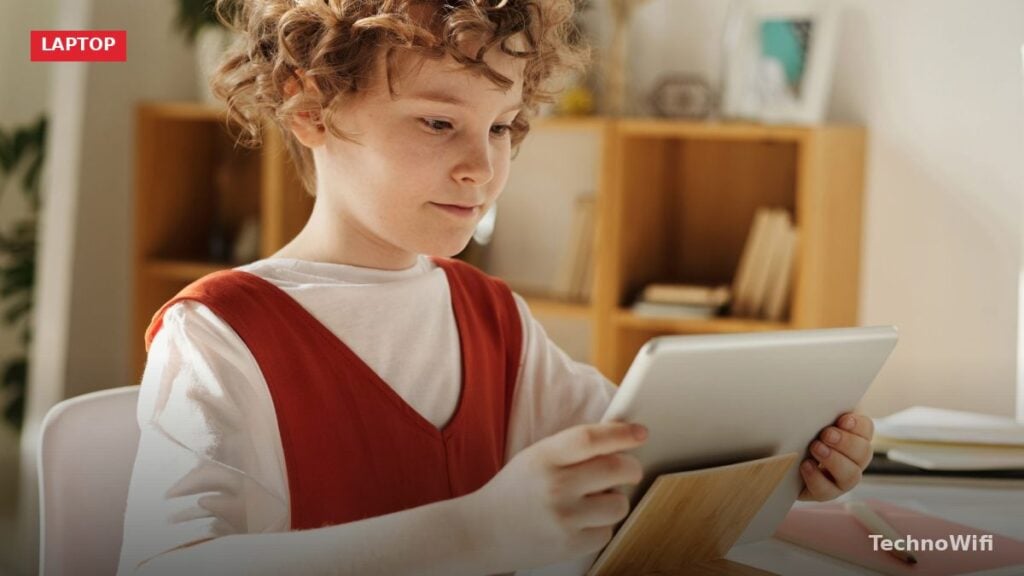
How to Pick a Laptop for a Kid
Kids destroy things. That’s not a judgment, it’s a design requirement. The laptop you buy for a child needs to survive drops, spills, sticky fingers, and being shoved into a backpack alongside yesterday’s lunch. Durability matters more than performance at every age under 12, because no kid needs a fast processor for Google Classroom and YouTube.
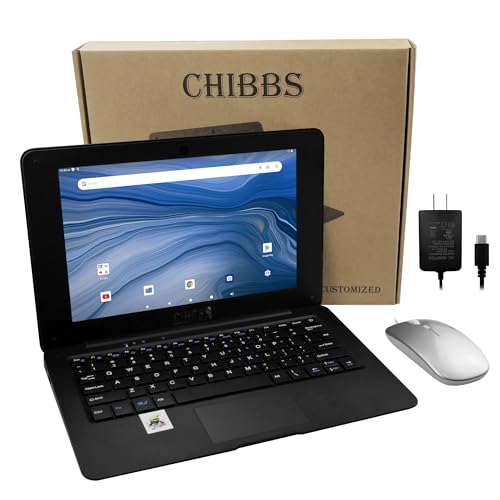
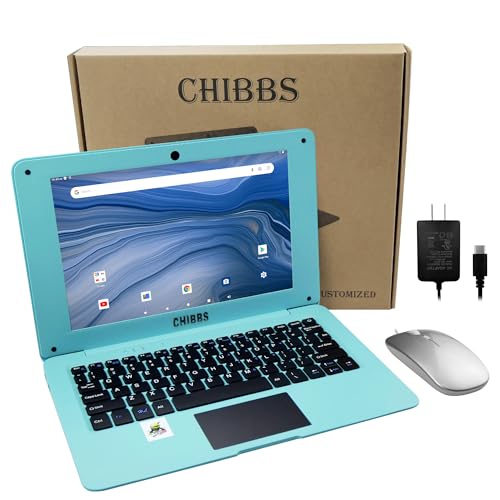
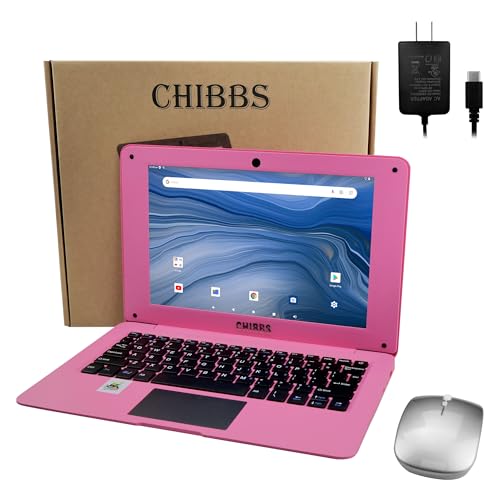
The second priority is simplicity. A 6-year-old shouldn’t need help navigating the operating system every time they use the computer. Chrome OS wins here for younger kids because it boots in seconds, updates silently, and has fewer settings to accidentally break. Windows works better for older kids (10+) who need desktop software or want a machine that grows with them into middle school.
Best Laptops for Kids by Age
| Laptop | Best For | Age Range | Screen | Durability | Price |
|---|---|---|---|---|---|
| Amazon Fire HD 10 Kids Pro + Keyboard | Ages 3 to 6 | Preschool / K | 10.1″ HD | Kid-proof case included | $150 to $200 |
| ASUS Chromebook CR1 | Ages 5 to 9 | K to 3rd grade | 11.6″ HD | MIL-STD, spill-resistant | $200 to $300 |
| Lenovo 100e Chromebook | Budget all ages | K to 5th grade | 11.6″ HD | Rubber bumpers, anchored keys | $150 to $230 |
| Acer Chromebook Spin 311 | Ages 6 to 10 | 1st to 5th grade | 11.6″ Touch | Gorilla Glass, MIL-STD | $200 to $300 |
| HP Stream 14 | Ages 9 to 12 | 4th to 6th grade | 14″ HD | Standard (add sleeve) | $200 to $280 |
| Acer Chromebook 314 | Ages 10 to 12 | 5th to 7th grade | 14″ FHD | Standard | $250 to $350 |
Best for Preschool and Kindergarten (Ages 3-6)
Kids this young don’t need a laptop in the traditional sense. They need a touchscreen device with a case that can survive being thrown across the room. The Amazon Fire HD 10 Kids Pro with a Bluetooth keyboard case is the most practical option. The included kid-proof case has a chunky handle and raised edges that absorb drops. Amazon Kids+ (one year included free) gives them age-appropriate apps, books, videos, and games in a curated, ad-free environment.
The parental controls are built into the device at the system level. You can set daily time limits, restrict access to specific apps, and block the web browser entirely. When the time limit hits, the screen locks. No arguing, no “just five more minutes” negotiation with the device. At $150 to $200 with the case and a year of content, it’s cheaper than any Chromebook and better suited for this age group.
Best for Early Elementary (Ages 5-9)
This is where actual laptops start making sense. Schools assign work through Google Classroom, kids start typing practice, and educational websites become part of the routine. The ASUS Chromebook CR1 was built specifically for this. The rubber-wrapped edges absorb drops from desk height, the keyboard resists spills up to 330ml, and modular keys snap back on when little fingers pry them off.
The 11.6-inch screen is the right size for small hands and young eyes. Chrome OS boots in under 10 seconds and works naturally with Google Classroom. Battery life pushes 11 hours, so charging once overnight covers the full school day and homework. An Intel Celeron processor and 4 GB of RAM handle everything a young student does without lag.
Our touchscreen laptop walkthrough covers this from a different angle.
The Lenovo 100e Chromebook is the budget alternative at $150 to $230. It doesn’t have the CR1’s rubber chassis, but it does have mechanically anchored keys and corner bumpers. Build quality is solid enough for kids who are reasonably careful. Performance and battery life are similar.
Best Convertible for Kids: Acer Chromebook Spin 311
The 360-degree hinge lets kids flip between laptop mode for typing and tablet mode for drawing, reading, or playing Android games. The touchscreen with Corning Gorilla Glass resists scratches better than standard laptop screens. An optional USI stylus turns it into a digital drawing pad, which some kids love for art projects.
MIL-STD-810H durability certification means it’s tested against drops, vibration, and temperature extremes. Battery life runs 10+ hours. At $200 to $300, it costs about the same as the ASUS CR1 but adds the tablet mode flexibility. Go with this over the CR1 if your child draws, reads digitally, or would benefit from a touchscreen.
Best for Upper Elementary (Ages 9-12)
Fourth through sixth graders start doing more real work: research projects, longer writing assignments, basic presentations, and occasionally video calls. Screen size and keyboard matter more at this stage. A 14-inch display gives them room to work without squinting, and a full-size keyboard fits growing hands.
The HP Stream 14 runs Windows 11 in S Mode, which restricts app installation to the Microsoft Store. This acts as a safety net while giving older kids access to the Windows ecosystem they’ll use in middle and high school. At $200 to $280 with an Intel Celeron, 4 GB RAM, and 64 GB eMMC storage, it handles schoolwork without drama.
The Acer Chromebook 314 is the Chrome OS alternative with a 14-inch Full HD display, 8 GB of RAM, and noticeably better performance. At $250 to $350, it’s a machine that transitions comfortably into middle school. The larger screen and extra RAM make a real difference for kids juggling multiple browser tabs during research.
Looking for more? We have a dedicated guide on laptop for online classes.
Chromebook vs Windows vs Tablet for Kids
Chromebooks are the default recommendation for kids under 10. They’re cheap, tough (especially education models), virus-resistant, fast-booting, and they plug right into Google Classroom. The OS is simple enough that kids can use it on their own without constant parent help.
Windows laptops make more sense for kids 10 and older who need desktop software or want a machine that lasts into high school. Windows requires more maintenance (updates, antivirus, occasional troubleshooting), but it offers more software flexibility and better offline capability.
Tablets with keyboard cases work for preschool and kindergarten but fall short for real schoolwork. The touch-first interface isn’t ideal for typing assignments, file management is awkward for kids, and the keyboard cases are cramped compared to actual laptop keyboards. Once your child starts typing regularly, a real laptop is worth the upgrade.
Setting Up a Kid’s Laptop Safely
- Create a child account (Google account through Family Link for Chromebooks, or Microsoft account through Family Safety for Windows). This gives you remote management from your phone.
- Set daily screen time limits and a bedtime lockout schedule.
- Enable content filtering (SafeSearch on Chrome, content restrictions in Microsoft Family Safety).
- Turn on app/download approval so nothing gets installed without your permission.
- Physically label the laptop with your child’s name and your phone number in case it’s lost at school.
- Get a protective case or sleeve if the laptop doesn’t have ruggedized construction.
How much should you spend on a laptop for a kid?
$150 to $300 covers everything a child under 12 needs. Spending more gets you a nicer screen and better build quality, but kids outgrow or damage devices faster than they outgrow the specs. A $200 Chromebook that lasts 3 years costs less total than a $500 laptop that also lasts 3 years (because it’ll take the same physical beating). Buy affordable now, upgrade when they’re older and more careful.
At what age should a kid get their own laptop?
Most kids are ready for a supervised laptop around age 5 to 6, when schools start assigning digital work. Before that, a shared family tablet works fine. “Their own” laptop doesn’t mean unsupervised. Parental controls should be active on any device a child uses independently. The age for reduced supervision varies by maturity, but most experts suggest around 12 to 13 for less-monitored access with ongoing conversations about online safety.
Should I buy a used laptop for my kid?
Used Chromebooks are a great option if the price is right. Check two things before buying: the Auto Update Expiration (AUE) date (Google publishes a list), and the battery health. A Chromebook past its AUE date stops getting security updates, which makes it increasingly unsafe for internet use. Battery health degrades over time. A 3-year-old Chromebook might only get 5 to 6 hours instead of the original 10. As long as the AUE date is 2+ years away and the battery is acceptable, used Chromebooks work perfectly well for kids.
Sources
Google – Chromebook Auto Update Policy | Google – Family Link | Amazon – Fire HD 10 Kids Pro