Canon 90D Wildlife Photography Settings
The Canon 90D has earned its spot as one of the best cameras for wildlife photography, and for good reason. Canon 90D wildlife photography is a joy when you know how to set up the camera properly.
With a 32.5 megapixel APS-C CMOS sensor and a fast processor packed into a compact DSLR body, the 90D fires off continuous shots at up to 10 frames per second. Add in the Intelligent Tracking and Recognition (ITR) focus tracking system, and you’ve got a camera that keeps up with even the fastest subjects.
If you’re new to wildlife shooting with the 90D, these recommended settings will help you get started on the right foot.
Recommended settings for Canon 90D wildlife photography
Step 1. Track Movement with AI Servo Mode
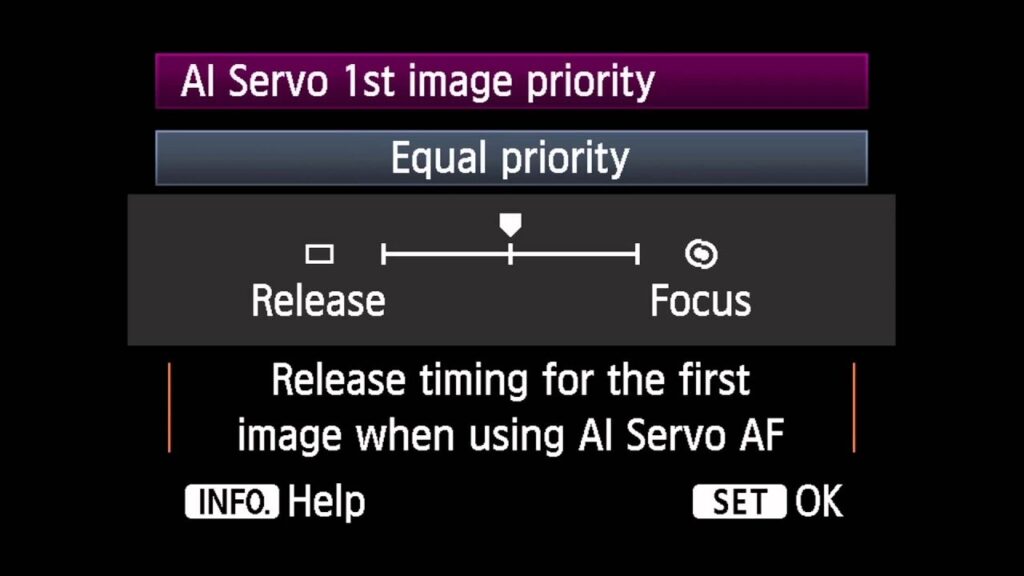
Wildlife moves fast, and you can’t afford to miss a shot because your focus was off. Switch to AI Servo mode so the camera continuously adjusts focus as your subject moves through the frame.
Keep your focusing sharp and be ready to shift focusing points as needed. A joystick makes changing focus points much quicker and easier when you’re following a moving animal.
Step 2. Use Higher ISO with Faster Shutter Speed
High burst rates matter when animals and birds are showing expressions and movement that last only a split second. You need to be ready to capture those fleeting moments.
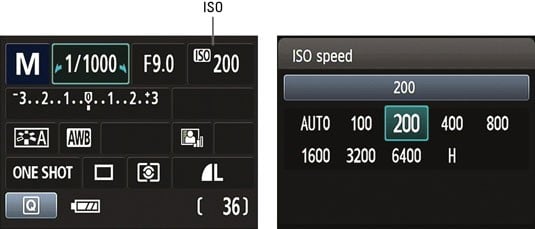
If lighting is dim, don’t hesitate to push your ISO higher. Something like ISO 6400 works well, and the Canon 90D supports a maximum ISO of 25,600, so you’ve got plenty of room to work with.
You’ll also need a fast shutter speed to match the pace of your subjects. Settings around 1/1000 or 1/2000 are good starting points for Canon 90D wildlife photography. Keep in mind that even in decent lighting, you might need a higher ISO to reach these shutter speed values.
Step 3. Use Every Focusing Point
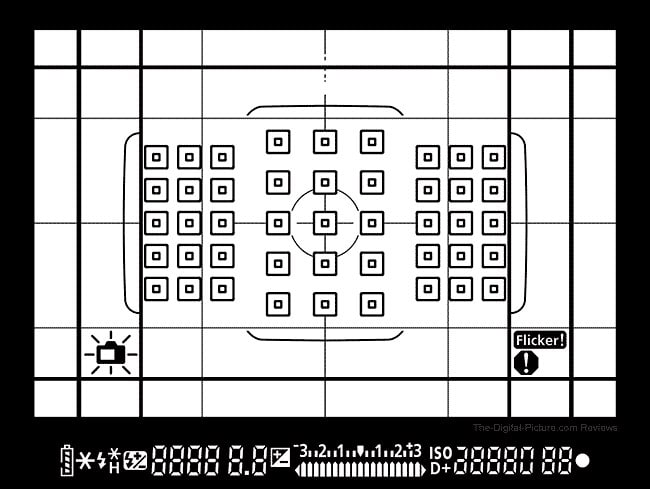
Patience is everything in wildlife photography. You might wait hours, days, or even weeks for the right moment. And when it finally comes, the action is over in seconds.
The Canon 90D gives you 45 focusing points to work with. When you’re tracking a bird in flight or a leopard on the run, you may need all of them. The autofocus system does its best to keep your subject in the focusing area, but if both the subject and background are busy, try lowering the tracking sensitivity to avoid focus hunting.
Step 4. Shoot with a Wider Aperture
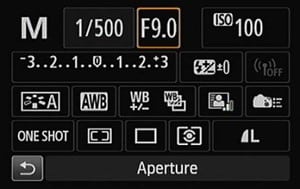
A wider aperture lets more light into the lens, which in turn lets you use faster shutter speeds. That combination is exactly what you need for fast-moving subjects in the wild.
An aperture of f/5.6 or wider works well for most wildlife shots. It gives you enough light to keep shutter speeds high while still producing a pleasing background blur that separates your subject from the surroundings.
Step 5. Bring a Tripod and the Right Lens
Mounting your camera on a tripod takes a lot of strain off your arms and helps keep shots steady during long waits. While a tripod isn’t as useful when tracking fast-moving animals, it’s perfect for shooting still subjects or waiting at a known position.
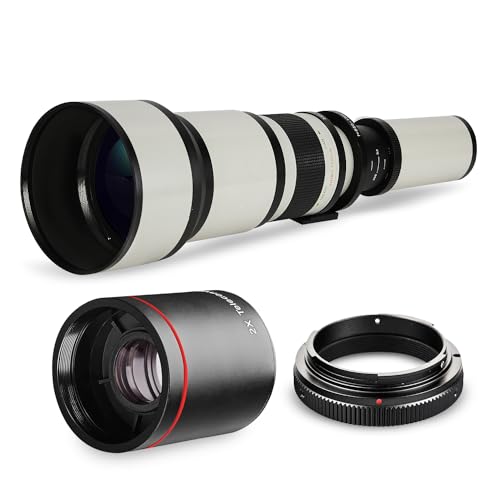
A good lens makes all the difference in Canon 90D wildlife photography. Consider the Canon EF 75-300mm f/4-5.6 III USM for reach on a budget, or the Canon EF 50mm f/1.8 STM for its excellent low-light performance. Both pair well with the 90D and can produce stunning results.
Pro tip: Have your camera settings dialed in before the action starts. Wildlife moments happen fast, often lasting just a few seconds. If you’re fumbling with settings when the shot appears, you’ll miss it. Get everything ready ahead of time and stay focused on your surroundings.
Canon 90d Portrait Photography
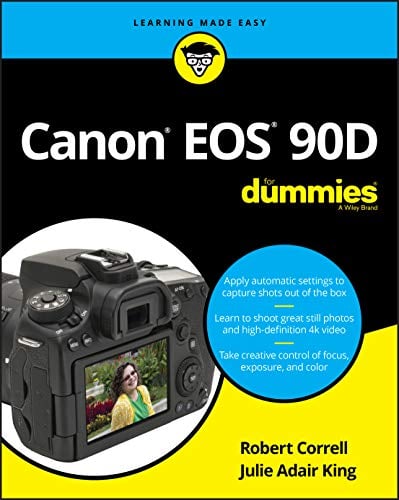
![Canon DSLR Camera [EOS 90D] with Built-in Wi-Fi, Bluetooth, DIGIC 8 Image Processor, 4K Video, Dual Pixel CMOS AF, and 3.0 Inch Vari-Angle Touch LCD Screen, [Body Only], Black](https://www.technowifi.com/wp-content/uploads/2026/08/canon-dslr-camera-eos-90d-with-built-in-wi-fi-bluetooth-digic-8-image-processor-4.jpg)