When you purchase through links on our site, we may earn an affiliate commission. Here’s how it works.
Canon R5 Portrait Settings: A Complete Setup Guide
Getting the right Canon R5 portrait settings can transform your portrait photography. The Canon EOS R5 is a powerful camera, but if you’re not optimizing its settings specifically for portraits, you’re leaving quality on the table.
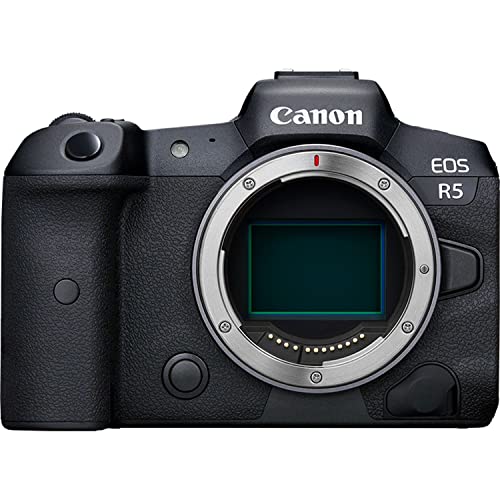
Let’s walk through the best Canon R5 portrait settings step by step so you can start capturing better portraits right away.
Recommended Canon R5 Portrait Settings
Step 1: Set the Right Shutter Speed
Shutter speed is one of the most important parts of your Canon R5 portrait settings. It controls how motion is captured and affects the brightness of your subject.
If you’re photographing an adult or teen who is sitting still and not making sudden movements, you can go as low as 1/15th or even 1/8th of a second. This works even in low-light situations, as long as your subject stays steady.
Shooting kids or groups of people is a different story. Children move unpredictably, so bump your shutter speed up to 1/125th of a second or faster. If you’re still getting blurry or noisy images, increase the speed further until the motion is frozen.
Step 2: Choose the Right Camera Mode
The camera mode you select depends on your shooting situation and how much control you need over the exposure.
When your Canon R5 is mounted on a tripod, Manual Mode gives you the most control. This is also the best choice for HDR bracketed shots, long exposures, and nighttime photography where you need consistent settings across multiple frames.
For handheld shooting, Aperture Priority mode is a solid pick. You set the aperture and the camera handles the shutter speed, which lets you move quickly without fiddling with settings. The one exception is when you’re panning with a moving subject. In that case, switch to Shutter Priority mode so you can control the motion blur effect.
Step 3: Adjust the Aperture
Aperture is where a lot of the creative magic happens in portrait photography. For solo portraits, set your Canon R5 aperture between f/2 and f/4. This range creates a shallow depth of field that blurs the background and makes your subject pop.
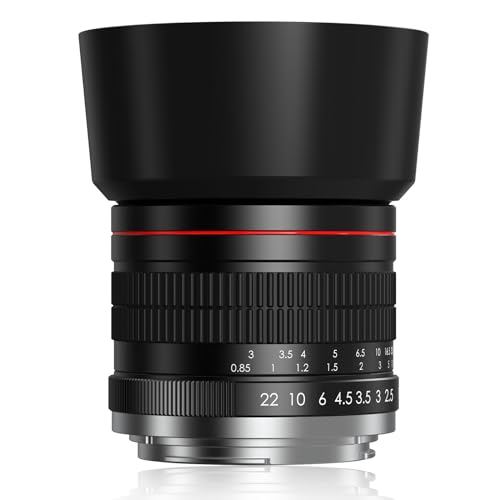
To achieve this, you’ll need a lens with a wide aperture. If you don’t already have one, a 50mm f/1.8 is an affordable option that produces beautiful portrait results. These lenses are reasonably priced and very flexible.
One word of caution: don’t go too wide open. At f/1.4 or f/1.8, the depth of field becomes extremely narrow. You might get one eye in focus and the other slightly soft, which is usually not the look you’re going for. Stay in the f/2 to f/4 range for more consistent results.
For couple or group portraits, narrow the aperture to f/5.6 or f/8. This brings everyone into focus, even if they’re standing at slightly different distances from the camera. Before you shoot, check that everyone in the group is positioned close together. If they are, even f/5.6 will give you the sharpness you need across all faces.
Step 4: Get the ISO Right
ISO controls your sensor’s sensitivity to light, and for portraits, lower is generally better. Keep your ISO between 100 and 400 when shooting in well-lit conditions. This minimizes noise and keeps your images clean and detailed.
In shady areas or indoor locations with limited light, you’ll need to push the ISO higher. The Canon R5 handles noise well, so going up to ISO 800 or even ISO 1600 is perfectly fine. Just remember to adjust your shutter speed accordingly when you change ISO values.
Step 5: Set the White Balance
Auto White Balance on the Canon R5 works well for most portrait situations, and it’s a good default starting point. The camera reads the scene and adjusts color temperature automatically, which saves time and usually gets close to accurate.
That said, check your results and adjust if needed. You can use preset options like Daylight or Shade to match the lighting conditions around you. Watch out for extreme settings. Going too warm gives skin tones a yellowish cast, and going too cool makes everything look blue. Aim for natural-looking skin tones that match what your eyes see.
Step 6: Bring the Right Accessories
Even with perfect Canon R5 portrait settings, you won’t get the best results without the right supporting gear. Two accessories make the biggest difference for portrait work.
Lenses for Canon R5 Portraits
The lens you use has a massive impact on your portrait quality. Here are some of the best Canon lenses for portrait photography:
- Canon EF 24-70mm f/2.8L
- Canon EF 100mm f/2.8L MACRO IS USM
- Canon EF 85mm f/1.4L IS USM
- Canon EF 85mm f/1.8L USM
- Canon EF 50mm f/1.8 STM
- Canon EF 40mm f/2.8 STM
- Canon EF 135mm f/2L USM
- Canon EF-M 32mm f/1.4 STM
- Canon EF 50mm f/1.2L USM
- Canon RF 28-70mm f/2L USM
- Canon RF 24-105mm f/4L IS USM
Tripod
A good tripod eliminates camera shake and gives you sharper results, especially in low-light portrait settings. It also frees up your hands to direct your subject and adjust poses. If you’re shooting in Manual Mode with slower shutter speeds, a tripod is practically a requirement.
Final Thoughts on Canon R5 Portrait Settings
Mastering these Canon R5 portrait settings will make a noticeable difference in your portrait photography. The camera has incredible capability, and with the right setup, you’ll consistently produce sharp, well-exposed portraits in 2026.
If you’d like us to cover more camera settings topics, let us know in the comments below.
