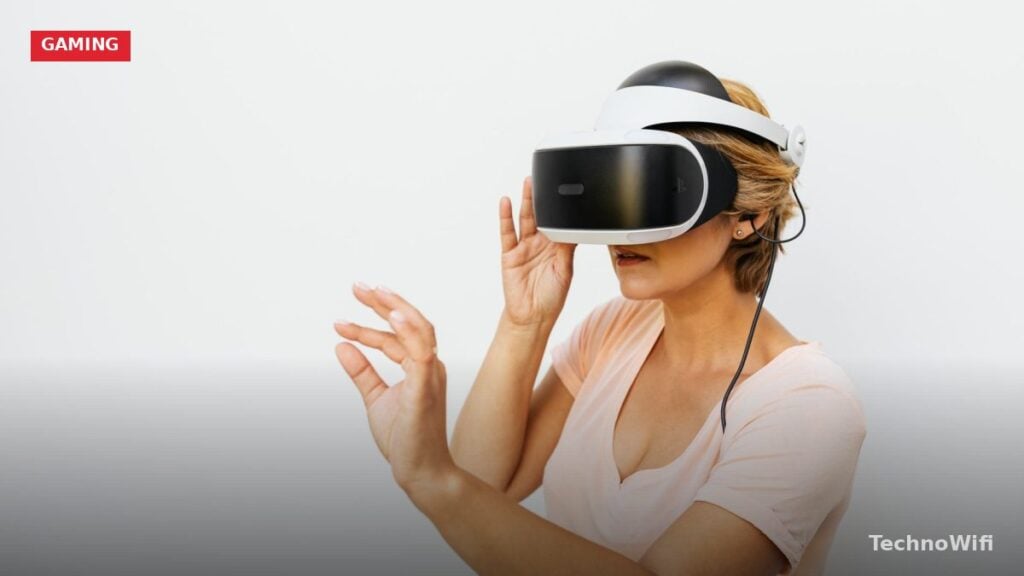
VR streaming has gotten seriously impressive over the past few years. Today’s headsets let you stay engaged with live content while enjoying true virtual reality scaling in games and streams.
Getting a genuinely good VR streaming experience can be trickier than you’d expect. But the right headset makes all the difference, especially one that delivers packed performance at fast refresh rates. In 2026, the options are better than ever, and prices have dropped enough that a quality streaming headset is within reach for most budgets.
Keep in mind that you need excellent wifi signals while streaming games. Make sure you have a router that is suitable for gaming
What Makes a VR Headset Good for Streaming
Not every VR headset handles streaming well. The key factors are refresh rate, display resolution, and wireless connectivity. A high refresh rate (at least 72 Hz, ideally 90 Hz or above) keeps motion smooth and reduces nausea during fast-moving content. Low latency is just as important. If there’s a visible delay between your head movement and the display, the whole experience falls apart.
Display quality matters a lot for streaming because you’re often watching detailed video content rather than playing games with stylized graphics. You want sharp text, accurate colors, and minimal motion blur. Built-in speakers or headphone jacks also play a role, since good audio pulls you deeper into the experience.
Wireless capability is a bonus for streaming. Being tethered to a PC with a cable can limit how comfortably you can sit back and watch content. Standalone headsets with built-in Wi-Fi solve this problem entirely.
Top Picks: Best VR for Streaming
1. Oculus Quest 2
The Quest 2 is a next-level headset with a fast processor and the highest-resolution display in its class. It’s great for gaming, but it also shines for live concerts, exclusive events, and other entertainment.
The all-in-one design means you don’t need a PC to get started. It’s backward-compatible, so you can explore new titles and old favorites from the Quest content library. Setup is dead simple: open the box, pair it with the smartphone app, and jump into VR.
You’ll need a Facebook account to log in, which also makes it easy to connect with friends in virtual spaces. The headset supports wireless internet and works with your PC or console for recording content.
For streaming specifically, the Quest 2 excels because of its standalone nature. You can sit on your couch, put the headset on, and start watching content in a virtual theater without any cables getting in the way. The 1832 x 1920 per-eye resolution keeps text and video looking sharp, and apps like Netflix VR and YouTube VR are available directly from the store.
Battery life is around 2 to 3 hours on a full charge, which should cover most streaming sessions. If you need longer runtime, a battery pack accessory can extend it significantly.
2. Oculus Go
The Oculus Go is a lightweight headset designed with breathable fabrics that keep you comfortable during long streaming sessions. You can feel the quality the moment you put it on.
The wide quad display and fast switching technology improve visual clarity and reduce the screen-door effect. Oculus’ next-generation lenses provide a wide field of view without sacrificing sharpness at the edges.
At 1280 x 1440 per eye, the resolution is actually sharper than the original Oculus Rift. It’s one of the most affordable standalone VR headsets you can buy, and the streaming experience is smoother than you’d expect at this price.
The Go’s media-first approach makes it a natural fit for streaming. The built-in speakers sound surprisingly good for their size, and the included controller is simple enough that anyone can pick it up and start browsing content within minutes. It’s also light enough to wear for extended movie marathons without neck strain.
3. PlayStation VR
The PlayStation VR bundle comes loaded: you get the headset, processor unit, HDMI cable, connection cable, stereo headphones, AC adaptor, power cord, and a demo disc to get started.
This headset was built with gamers in mind. The 5.7-inch LED display delivers advanced visuals, and the 3D audio technology lets you pinpoint sounds above, below, and all around you. Plug it in and start playing. It’s that straightforward.
You will need a PlayStation 4 system (sold separately) to run it. But if you’re already in the PlayStation ecosystem, this is one of the easiest ways to add VR streaming to your setup.
The PSVR also supports several streaming and media apps, so you can switch between gaming and watching content without swapping devices. The comfortable design and adjustable headband make it easy to wear for extended periods. The LED display handles motion well, keeping blur to a minimum during fast-paced scenes.
4. Atlasonix VR Headset
The Atlasonix is a remote control-style headset that works with Android phones and other mobile devices. It offers solid 3D gaming support and optimized visuals for an engaging experience.
You can play action games and watch movies without lag or stuttering. The FD and RD adjustments let you align the screen properly and expand the viewing angle to match your focal distance, including myopic alignment for glasses wearers.
The design is comfortable enough for extended wear. The fully adjustable head strap, protection track, and soft nosepiece make it a good fit for both kids and adults. It also comes preloaded with 300+ game applications and VR content.
As a phone-based solution, the Atlasonix is one of the most affordable ways to get into VR streaming. If you already have a compatible smartphone, you’re basically getting a VR headset for a fraction of the cost of a standalone unit. The downside is that your experience depends heavily on your phone’s display quality and processing power, so results will vary from device to device.
Tips for Better VR Streaming in 2026
Your home network plays a big role in VR streaming quality. A strong Wi-Fi signal reduces buffering and keeps video looking sharp. If possible, use a 5 GHz Wi-Fi band instead of 2.4 GHz for faster speeds and less interference from other devices on the network.
Lighting in your room can affect tracking quality on headsets that use inside-out cameras. Dim lighting is fine for watching content, but pitch-dark rooms can confuse the tracking system. A small lamp or some ambient light usually does the trick.
Take breaks during long sessions. Even comfortable headsets can cause eye strain after a couple of hours. The 20-20-20 rule works well here: every 20 minutes, look at something 20 feet away for 20 seconds.
The Bottom Line on Best VR for Streaming
These VR headsets for streaming were selected based on thousands of user reviews and real-world feedback. The Oculus Quest 2 leads the pack with its standalone design and sharp display. The Oculus Go is a solid budget option. PlayStation VR fits perfectly if you’re already in the PS ecosystem. And the Atlasonix is the most affordable way to try VR streaming with your phone.
Pick the one that fits your needs, your budget, and your streaming setup.
See Also