Why Laptop Privacy and Security Matter More Than Ever
Laptops go everywhere with us: coffee shops, airports, coworking spaces, conference rooms, and public transit. Every time you open your laptop in a shared space, there is a chance someone nearby can see your screen, and with it, your emails, documents, passwords, or financial data.
Laptop manufacturers have responded by building privacy and security features directly into their hardware. In 2026, laptop privacy features go well beyond a basic password. From integrated privacy screens to smart presence detection, modern laptops are designed to protect your data whether you are actively working or step away for a moment.
Here is a look at the most important privacy and security features you should know about when choosing your next laptop.
Built-in Privacy Screens

If you have ever used a stick-on privacy filter, you know the concept: narrow the display’s viewing angle so that only the person sitting directly in front of the screen can read what is on it. Built-in privacy screens do the same thing, but they are integrated into the display itself.
HP’s Sure View technology is one of the most widely available options. With the press of a key or a toggle in software, the screen’s viewing angle narrows dramatically. Anyone looking from the side sees a dimmed, unreadable display. When you do not need the privacy filter, you can turn it off and get a normal wide viewing angle.
Lenovo’s ThinkPad line offers a similar feature called PrivacyGuard on select models. Both HP and Lenovo have refined these screens over multiple generations, and the 2026 versions are noticeably better than early implementations. Colors stay more accurate, and the transition between modes is quicker.
For professionals who work with sensitive data in public, an integrated privacy screen is one of the most practical laptop privacy features available.
Webcam Shutters and Kill Switches
Webcam privacy has been a concern since the first reports of remote webcam hijacking surfaced years ago. Putting a piece of tape over the camera works, but it looks unprofessional and leaves adhesive residue on the lens.
Most business laptops in 2026 include a physical webcam shutter. This is a small sliding cover built into the bezel that blocks the camera lens mechanically. When you want to use the camera, slide it open. When you are done, slide it shut. No software can override a physical blocker.
Some manufacturers go further with dedicated hardware kill switches for the webcam and microphone. Lenovo ThinkPads, for example, have had a dedicated microphone mute key for several generations. When you press it, the microphone is disconnected at the hardware level. An LED indicator confirms the mute status so you always know whether you are live.
Biometric Authentication
Passwords alone are not enough to protect a laptop, especially if someone can watch you type yours over your shoulder. Modern laptops offer two main types of biometric login: fingerprint readers and infrared facial recognition.
Fingerprint readers are built into the power button or trackpad on many laptops. They work with Windows Hello and log you in with a single touch. The sensor data is stored locally in a secure enclave on the device and never sent to the cloud.
IR facial recognition uses an infrared camera next to the webcam to scan your face and unlock the laptop automatically. This is the same technology behind Windows Hello face unlock. It works in low light and cannot be fooled by a photo of your face, since it reads depth and heat patterns rather than a flat image.
For the best security, use biometric login as your primary method and keep a strong PIN or password as your backup.
TPM Chips and Hardware-Level Security
The Trusted Platform Module (TPM) is a dedicated security chip built into the laptop’s motherboard. Windows 11 made TPM 2.0 a minimum requirement, and by 2026 it is standard on every new laptop.
What does a TPM chip actually do? It stores encryption keys, digital certificates, and passwords in a tamper-resistant hardware module that is separate from the main processor. This means that even if someone removes your hard drive and plugs it into another machine, the encrypted data remains locked because the decryption keys live on the TPM chip in the original laptop.
TPM also enables features like BitLocker full-disk encryption on Windows and Secure Boot, which prevents unauthorized operating systems or bootloaders from running on your machine. For business users and anyone who stores sensitive information on their laptop, TPM is a baseline security requirement.
Smart Presence Detection
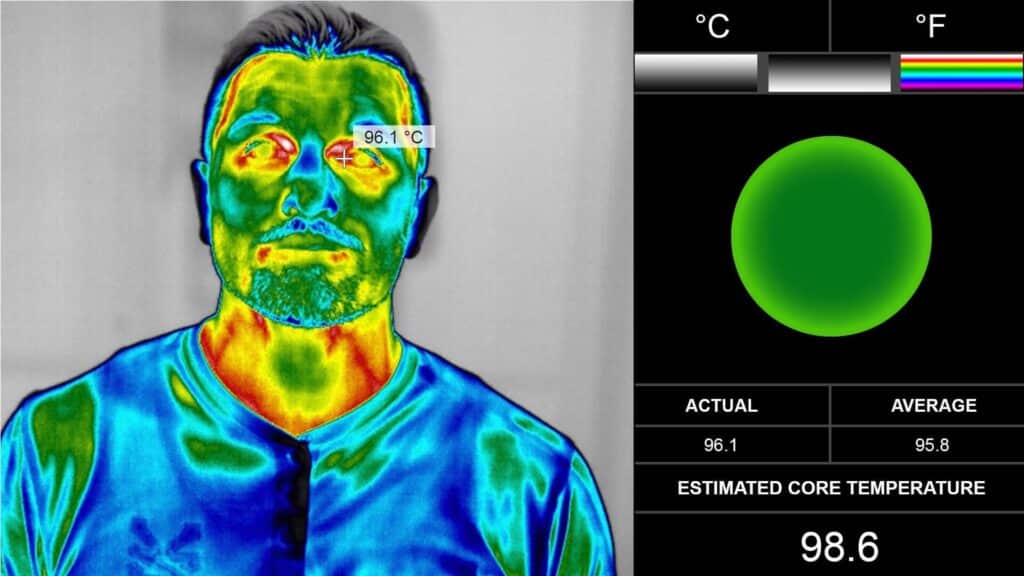
One of the most interesting developments in laptop privacy features is smart presence detection. This uses IR sensors and cameras built into the display bezel to detect whether the authorized user is sitting in front of the laptop.
When presence detection is active, the laptop can:
- Lock the screen automatically when you walk away
- Wake up and unlock (using facial recognition) when you sit back down
- Dim or blur the screen when the sensors detect another person looking at it from the side
- Reduce power consumption by dimming the display when no one is in front of it
Lenovo’s ThinkPad models use presence detection powered by sensor hardware from companies like Lattice Semiconductor. The technology can recognize the authorized user even while they are wearing a mask or glasses, and it ignores pets or passersby who happen to walk in front of the screen.
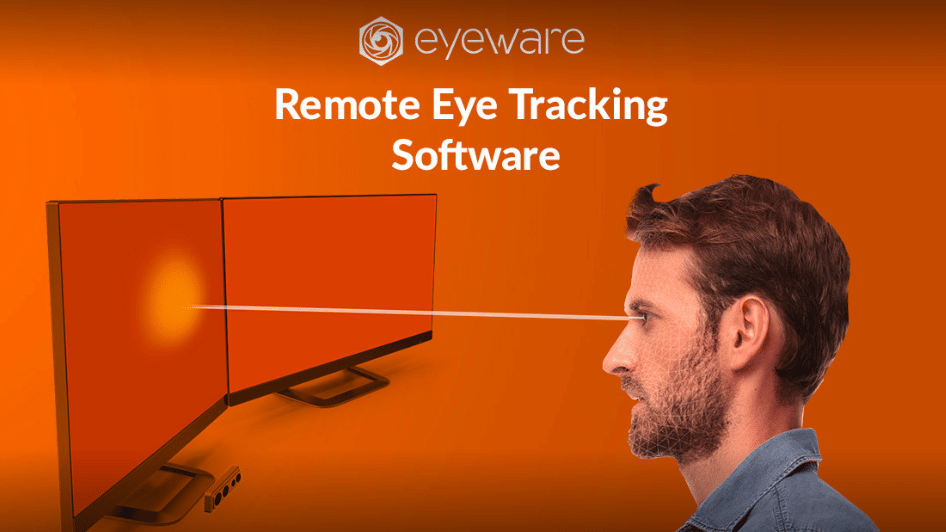
Tobii, known for its eye-tracking technology in gaming, provides awareness software for business laptops as well. Their system can detect when the user looks away and automatically blur sensitive content. When the user looks back, the screen returns to normal instantly.
This type of passive security is valuable because it works without any extra effort. You do not have to remember to lock your screen every time you stand up. The laptop handles it for you.
How Laptop Design Has Evolved for Security
The shift toward privacy-first laptop design did not happen overnight. For years, privacy was an afterthought in consumer laptops. Webcams had no covers, fingerprint readers were rare outside premium business models, and software-based privacy tools were clunky and unreliable.
That has changed significantly. In 2026, even mid-range laptops include physical webcam shutters, fingerprint readers, and TPM 2.0 chips as standard equipment. The emphasis on remote and hybrid work accelerated these improvements, and manufacturers have continued investing in privacy features because customers expect them.
Business-class laptops from Lenovo, HP, and Dell lead the way with the most advanced options, but consumer models from ASUS, Acer, and others have adopted many of the same features. Privacy is no longer a premium-only consideration.
Choosing a Laptop with the Right Privacy Features
When shopping for a laptop with strong privacy and security features, start with these questions:
- Do you work in public spaces? Look for a built-in privacy screen (HP Sure View or Lenovo PrivacyGuard).
- Are you concerned about webcam security? Insist on a physical webcam shutter and ideally a hardware microphone kill switch.
- Do you store sensitive files? Make sure the laptop has TPM 2.0 and supports full-disk encryption (BitLocker on Windows, FileVault on macOS).
- Do you forget to lock your screen? Presence detection with auto-lock takes care of that for you.
- Do you want fast, secure login? Choose a laptop with both a fingerprint reader and IR facial recognition for maximum convenience.
No single feature covers every threat. The best approach is to look for a laptop that combines multiple layers of privacy and security protection. That way, your data stays safe whether you are working from home, in a busy office, or on a crowded flight.