When you purchase through links on our site, we may earn an affiliate commission. Here’s how it works.
How to Use Nest Thermostat Without Wi-Fi
The Nest thermostat is a popular fixture in smart homes everywhere. But what happens when your internet goes down, or you simply do not have Wi-Fi at home? The good news is that your Nest thermostat can still work without an internet connection. It just operates a bit differently than you might be used to.
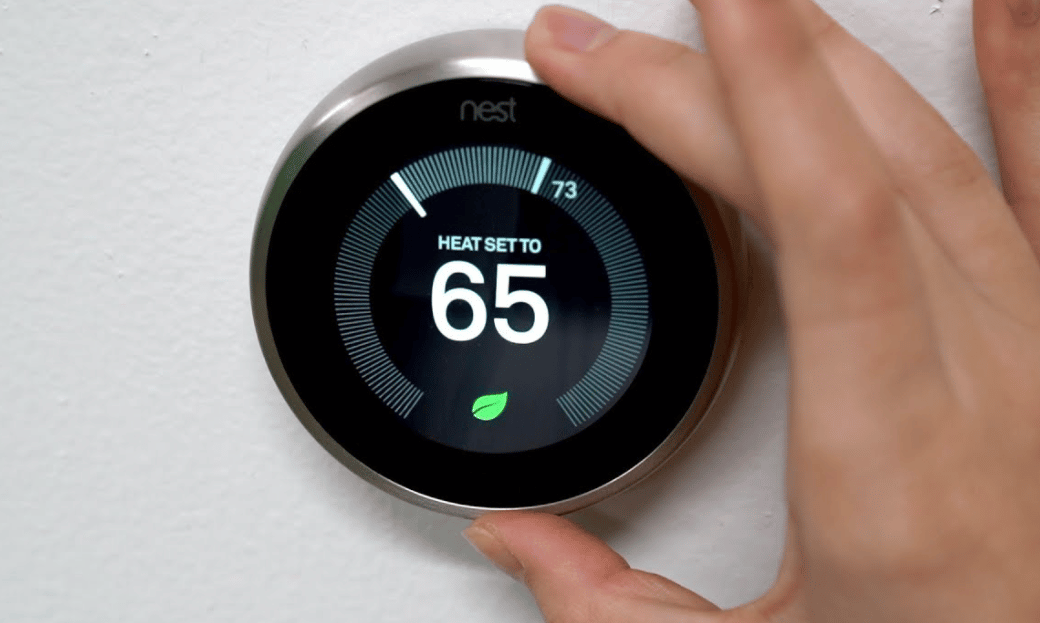
Without Wi-Fi, your Nest thermostat essentially becomes a manual device. You will not be able to control it through the smartphone app, so you have to walk up to the thermostat and make changes directly on the screen. That said, operating the thermostat offline is still pretty straightforward. Just keep in mind that some features, like the camera, will not function without an internet connection.
Steps to Use the Nest Thermostat Without Wi-Fi
- Tap the touch bar on the side of the Nest thermostat to bring up the menu.
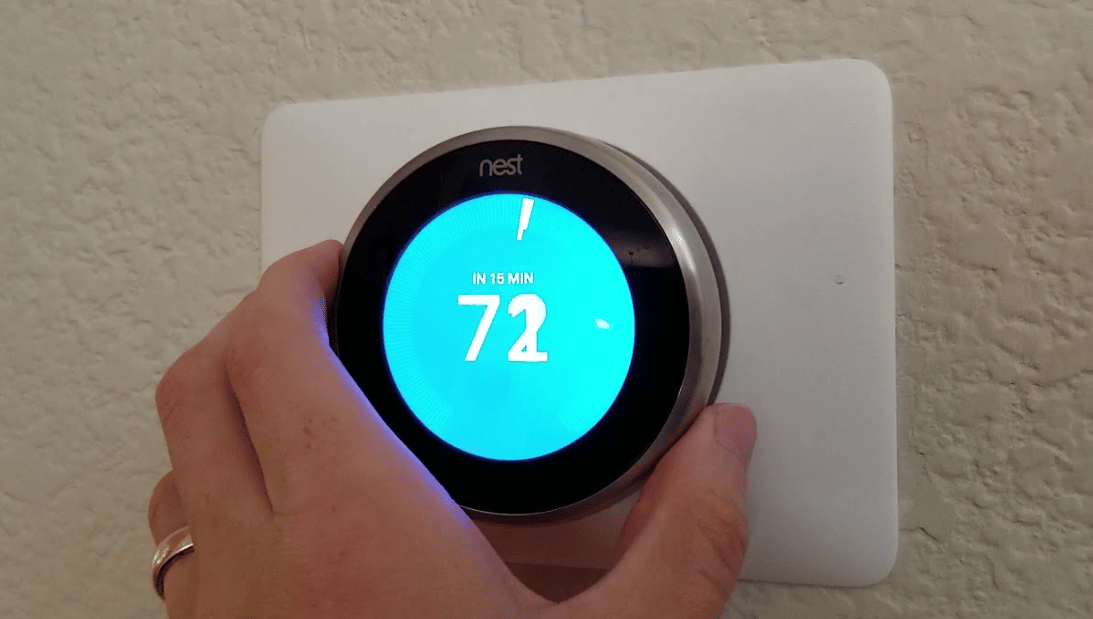
- With the menu showing, turn the touch bar clockwise or counterclockwise. This scrolls through the available settings and features you can adjust.
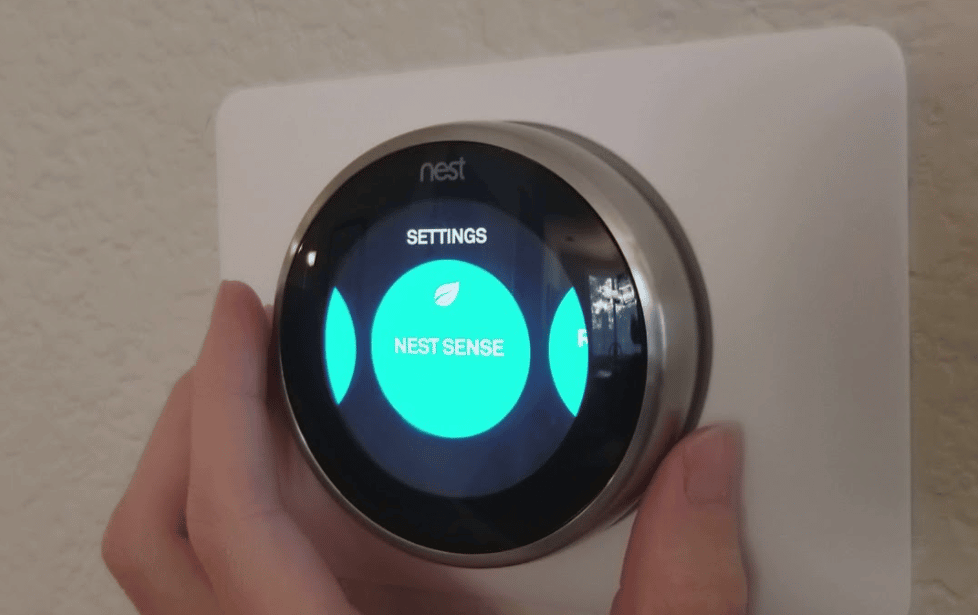
- When you reach the feature you want to change, tap the touch bar to select it.
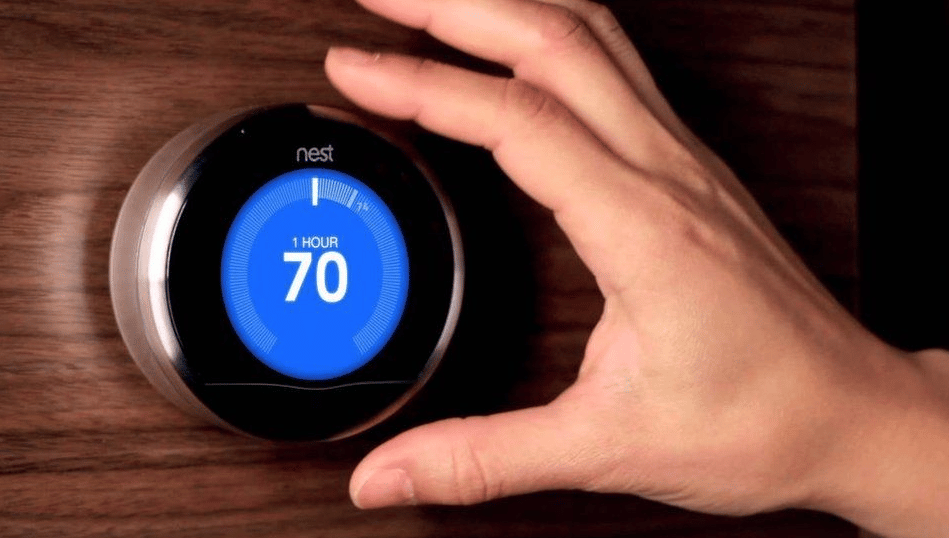
- On the screen, adjust your temperature or schedule settings manually, then tap Done when you are finished.
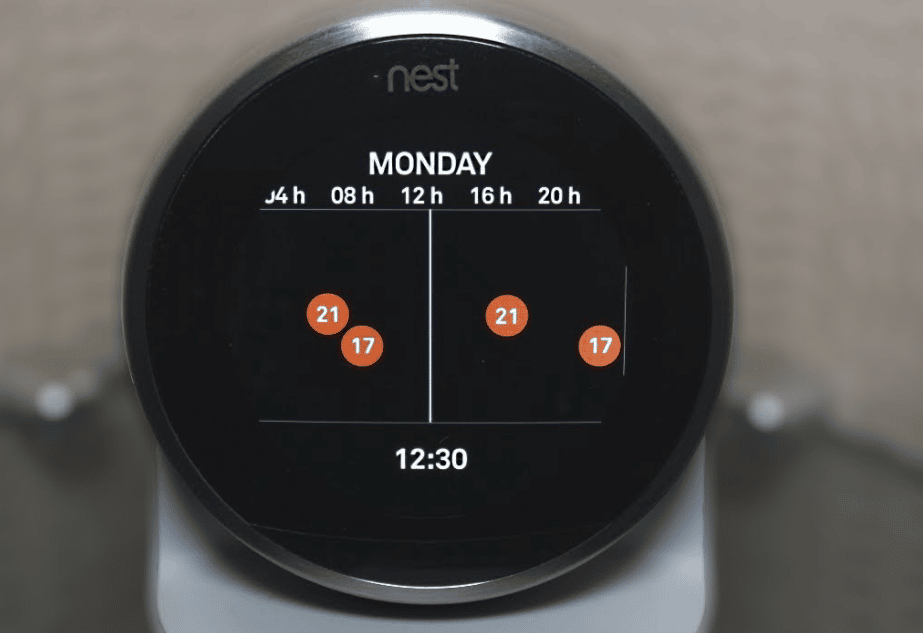
- Turn the touch bar again to find the next feature you want to adjust. Keep going through each setting until everything is configured the way you like it. Your thermostat will continue running as if it were connected to the internet.
Features That Still Work Without Wi-Fi
Scheduling
One of the most useful features of the Nest thermostat is the ability to schedule temperatures throughout the day. This helps you save energy when nobody is home and keeps the house comfortable when you are around. You can still use this feature even without a Wi-Fi connection. You can change the schedule directly on the thermostat, or simply rely on the schedule you set up when the device was still online.
Nest Leaf
Your Nest thermostat can still tell you whether your temperature settings are eco-friendly, even offline. For every temperature adjustment you make, the thermostat will display a green or yellow leaf. A green leaf means your settings are energy efficient. A yellow leaf indicates the temperature is not as environmentally friendly. This feature keeps working regardless of your internet connection.
On a similar note, our how to setup WiFi on honeywell thermostat article has more practical tips.
Thermostat Analytics
The history analytics feature on your Nest thermostat still functions without Wi-Fi. You can review your home’s energy usage for the past three months directly on the device. This information helps you understand whether your home is using energy efficiently or if there is room to cut back.
Temperature Sensor
Even with the thermostat offline, the temperature sensor continues to work just fine. You can still set different temperatures for various rooms in your house. The thermostat can also give you accurate readings of both indoor and outdoor temperatures without needing an active internet connection.
Features That Will Not Work Without Wi-Fi
The Smartphone App
When your Nest thermostat is disconnected from the internet, you lose the ability to control it remotely through the smartphone app. All changes and temperature readings must be made directly at the thermostat itself. The app is one of the biggest perks of owning a Nest, since it lets you tweak settings from anywhere. Without Wi-Fi, that convenience disappears until the connection comes back.
Integration with Other Smart Devices
Without an internet connection, your Nest thermostat cannot communicate with Google Assistant or Alexa. That means voice control is off the table. If you have a smart home hub that ties all your devices together, your offline Nest thermostat will not be able to connect to it or show up in its app.
We walk through how do smart thermostats work step by step in a separate post.
Nest Cam
The camera feature on your Nest thermostat will not work without a Wi-Fi connection. You cannot access stored video recordings or capture new footage until the thermostat is back online.
Does Your Nest Thermostat Need Wi-Fi to Work?
Not at all. Your Nest thermostat works perfectly fine without Wi-Fi for basic temperature control and scheduling. If you do not have internet at home, you can still buy and use a Nest thermostat without any issues. And if your internet goes down temporarily, the thermostat will continue keeping your home at a comfortable temperature.
The main downside of going offline is reduced accuracy. Temperature readings and energy reports tend to be more precise when the device has an active Wi-Fi connection. For the best results, including detailed reports and smarter energy monitoring, keeping your Nest thermostat connected to the internet is the way to go.
Wrapping Up
Your Nest thermostat does not need Wi-Fi to keep your home comfortable in 2026. You can still manage schedules, track energy usage, and monitor temperatures manually right from the device. Some features like remote app control, voice commands, and camera access do require an internet connection, but the core heating and cooling functions work just fine offline. No matter your internet situation, the Nest thermostat remains a solid pick for managing your home’s climate.
